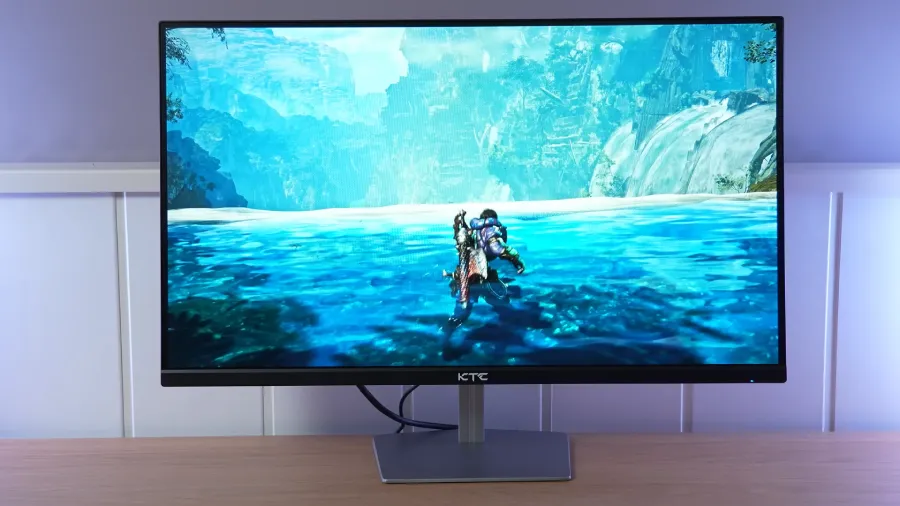
The KTC H25X7 offers a combination rarely seen at its price: a 1080p IPS panel with a native 360 Hz refresh rate and a 400 Hz overclock. Its adjustable overdrive lets you fine-tune response far beyond the usual presets, while MPRT mode offers another way to improve clarity.
In return, its factory calibration, uniformity, and stand reveal where compromises were made. It is aimed at competitive PC gaming; for color work or consoles, there are specific limitations to keep in mind.
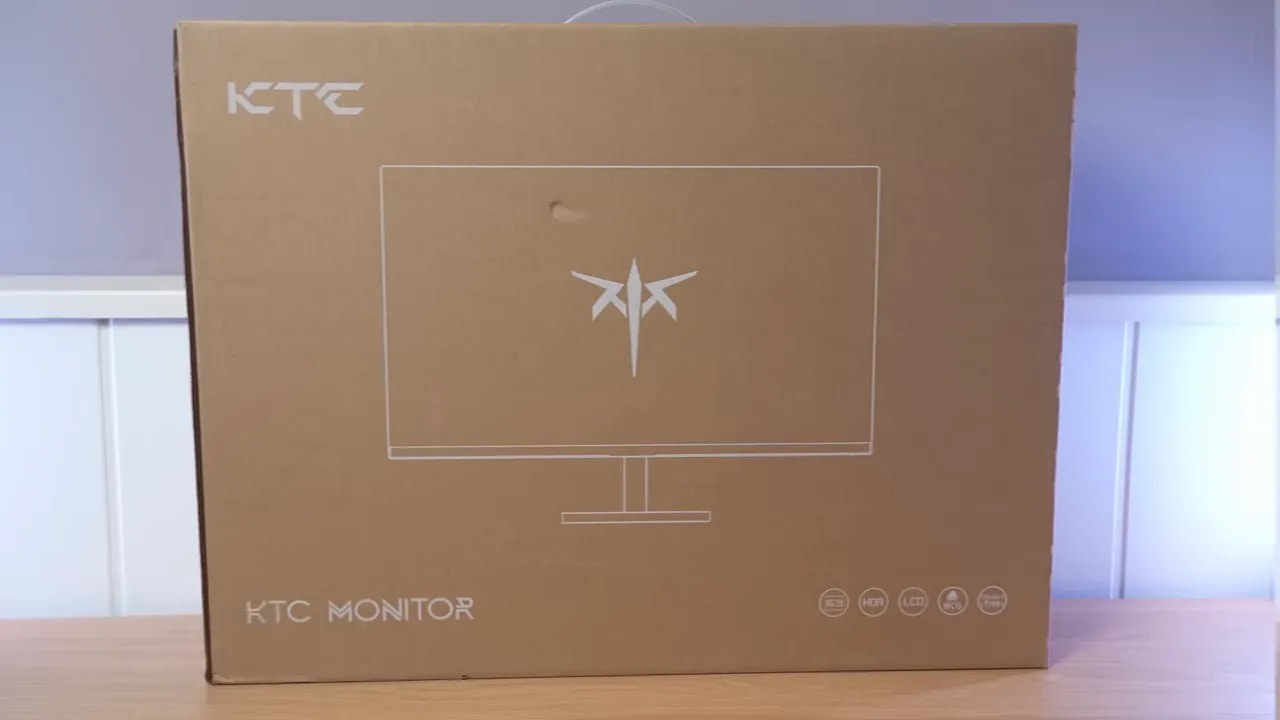
Box, stand, and build
The presentation of the KTC H25X7 is fairly straightforward. There are no frills, but none are needed. The essentials are included:
- DisplayPort cable
- Power supply
- Documentation
- Stand and base
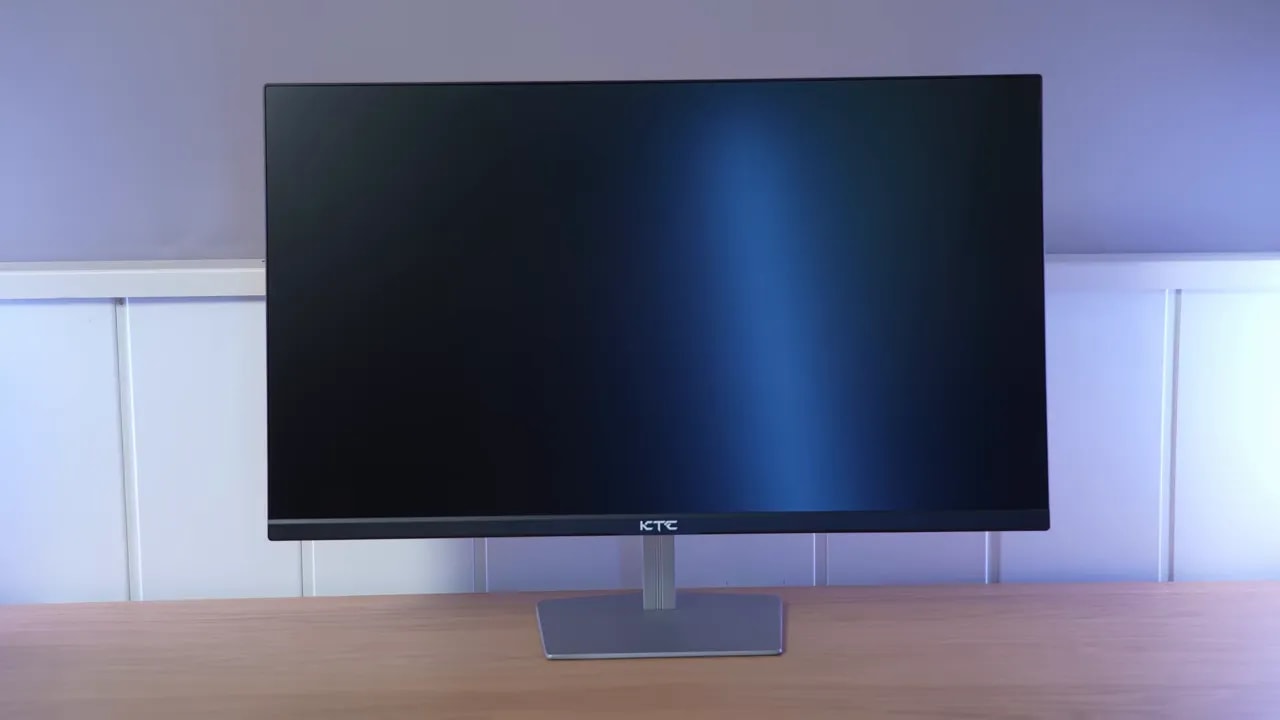
The base is light, thin, and metal. It does not feel premium, but its construction is appropriate for the price. Ergonomics are where it falls short, because it only offers tilt adjustment.
Fortunately, the KTC H25X7 includes VESA mounting support, so if you plan to use a monitor arm, that problem largely goes away.
The design takes a minimalist approach. Nothing particularly extravagant, no over-the-top gaming styling, which I personally welcome. The build matches the price and does not feel like a poorly finished cheap product
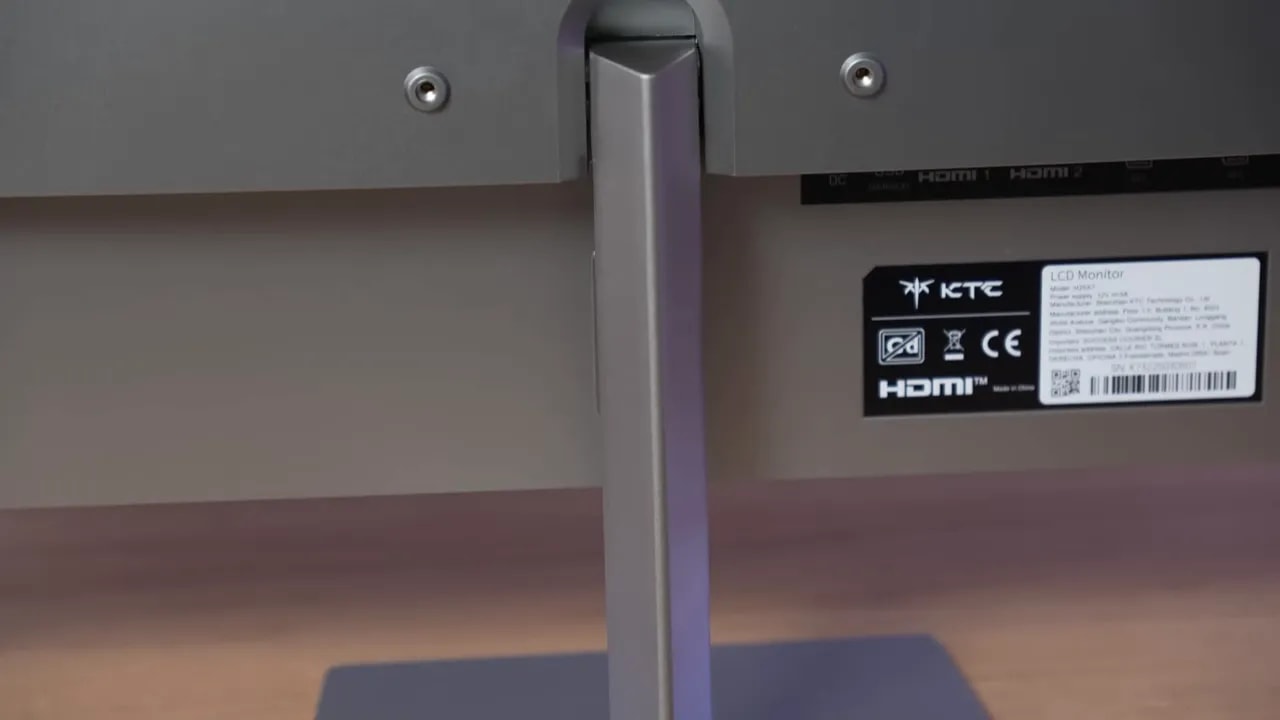
It offers a good selection of connections:
- 2 x HDMI
- 2 x DisplayPort
- Audio jack
- 1 x USB for firmware updates
That USB port is not for peripherals or a hub; it allows the brand to update the monitor in the future. This is not always included, and it could be valuable if KTC decides to refine its behavior or compatibility later on.

Color: good potential, factory tuning could be better
The panel on the KTC H25X7 uses a matte finish that falls between moderate and strong. The benefit is clear: it suppresses reflections quite well.
The downside is also there: an aggressive matte coating always tends to reduce vibrancy and color impact somewhat. In this case, it does not reach the point where a white background looks smeared, as it does on some monitors, but you can notice a little of that effect if you look closely.
I do not consider it a major problem, but it is worth knowing because some people are very sensitive to these coatings.
Here, the KTC H25X7 shows two very different sides. On one hand, its underlying numbers are very impressive. On the other, the factory calibration is quite far off.
The monitor lets you choose between native gamut or an sRGB clamp, alongside the usual color temperature and gamma settings. The default gamma is 2.2, which is exactly where I recommend leaving it.
In its native gamut, the KTC H25X7 offers very wide coverage, at around 93% of DCI-P3 in the reference shown. For a monitor of this type and price, that is a very strong figure.
Brightness is also truly remarkable for a 1080p monitor in this segment. Measurements come in at around 580-590 nits, accompanied by contrast of approximately 1200:1, slightly above the usual IPS average.
However, all this strong underlying performance runs into one reality: factory calibration leaves a lot to be desired.
With the default color temperature in User mode, grayscale balance is poorly adjusted, Delta E is high, the temperature is cool, and the RGB balance is not quite right. Gamma is the only aspect that fares a little better.
Changing the color temperature to Warmimproves things, but it remains far from finely calibrated. The temperature is still cool, at around 7100K, and although the overall tuning improves a little, it is still not quite right.
With this setting, brightness also drops below 500 nits and contrast settles around 1000:1. That is still a good figure, but it is no longer as extreme as in User mode.
Even with that reduction, though, this monitor ranks as the brightest 1080p monitor to have crossed our test bench.
Adobe RGB coverage is around 88%, which is not bad, but it is not a figure particularly suited to demanding color work. The issue is less its coverage than its factory calibration.
When you enable sRGBmode, the monitor tries to rein in the oversaturation of the native gamut, but I find the clamp too aggressive. Brightness and color temperature remain adjustable, and the best balance comes with the Normalsetting, although calibration remains weak even then.
To summarize:
- Lots of brightness
- Wide gamut
- Good contrast for an IPS
- Poor factory calibration


The comparison between native and sRGB shows the clamp’s compromise: it corrects oversaturation, but cuts off more gamut than desirable. Being able to adjust brightness and temperature does not restore the colors that mode excludes.
The good news is that the KTC H25X7 can be improved. A professional colorimeter can get it into much better shape, and the improvement is substantial.
After calibration targeting DCI-P3 with custom settings in User mode (50 red, 46 green, 45 blue), there is a very noticeable improvement in:
- Grayscale balance
- Color accuracy
- Overall image consistency
That said, this should be clear: copying settings and an ICC profile can improve the experience, but it will not make every monitor identical. There are always differences between units. Also, ICC profiles are much more useful for content and work than for pure gaming.
Uniformity and HDR limitations
This is one of the areas where the KTC H25X7 struggles most. Its brightness and color uniformity is not good, especially in User mode, where it delivers the most brightness. It looks quite uneven there.
Warm mode improves things somewhat, but it still does not stand out. And although calibration helps a little, this remains one of its weaknesses.
As for backlight bleed, some is clearly visible. I certainly did not get the cleanest unit in that respect. I do not consider it a huge problem, but it is there.
The IPS glow is average compared with other IPS panels. It also varies somewhat with the color temperature setting and the selected mode’s effective contrast. It is less noticeable in User mode because contrast is higher; in better-calibrated modes, it can stand out a little more.
The KTC H25X7 supports HDR, but do not get your hopes up here. It is the typical budget gaming monitor HDR that appears on the spec sheet without transforming the experience.
Without local dimming or a real increase in HDR brightness over SDR, the experience is fairly unremarkable. Curiously, brightness is actually lower than in SDR, which is quite unusual.
On the positive side, the PQ EOTF is not terribly well tuned, but it is not among the worst I have seen either. The same goes for the luminance curve. Yes, precision is lacking, though there are considerably worse examples among monitors of this type.
In terms of BT.2020 coverage, it reaches around 72%, which is not bad, and color volume is also quite broad. It is important not to confuse gamut coverage with color volume, since the latter also accounts for brightness.
My recommendation here is clear: I would not buy this monitor for its HDR. If you want to experiment with it afterward, great, but it is not its strong suit.
From 360 to 400 Hz: refresh rate and color depth
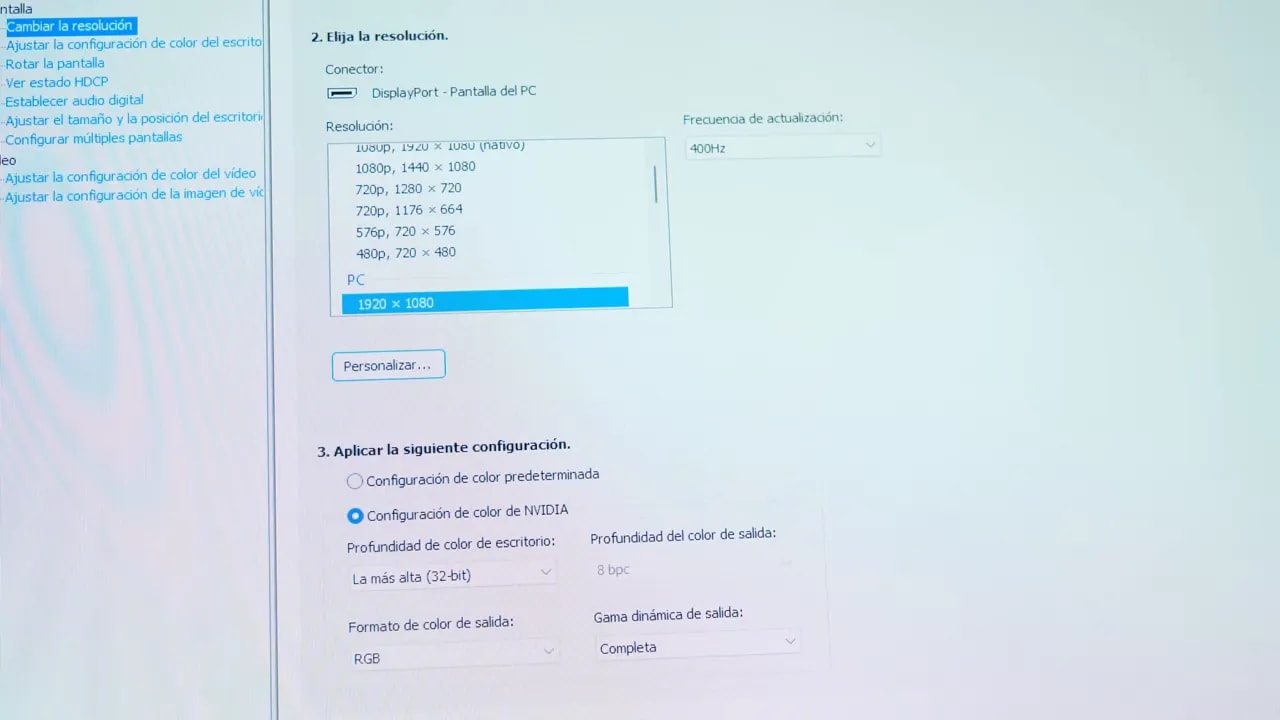
Now we come to the highlight of the KTC H25X7. Its 400 Hz is real, yes, but there is a caveat: the monitor runs natively at 360 Hz and you need to enable the overclock in the menu to reach 400 Hz.
Enabling 400 Hz introduces another important difference: color depth is reduced. At 360 Hz, the panel operates at 10 bits; at 400 Hz, it drops to 8 bits.
That may be somewhat noticeable in gradients and banding, but honestly, I do not think it is a particularly serious difference for this monitor’s intended use. Someone buying the KTC H25X7usually wants it for competitive gaming, and in that case, I would prioritize 400 Hz.
The monitor includes several overdrive presets, but the real highlight is the User mode, adjustable from 0 to 100. Yes, a hundred levels to tailor overdrive to your liking.
I think this is a great feature because it lets you find a much better sweet spot than the usual three fixed modes.
When testing the presets, the monitor ranges between Standard and Advanced, but none fully convinces me.
- Standard: gray-to-gray times reach almost 7 ms, which is not a disaster, but it is somewhat slower.
- Advanced: initial response drops to around 5 ms, but overshoot increases too much and becomes noticeable.
With the fine adjustment available, I found the best balance by setting overdrive to around 30. Response times remain good there, at around 5.36 ms for the initial response, with less overshoot than in more aggressive modes.
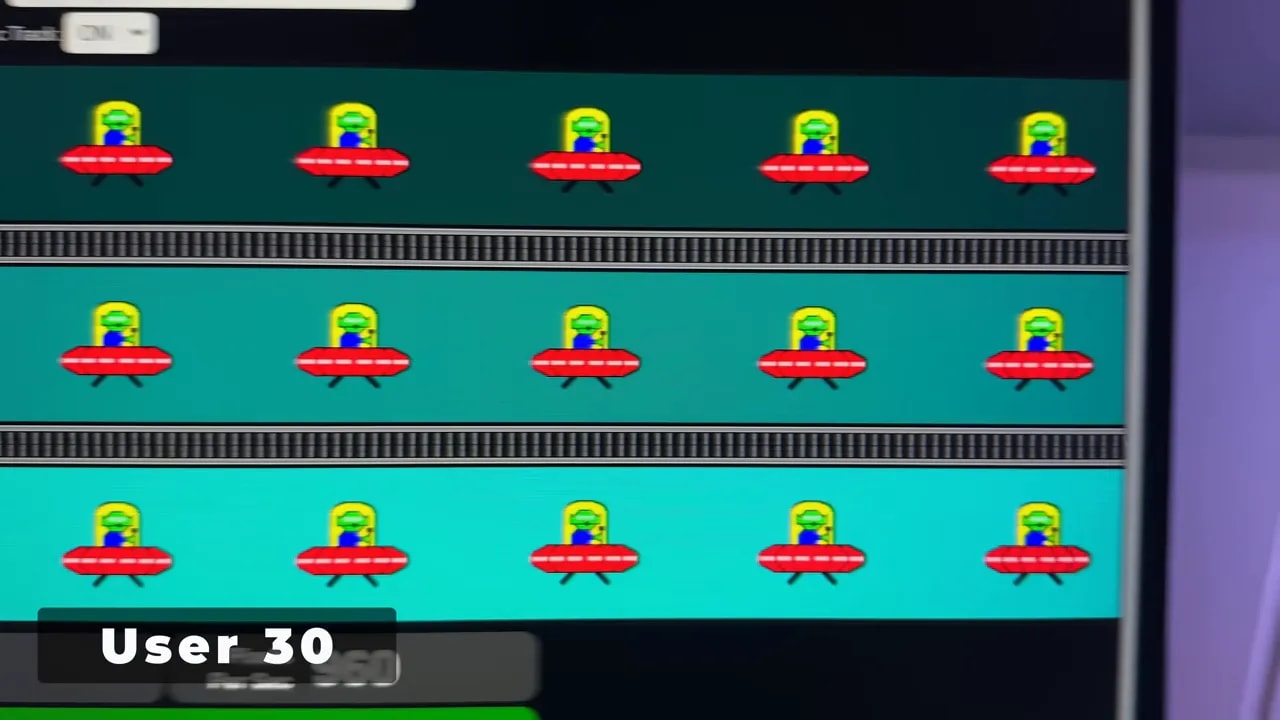
In practice, ghosting is minimal and motion clarity is very high. UFO-style tests make it quite clear that this is what the monitor was built for.
The obvious question with the KTC H25X7 is whether it is worth giving up 10-bit color for those extra 40 Hz. My personal answer is yes, especially for its intended use.
Comparing 240 Hz, 360 Hz, and 400 Hz, there is an improvement. It is not some life-changing leap, but the moving object does look more defined. In the examples, it is particularly noticeable in fine details such as the red dots or the alien’s eyes in the UFO test.
So, if you buy the KTC H25X7 for competitive gaming, I would set it to 400 Hz without overthinking it.
Also, in many competitive games, the content is already produced in 8-bit color and sRGB, so dropping from 10 to 8 bits does not always have a meaningful visible impact in-game.
Which overdrive setting to use at each refresh rate
One of this monitor’s most useful features is that it allows precise tuning for your chosen refresh rate. These are the settings that make the most sense:


Adjustable overdrive lets you match response to the refresh rate. User 30 corresponds to the 400 Hz test and User 8 to 120 Hz; these settings are not interchangeable. Reducing the intensity at lower refresh rates helps keep overshoot under control.
400 Hz
- User overdrive at 30 as the sweet spot
- Alternatively, Standard if you prefer less adjustment, though it is not ideal
360 Hz
- Standard is the most balanced mode
- Advanced introduces too much overshoot
240 Hz
- With the presets, it is better to turn overdrive off
- For finer tuning, User at 20 gives better overall results
120 Hz
- Overdrive at 8 or simply off
60 Hz
- Overdrive at 2 or off
As refresh rates decrease, gray-to-gray times often get worse, and this monitor is no exception.
MPRT, synchronization, and consoles
The KTC H25X7 includes a motion blur reduction mode labeled MPRT. It is the usual backlight strobing system, which pulses the backlight to improve motion sharpness.
These modes normally introduce more visible artifacts, but this one pleasantly surprised me because the artifact is quite limited.
The stronger you set this mode, the lower brightness falls, and certain features, such as adaptive sync compatibility, are also lost. The good news is that it does not lock overdrive, so you can combine the two.
The combination that gave me the best result was MPRT with User overdrive at 30. The result is genuinely good if you want maximum motion sharpness.
The KTC H25X7 has a Low Input Lagmode. Enabling it disables scaling, so it may be useful in certain situations when playing without adaptive sync. In testing, it does seem slightly faster, but the difference is so small that, honestly, almost nobody will notice it.
For adaptive sync, the monitor can be used with:
- Adaptive Sync
- FreeSync
- G-Sync Compatible
It is not officially Nvidia certified, but it behaved very well in testing with an Nvidia graphics card. In the pendulum test and other patterns, no flicker is visible. So, even without the official badge, G-Sync works quite smoothly.
Console compatibility is fairly basic. On PS5 it can run at 1080p and 120 Hz, but without VRR, ALLM, or any major extras.
In other words, it works, but it is clearly not designed to excel on consoles. The KTC H25X7 is built for competitive PC gaming at heart.
Compared with the 300 Hz Titan Army
The inevitable comparison was with the 300 Hz Titan Army. And here the outcome is fairly clear.
The Titan Army may be slightly better at a particular gray-to-gray transition, but overall, the KTC H25X7 comes out ahead for competitive gaming for a very simple reason: those extra 100 Hz matter more than the other model’s small advantage in that specific area.
And not just in competitive gaming. Overall, the KTC H25X7 also strikes me as a better 1080p monitor because of its:
- Better colors
- Better contrast
- Higher brightness
- Better design and stand
Conclusion: speed with clear compromises
The H25X7 makes sense if you can find it for around 200 euros and your priority is taking advantage of high frame rates in competitive games. Its 400 Hz refresh rate, adjustable overdrive, and MPRT are real strengths. Allow some time to adjust the image and inspect your unit, because factory calibration and uniformity are its weakest areas. For PS5 or color work, those speed advantages matter much less.