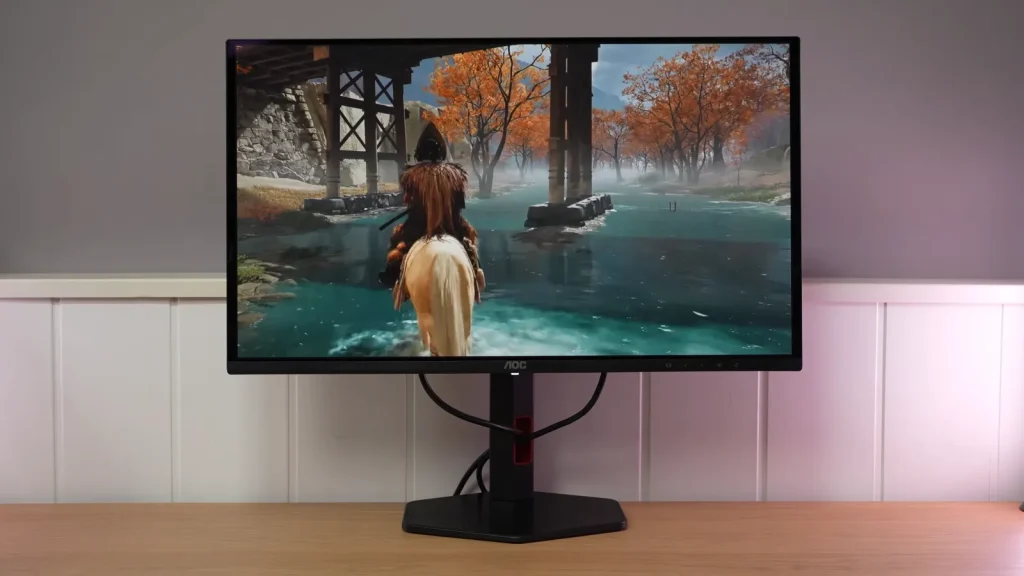
The AOC Q27G4ZDR offers 1440p and 240 Hz with the contrast and response advantages of QD-OLED. The test, however, shows brightness and calibration limitations that the color coverage specifications do not reveal.
The price needs to compensate for those concessions. Connectivity and ergonomics are adequate, but the conclusions for this model should not simply be carried over to other variants with similar names.
Design, stand and features
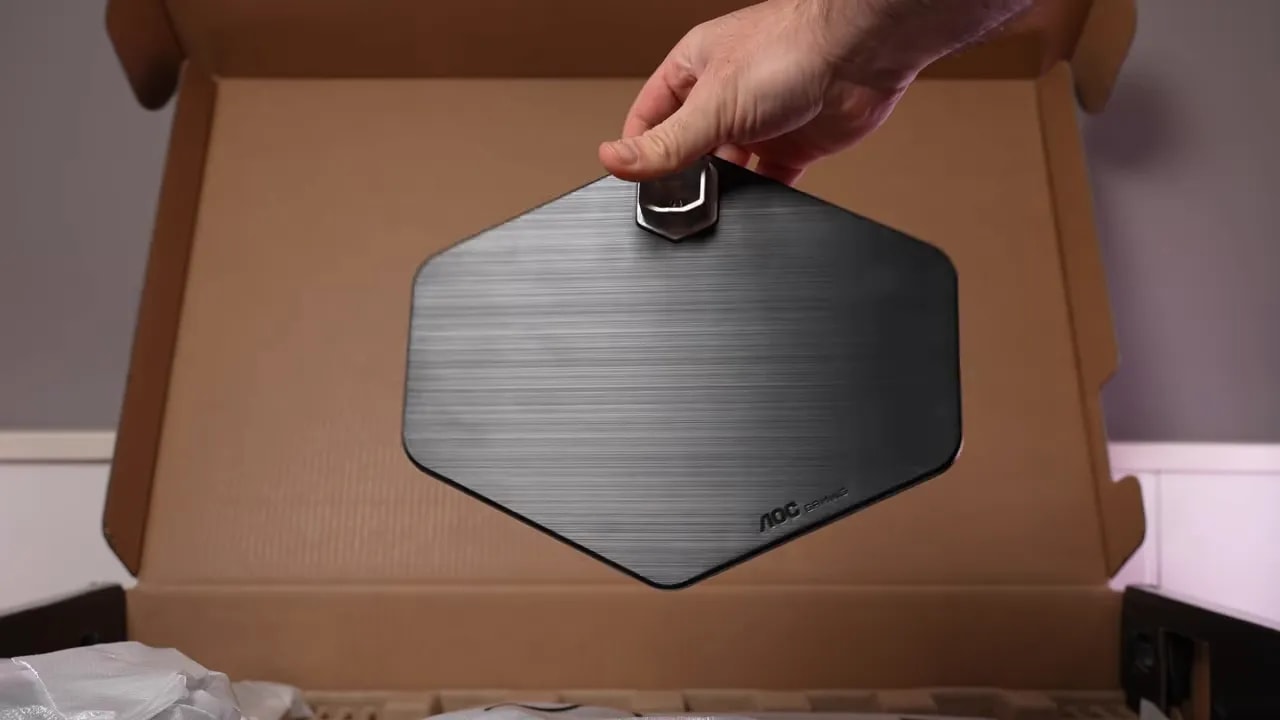
The stand is not on the level of the more premium AGON range. Here AOC has reused a base more typical of its 1440p IPS models. It is mostly plastic, although with internal metal reinforcements.
It does not feel disastrous by any means, but it does not convey the premium feel of other models from the brand or its competitors either.
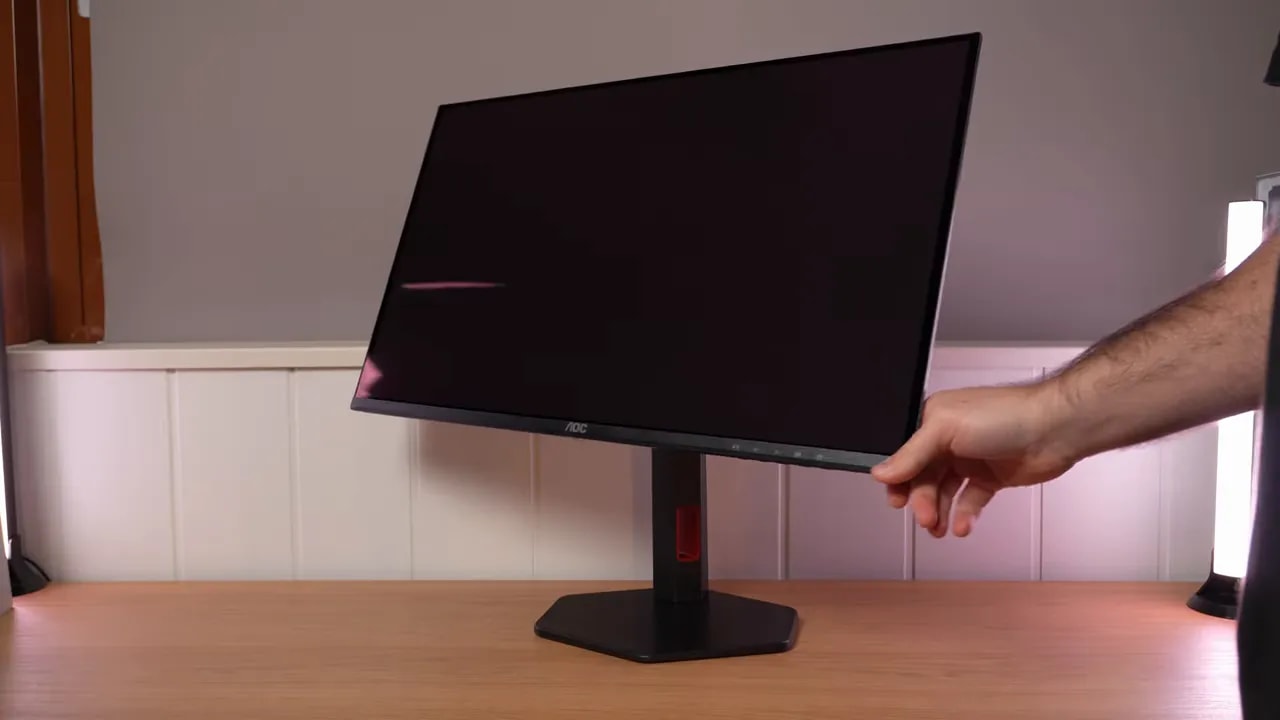
The good news is that the ergonomics are up to the job:
- height adjustment
- forward tilt
- backward tilt
- portrait pivot
- screen swivel without moving the base
In everyday use, that is more welcome than it might seem.
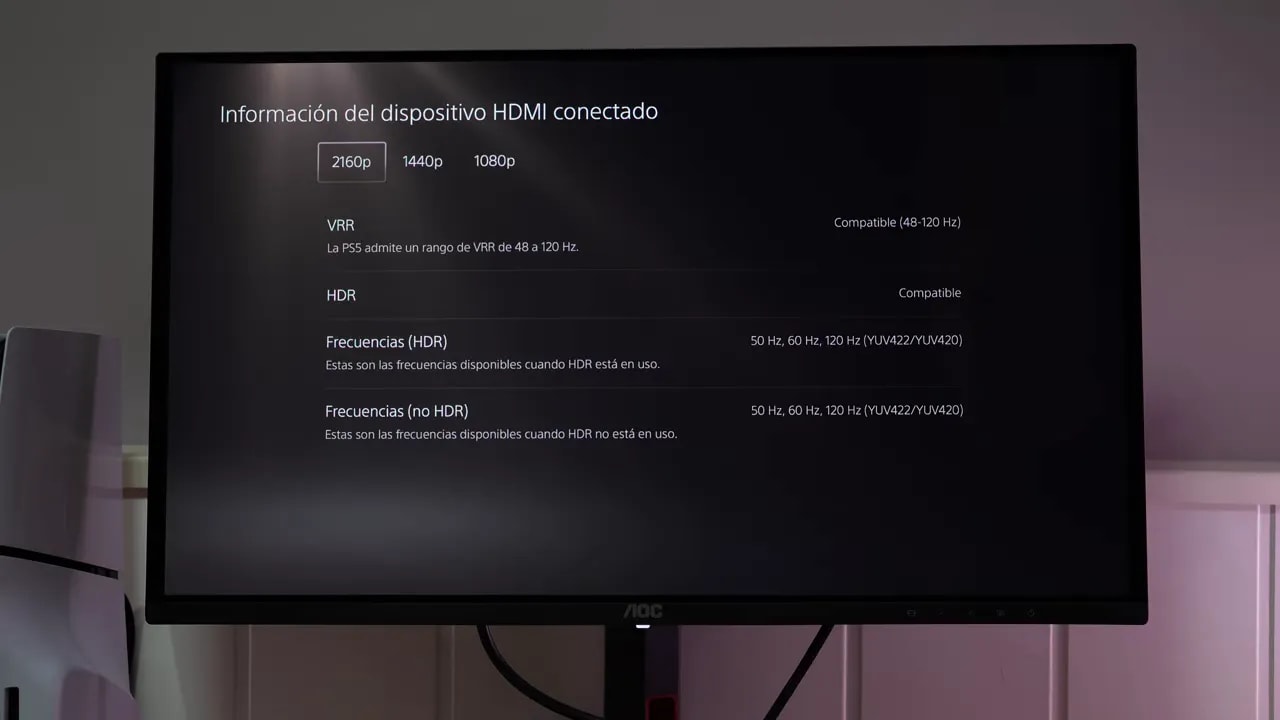
Connections are well covered. It includes a USB hub and its HDMI 2.1 ports provide full bandwidth, which matters if you plan to use a console.
With PlayStation 5, for example, it offers full support for:
- 4K 120 Hz
- VRR
- ALLM
- The option to configure it at 1440p
So there are no major complaints on that front. The monitor is well equipped in terms of connectivity and modern features.
Color: wide coverage, factory calibration could be better
Looking only at color coverage, there seems to be no problem. In native mode, the monitor delivers entirely expected figures for a modern QD-OLED:
- 99.7% of DCI-P3
- 97.6% of Adobe RGB
Nothing unusual so far. In fact, it looks fairly good on paper. It also includes modes aimed more at controlled use:
- DCI-P3 mode, with a gamut clamp close to 98,9%
- sRGB mode, with a clamp around 99,1%
The sRGB mode does show some red oversaturation, but the main problem is not so much the width of the gamut as the way the monitor is tuned at the factory.
This is where things really go wrong. In this AOC Q27G4ZDR 1440p 240 Hz OLED REVIEW, the unit’s weakest point is not coverage, but factory calibration.
Neither native mode nor the professional modes deliver a really polished result in white balance and grayscale. The monitor comes with the red channel set too high, making the image feel warmer than desirable for the 6500K standard. The result is fairly mediocre accuracy, especially in whites.
The DCI-P3 mode gets somewhat closer, but has another trade-off: gamma is set to a kind of 2.8, clearly intended to approach a more cinematic DCI-P3 presentation. This makes grays look different and less neutral, with a presentation you may like for movies but which is not ideal for standard accuracy on the desktop or in color work.
There is also another annoying detail: you cannot change color temperature in the calibrated modes. Brightness can be adjusted, but temperature is locked. The available temperature presets do not fix much either. Trying the different presets does not produce any truly decent result.
The positive side is that native mode does improve significantly with proper calibration. Using a colorimeter, adjusting the temperature in custom mode and applying an ICC profile can produce a much better result.
The calibration performed targeted DCI-P3, and the improvement in the results is clear. That said, this needs context: ICC profiles make the most sense for multimedia, editing and color work. For gaming, their practical impact is much smaller.
So this area has something of a solution if you are willing to put in the effort and have the tools. What follows, however, is not so easy to fix.


Gamut clamping and white-point adjustment are different results. These screenshots help assess the sRGB preset beyond the advertised coverage: limiting saturation does not by itself correct the grayscale deviations observed in the review.
Reduced SDR and HDR brightness
OLEDs are not known for exceptionally high brightness over large white areas. We already know that. But that is not the problem here. The problem is that this AOC is noticeably dimmer than other monitors with the same panel.
Measurements are approximately:
- 190 nits with color temperature set to Warm
- 200 nits at most in User mode without further adjustments
Another comparison colorimeter can produce a few extra nits, but it still falls clearly behind.
There is one interesting peculiarity: the ABL setting is locked in SDR, so brightness stays consistent and you will not notice obvious changes with the displayed content. You cannot unlock it even if you want to. In theory, that is good for consistency, but there is a less pleasant caveat: brightness uniformity across the screen varies more than I would like.
Color uniformity, on the other hand, is fairly good.
If SDR was limited, HDR does not improve the situation much. Several HDR settings are available, and in all of them ABL is unlocked, as usual. But brightness remains low.
In fact, some HDR presets are even dimmer than SDR mode. Some allow a little adjustment, so you can gain something, but the best approach here is to use HDR Game or, better still, DisplayHDR, which has locked settings but provides the best calibration of the PQ EOTF curve and luminance.
Even then, the numbers are far from impressive:
- In a window of 10% APL, brightness remains low
- In a window of 2% APL, it stays practically the same
- It does not reach 400 nits in either case
For a current HDR monitor, particularly an OLED, that is a poor result. As APL increases—in other words, as more of the screen is white—PQ EOTF tracking and luminance accuracy worsen, as expected on this type of screen. But here the starting point is already fairly weak.
Another striking detail is that this is the first OLED of this type I have tested without a peak-brightness mode. Potential firmware updates, power settings and even burn-in prevention options were checked, with protections disabled in an attempt to extract all the possible brightness. The result was the same: disappointing.


DisplayHDR and Game darken shadows and midtones slightly relative to the reference. The brightness limit is around 400 nits in small windows and falls as the illuminated area increases. The missing peak mode and the color reduction discussed next are separate limitations that add up.
And there is another drawback. As with another OLED in AOC’s AGON range, in HDR color coverage decreases. It is unclear why this happens, but the data are not particularly good.
The strange part is that SDR even has red oversaturation, but in HDR that same red falls short of DCI-P3’s requirements. The figures are approximately:
- 93% coverage in UHD-P3
- 70% in BT.2020
This also shows up in the color volume, which should not be confused with gamut coverage. Volume also accounts for brightness, and because brightness is limited here, the overall result suffers even more.
Response and console use
It is not all bad news. In pure motion performance, the monitor behaves as expected of an OLED at 240 Hz.
Transitions are practically instantaneous, response-time figures are very good and, although there is a little overshoot, it is within the usual range for this type of screen and is not a serious problem.
No notable problems were detected with input lag either. The AOC delivers here. It has no extras such as Black Frame Insertion or other more exotic features, but it handles the important basics well.
Variants and conditions for recommending it
Bear in mind that AOC has several subvariants with fairly confusing names. Sometimes it adds a letter, changes a port or alters a specific detail. Not all of them have been tested, so you should not automatically assume they perform exactly the same.
In fact, there is another AOC QD-OLED model at 280 Hz that, at least from measurements seen in other reviews, seems much more in line with its competitors for brightness. If available at a good price, it is probably a more interesting option. But I cannot draw firm conclusions about it without testing it personally.
The AOC Q27G4ZDR is one of those products whose specifications look appealing but which leaves mixed impressions when you look more closely. If you only want an inexpensive OLED and it is heavily discounted, it could make sense. I am not saying it is bad; at 370 euros, I think the situation changes. But definitely be careful with these reduced-feature models, because they may look like what was already on the market while actually having very clear image-quality limitations.