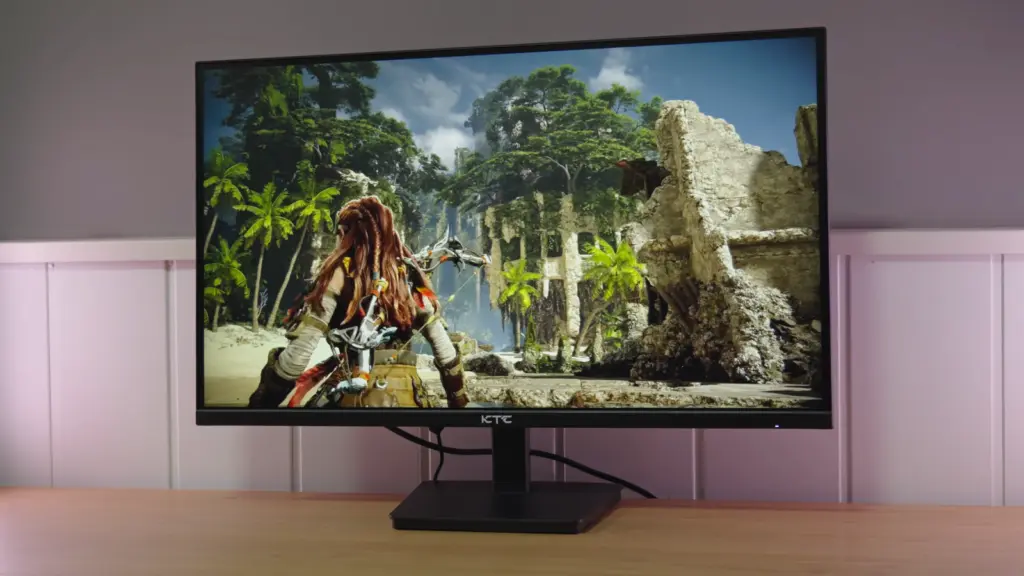
The KTC H27T27 is appealing if you want 27 inches, 1440p resolution, and 100 Hz while spending as little as possible. The desktop space and extra smoothness over 60 Hz are real advantages. However, testing reveals significant cuts in construction, color, and motion that those three specifications do not show.
The review’s conclusion is critical: it can work as a secondary display or a very inexpensive office option, but it is not a general recommendation for anyone seeking good image quality or fast gaming. Before deciding, you should understand what you are sacrificing for the savings.
In this review
The box and accessories
The contents are basic: documentation, an HDMI cable, power supply, and stand parts. The photos show the box, guide, and accessories from the review unit. There are no major extras, which is understandable in this segment; the weakest point becomes apparent when assembling the stand.
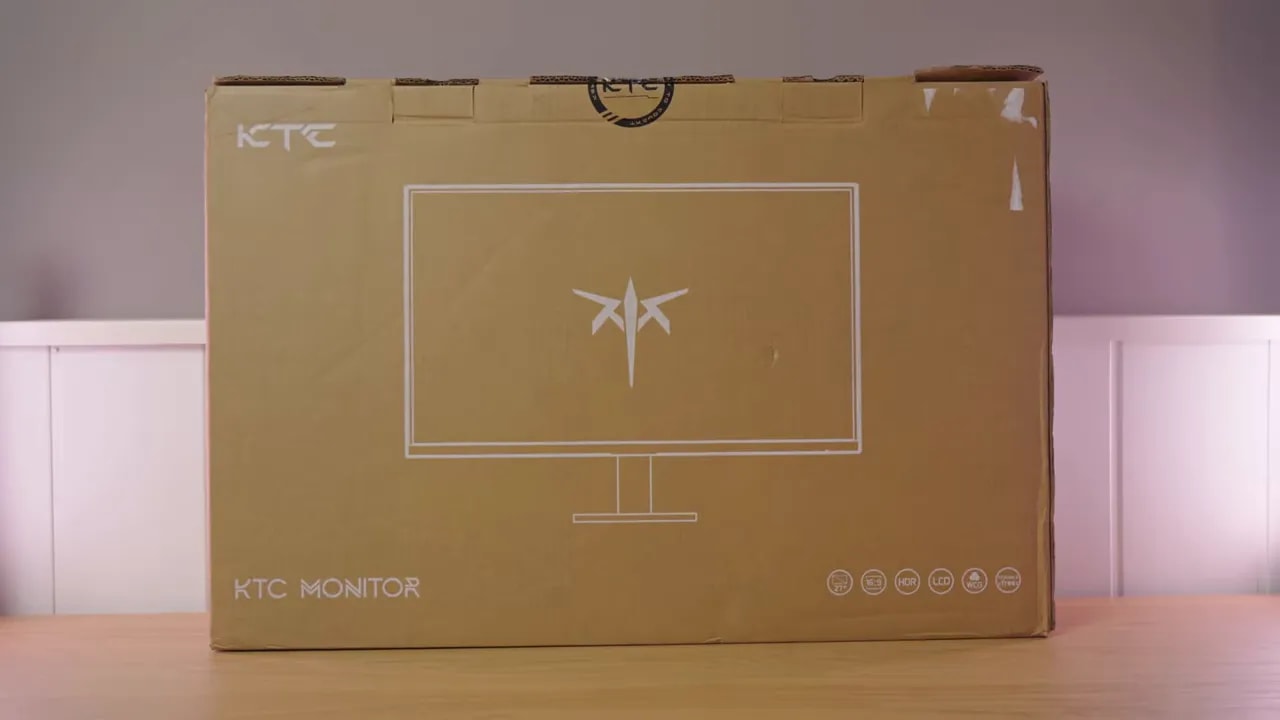
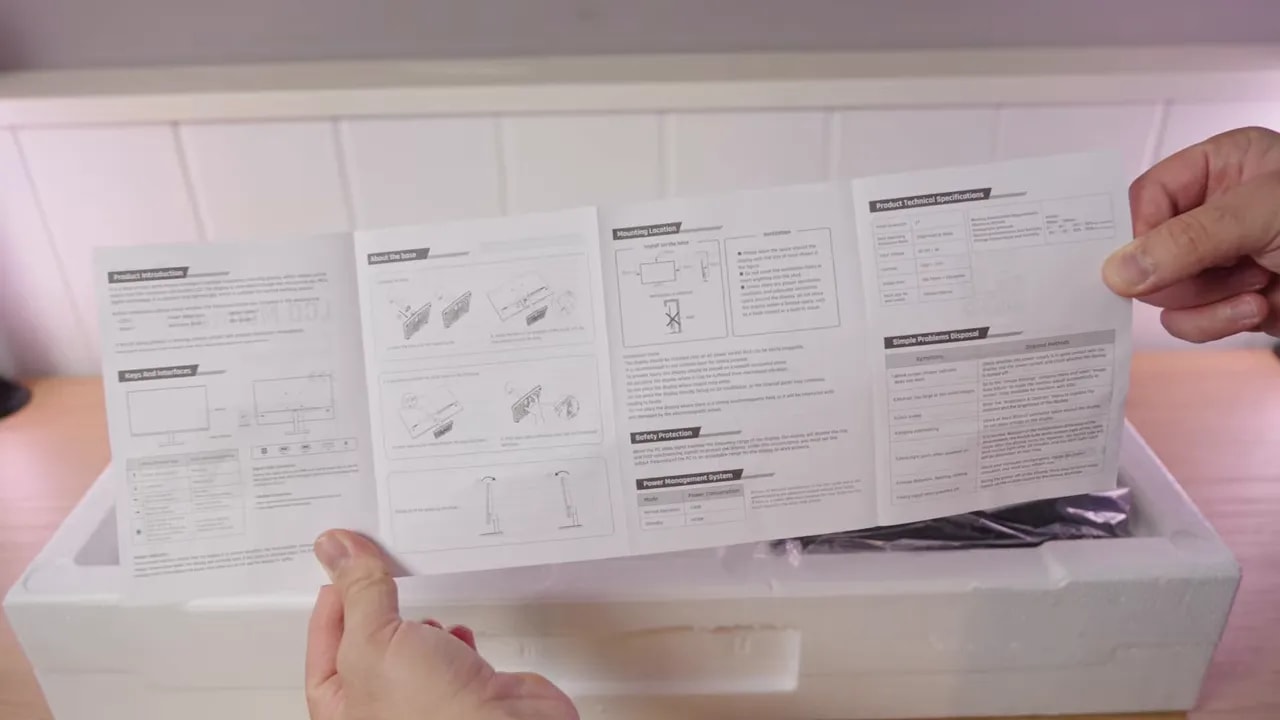
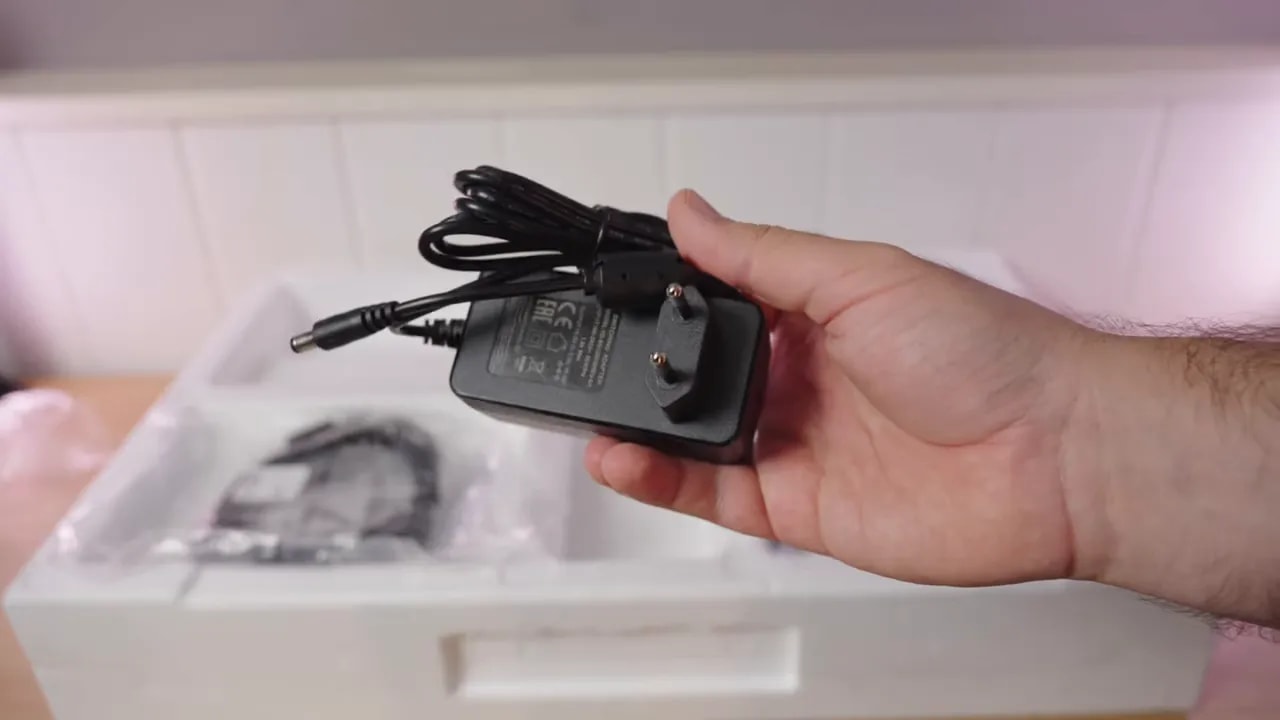
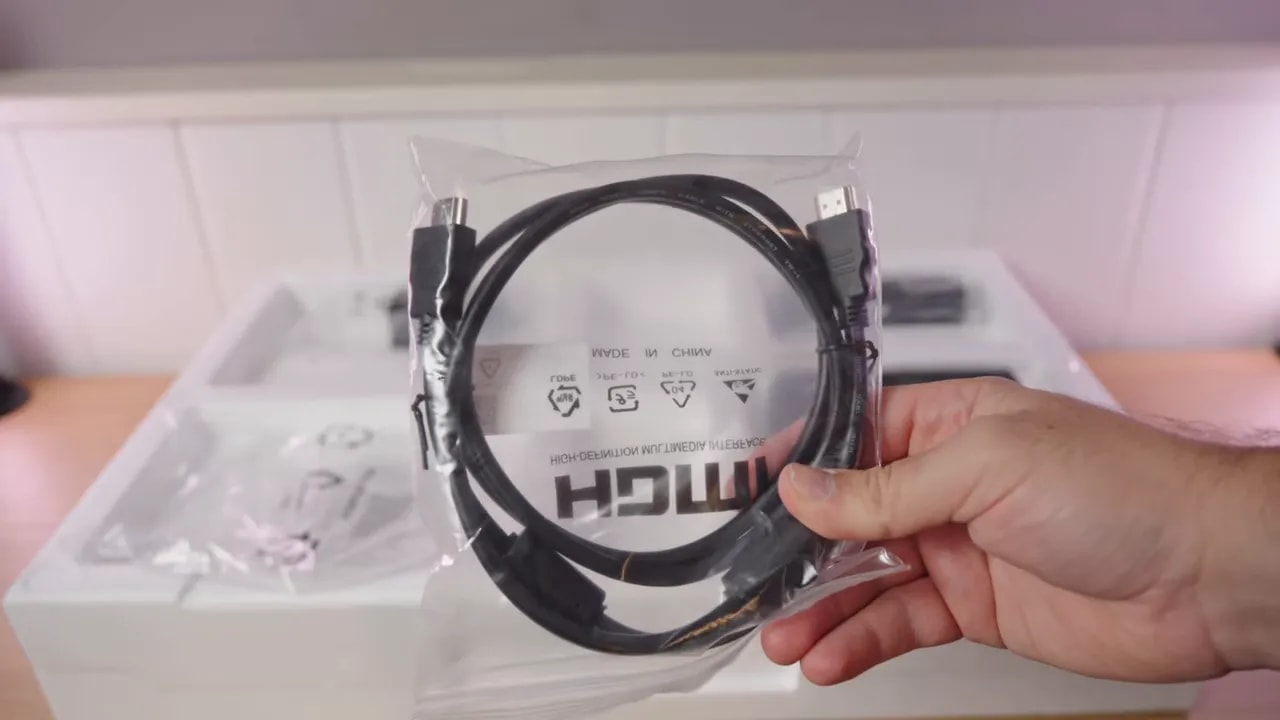
The power supply is external. Keeping it outside the display means finding room for it among your desk cables. The included HDMI cable lets you connect your device without buying that accessory, although your choice of connection will also depend on the computer and use of variable refresh rate.
Stand and construction: where cost-cutting is most obvious
The stand is very light and feels flimsy. The base uses plastic clips, and the upright is hollow. Wobbling was observed while using the unit; this is not just about appearance or unimpressive materials.
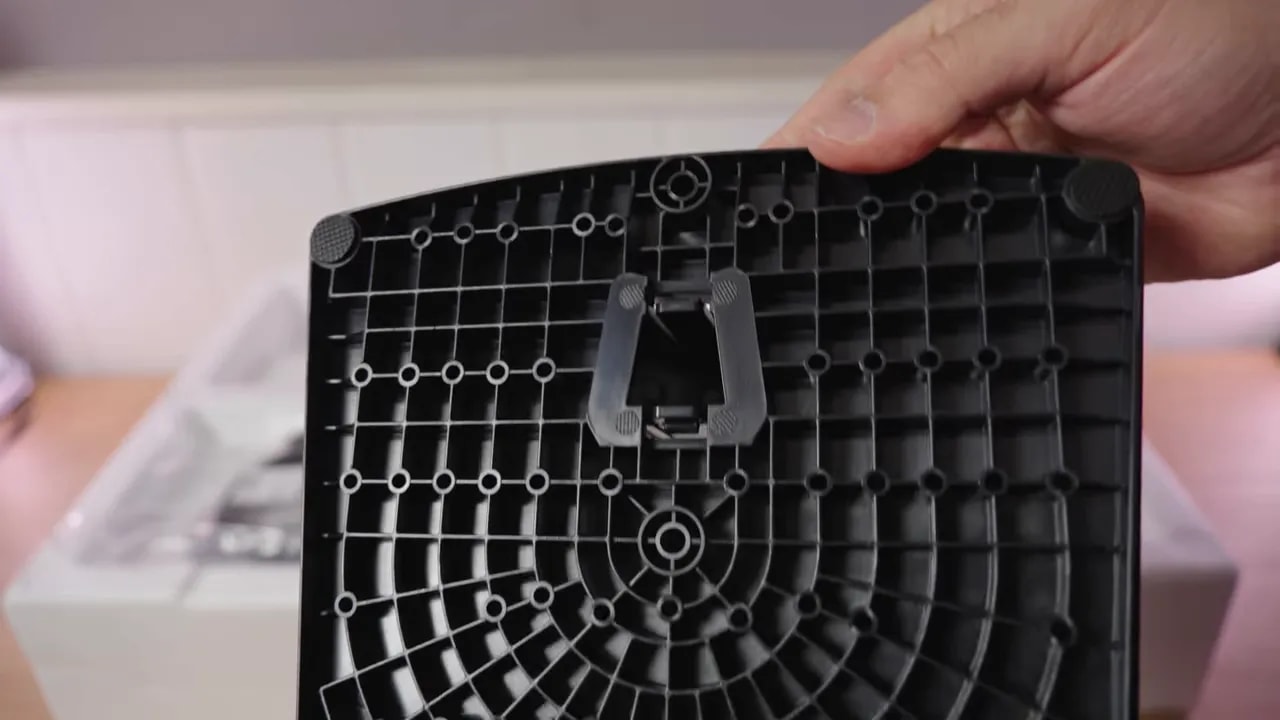
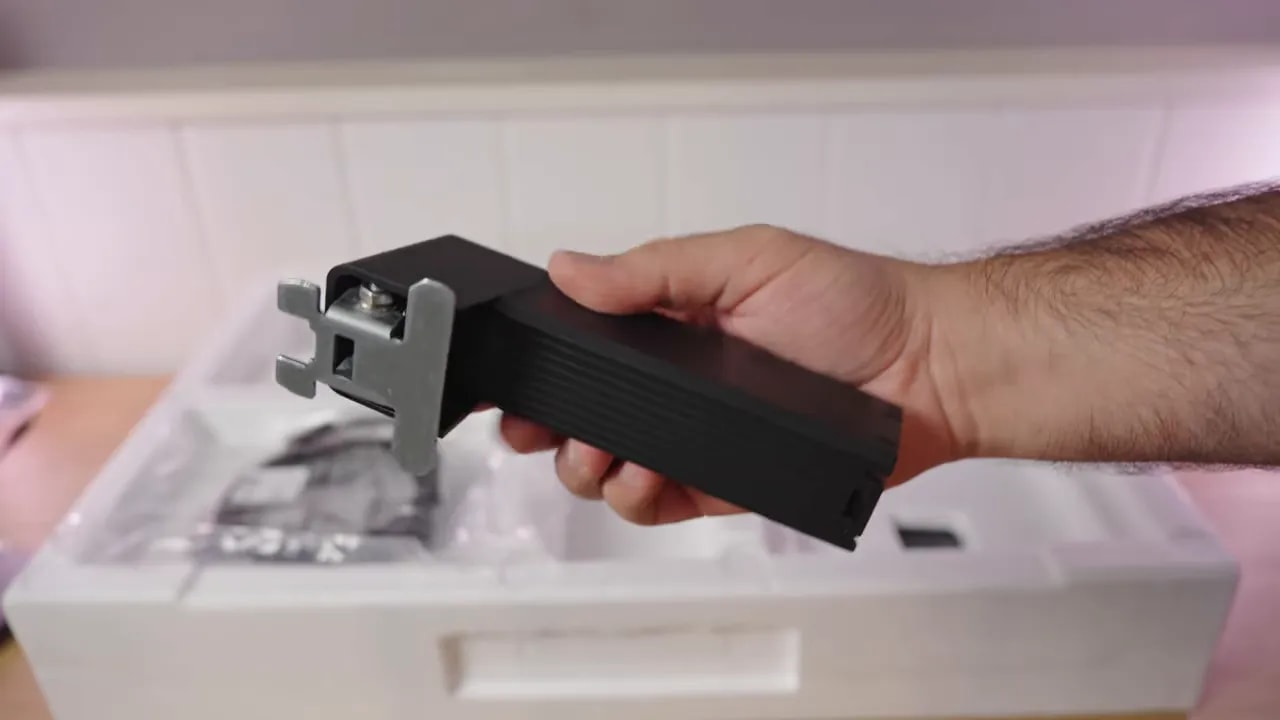
Only tilt is adjustable. There is no height adjustment, swivel, or pivot for portrait orientation. If the screen is not at the right eye level, the stand alone cannot fix that. This limitation may matter more during a workday than other eye-catching specifications.
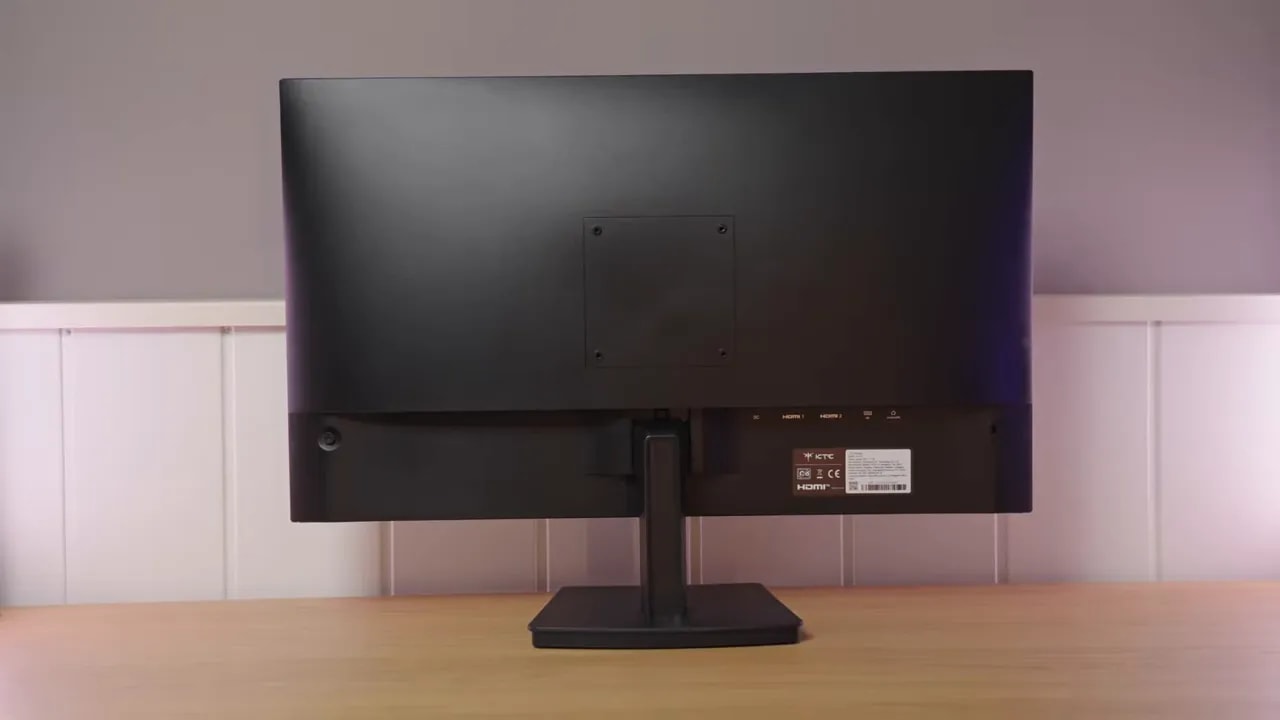
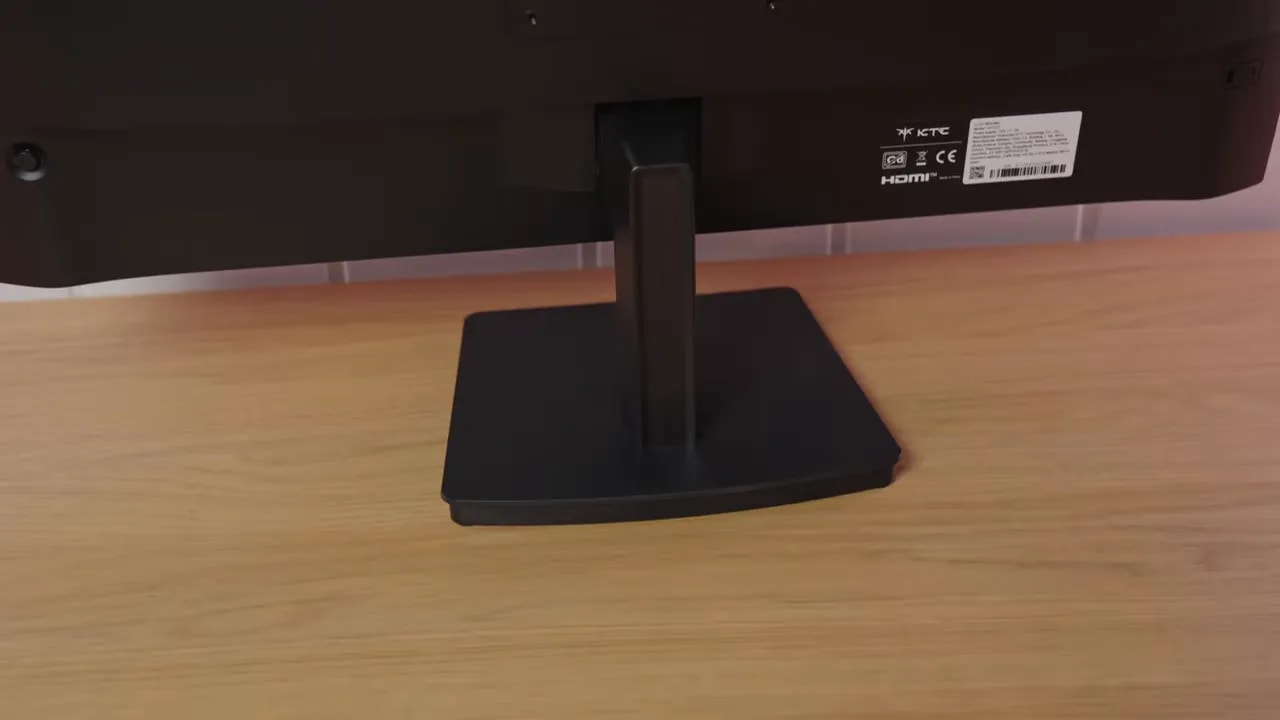
A VESA mount lets you use another stand. It can greatly improve positioning and avoid relying on this base, but you should add the arm’s cost to the monitor’s price. If the initial savings over a better-built model are small, that solution may stop being worthwhile.
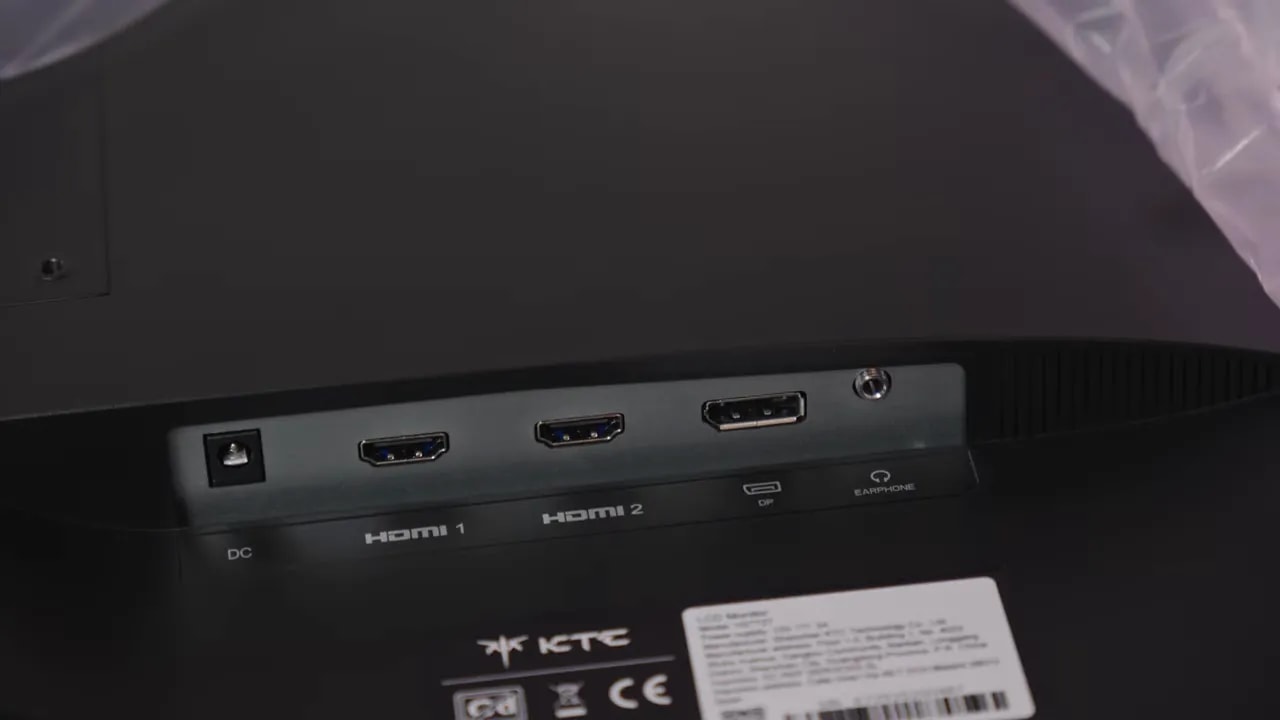
The body is a little better executed than the stand, and the joystick makes menu navigation easier. Connections cover the basics, with HDMI and DisplayPort; the rear photograph shows their layout without repeating the full port table.
Matte finish and desktop comfort
The antireflective treatment is strong. It diffuses light sources well, which is useful in a bright office, but adds visible texture on light backgrounds. Whites and fine text lack the clean appearance of a light matte or glossy finish.
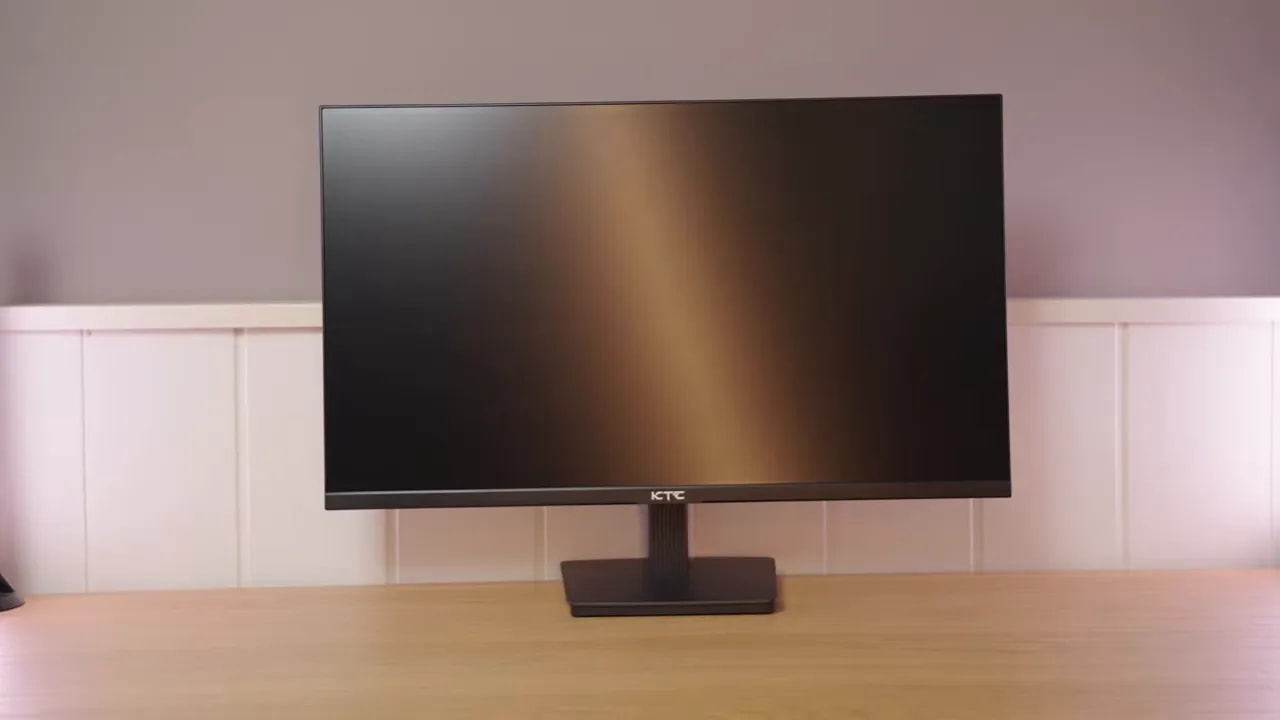
That finish does not negate the benefit of 1440p at 27 inches: there is still room for documents and multiple windows. It does change perceived sharpness and color. It may be acceptable if avoiding reflections is your priority; if you are sensitive to coating grain, it is one of the trade-offs to consider.
Brightness is one of the better-performing areas. The unit approached 400 nits, providing headroom for a bright room, and native contrast was reasonable for an IPS in this segment. That does not fix the color issues, but it prevents the entire package from being held back by insufficient brightness.
Color: why native mode was chosen
The KTC H27T27 does have a dedicated sRGB mode. The issue is how it works: it clamps the gamut too far, to around 80% of sRGB in testing. That is why native mode remains the review’s reference, with an average DeltaE of 4.92. A setting’s existence and its usefulness are different things.
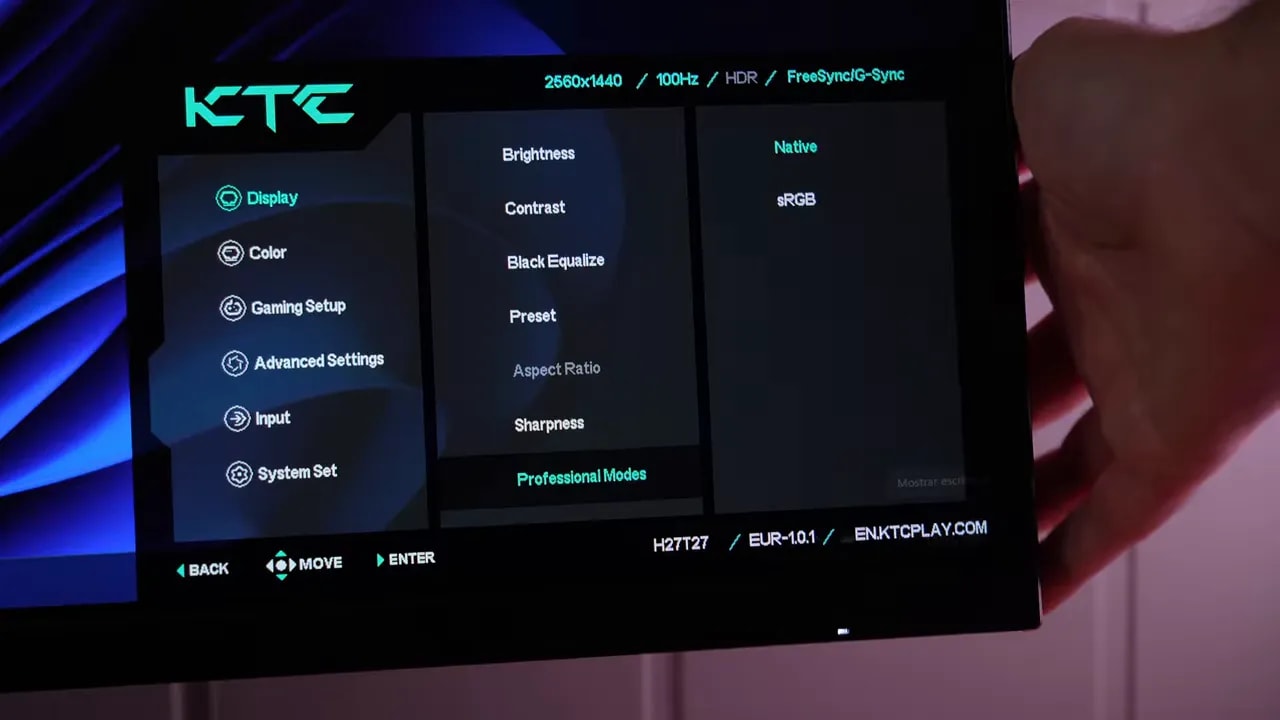
In native mode, coverage is approximately 92% of sRGB, below the advertised 99%. Expecting a wide professional gamut from such an inexpensive monitor would be unreasonable, but more complete reproduction of the standard desktop and general-content color space would be fair.


Comparing the two modes shows why this choice was made: the sRGB setting exists, but further limits the colors the display can reproduce. The DeltaE of 4.92 belongs to native mode; it is not the dedicated sRGB mode’s result.
Factory calibration also limits the result
The unit arrived with a cool white point, inaccurate RGB balance, and gamma closer to 2.4 despite selecting 2.2. Coverage alone does not explain the result: even the tones the panel can reproduce need better adjustment.
Selecting Warm did not resolve the problem satisfactorily. In sRGB, gamma is also locked, although some brightness and temperature controls remain available. The mode’s name alone is not enough to recommend it when it cuts out colors that should be present and limits the adjustments needed to correct it.
What calibration achieves
Calibration with a meter improved the factory settings, starting from native mode. Even so, the RGB control steps are too coarse for easy fine-tuning, and the panel still cannot reproduce the full sRGB gamut. Calibration helps with deviations; it does not add colors the display cannot show.
That is why I would not choose it for color-sensitive editing. Nor would I load someone else’s profile expecting it to become a different display: units vary, and a profile neither removes physical limitations nor necessarily corrects every application and game.
Backlight bleed and uniformity of the unit
Backlight bleed was observed, especially in one corner, although it was not extreme. Glow was not particularly excessive for an IPS. The two photographs show the panel from different positions; a photo taken at a particular exposure should not be interpreted as the exact brightness every user will see.

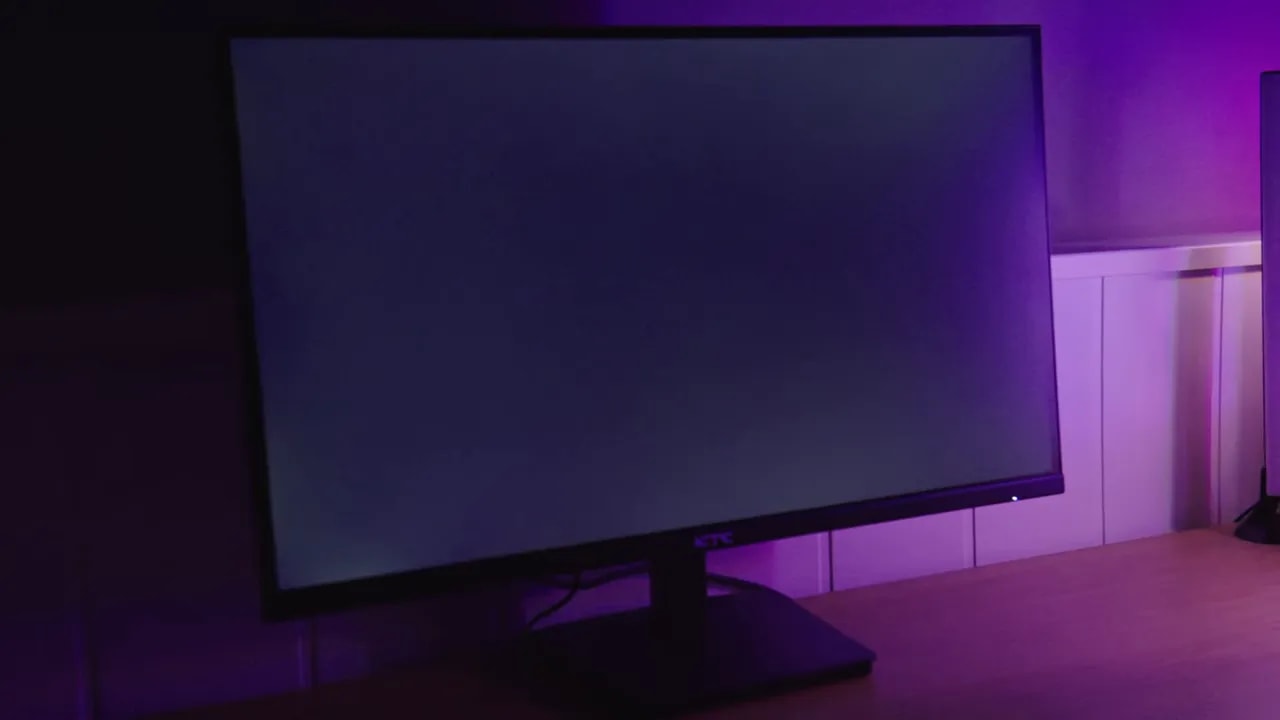
Brightness distribution was acceptable in testing, but color was less uniform, particularly in the lower-right area. Color reproduction also changed more than desirable as brightness varied. That can be tolerated for documents; for work with backgrounds and tones that need to remain consistent across the screen, it matters much more.
These observations apply to the review unit. They explain its limitations without assuming every unit will show exactly the same bleed or distribution.
HDR is not a reason to buy it
The menu allows HDR to be enabled, but in testing it neither increased brightness nor improved color gamut. Luminance and PQ tracking also showed deviations. Accepting an HDR signal does not turn the panel into a display capable of a significant leap in dynamic range.
Its appeal remains in SDR. If you want intense highlights alongside deep blacks or convincing HDR reproduction, this is not the kind of monitor I would choose. The HDR label should not carry more weight than the panel’s actual behavior.
100 Hz: smoother, but with slow response
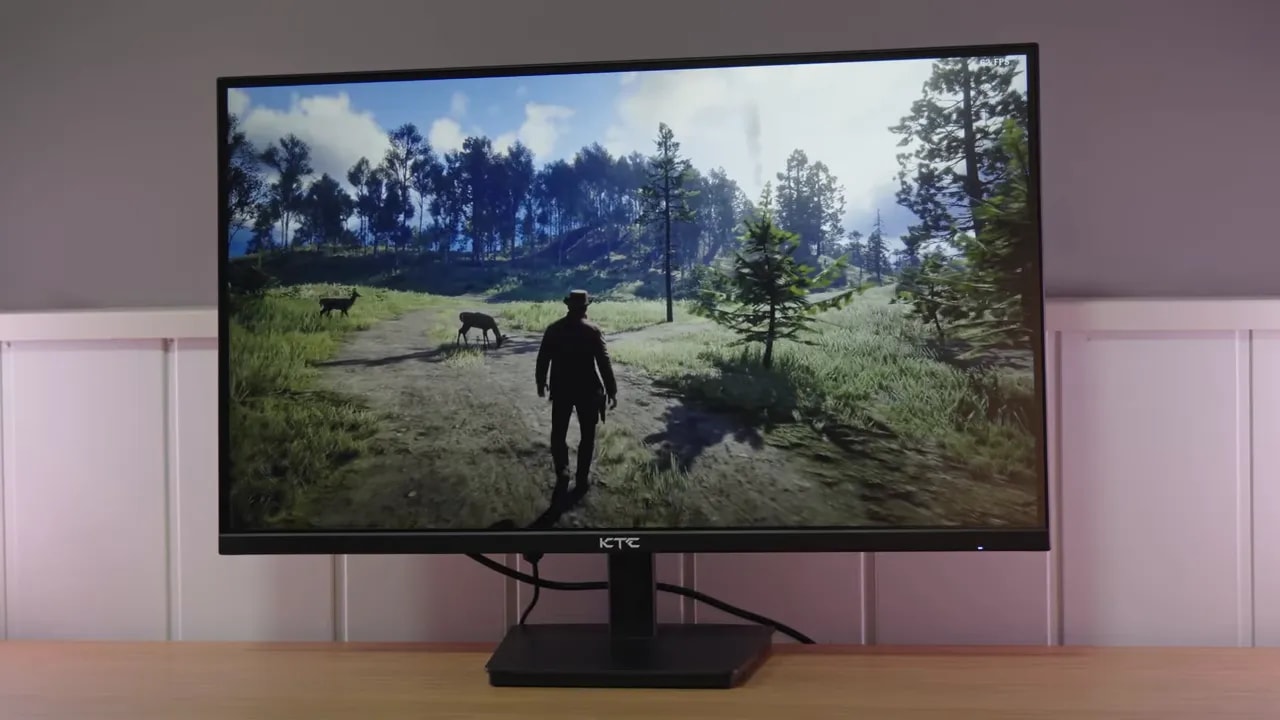
The jump from 60 to 100 Hz is noticeable when moving windows, scrolling pages, and gaming. However, refresh rate and pixel speed are not the same thing. On this KTC, slow transitions leave ghosting and limit motion clarity.
Standard was the overdrive mode chosen as the best compromise, with approximately 13.63 ms initial response. Advance dropped to around 9.47 ms, but greatly increased overshoot. Choosing the lowest millisecond figure would have concealed artifacts that worsen the moving image.
It can suffice for casual gaming if you are not especially sensitive to trails. For competitive gaming or anyone seeking clean motion, I would not recommend it. A 100 Hz panel does not necessarily offer a better experience than another well-tuned panel simply because its advertising highlights the refresh rate.
Input lag showed no unusual issues. Adaptive Sync worked on PC, including DisplayPort use with the Nvidia graphics card in the test, without conspicuous flickering. Those are positives, although they do not compensate for slow transitions.


Both measurements keep 100 Hz and change the overdrive. Advance accelerates the initial transition, but introduces much more overshoot. Standard is the chosen compromise for image cleanliness, although it does not eliminate trails either.
PS5 and the final choice
With PlayStation 5, you have to drop to 60 Hz: the monitor’s 100 Hz cannot be used, and neither VRR nor ALLM works. Variable refresh compatibility verified on PC does not carry over to the console.
At 60 Hz, Standard showed more overshoot than at 100 Hz. If that artifact bothers you, disabling overdrive may be preferable, at the cost of even slower response. That is another reason not to choose it specifically for PS5 gaming.
The use case where it can make sense is very specific: plenty of desktop space for very little money, as a secondary display or for office work without color demands. The original review’s price criterion was to pay no more than around 80–90 euros; that is the personal threshold from that review, not a claim about a current deal.
My conclusion remains that I would not generally recommend it. If another option costs only a little more, I would prioritize a better stand, full sRGB coverage, and cleaner response. The retailer section lets you check the available price and decide whether the actual savings justify these compromises.