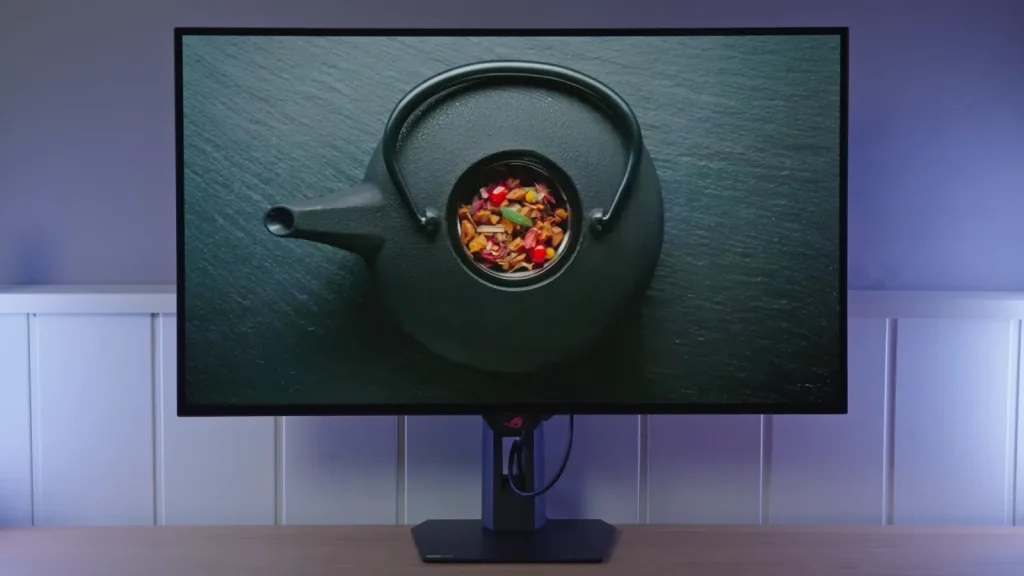
The ASUS ROG XG32UCWMG retains the combination of 4K at 240 Hz and 1080p at 480 Hz, but changes an essential part of the experience: the glossy coating on its WOLED panel. The image looks cleaner than matte versions, provided you can control light placement.
The new stand, HDR modes, and proximity sensor round out the package. Not every improvement matters equally: dual mode is especially useful for switching between competitive games and titles where resolution matters more.
Packaging, new stand, and connections
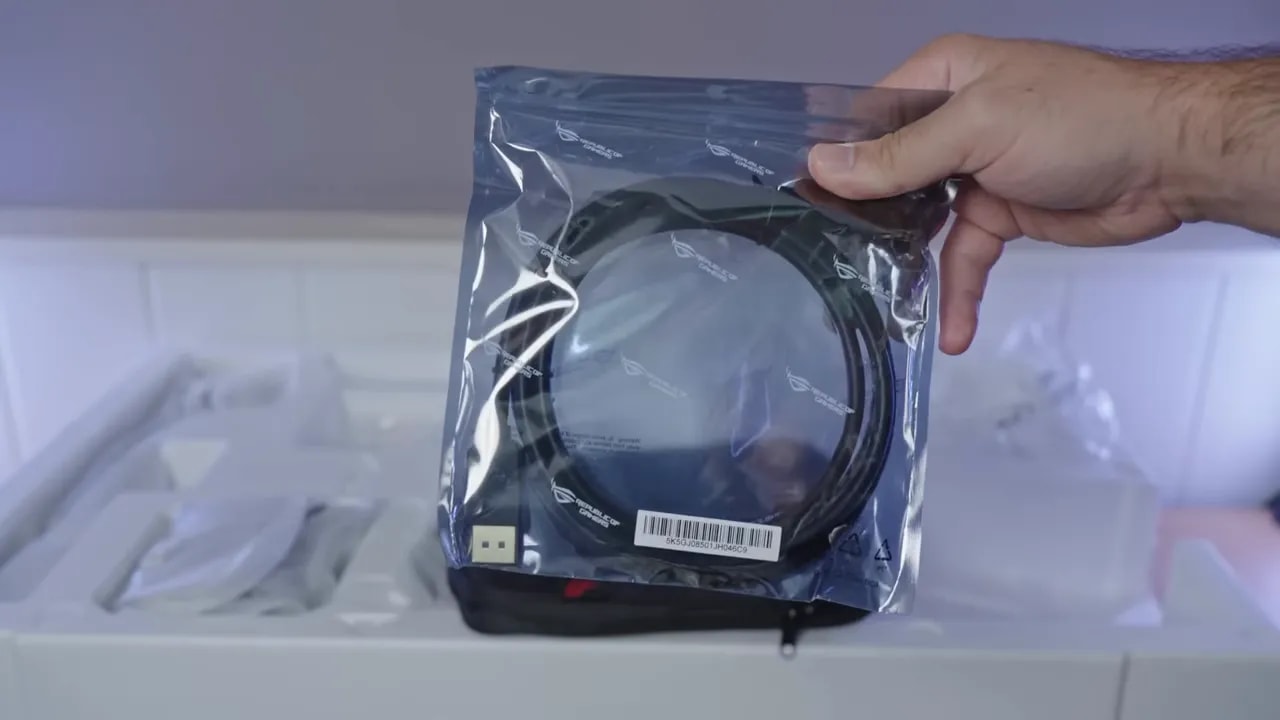
I will start with something that seems minor but is not: packaging. With the ASUS ROG XG32UCWMG I noticed some cutbacks compared with other models from the brand. The box includes:
- Cable case
- USB-B to USB-A cable
- Cable DisplayPort 1.4
- Power cable and external power supply
- Usual documentation
- Cleaning cloth
It is nice that ASUS still includes its little case and presents the package well, but honestly, it would have been good to see a HDMI 2.1 in the box too. The monitor supports it, so it certainly would not have been unnecessary.
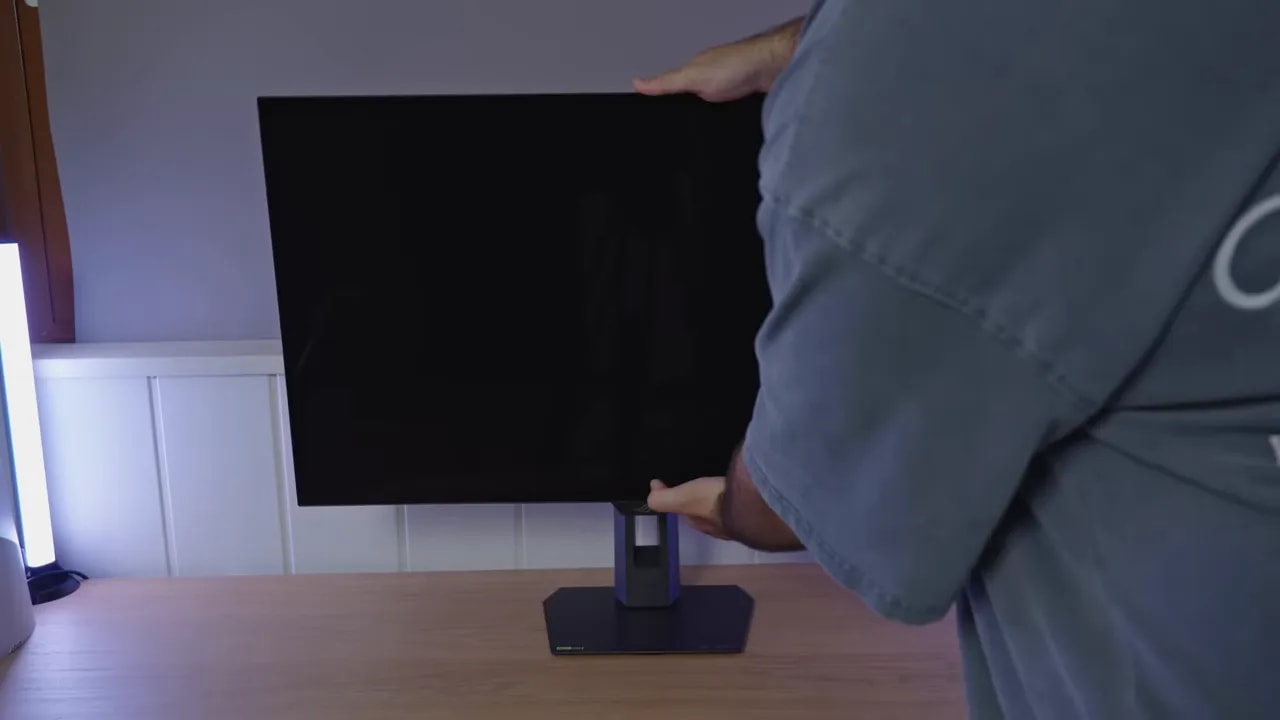
The base is where there is a very welcome change. ASUS has completely redesigned the stand, and for me, it is a total success. Older models tended to use huge, cumbersome bases that swallowed half the desk. This one is considerably more compact.
Best of all, the smaller size does not make it feel fragile. The base is fairly heavy, feels well made, and keeps the monitor stable. Yes, if you move it vigorously there is some play, as expected, but in real use the experience is much better than with the older stands.
They also added a threaded mount at the top for accessories such as a camera, useful if you also use the setup for video calls or streaming.
Ergonomically, the monitor offers:
- Height adjustment
- Tilt
- Backward tilt
- Horizontal swivel without moving the base
It does not allow portrait orientation. On a 32-inch panel, I do not consider that a particularly serious omission.
Build quality is quite good. The monitor has a joystick and two physical buttons, a classic, convenient layout for navigating the OSD easily.
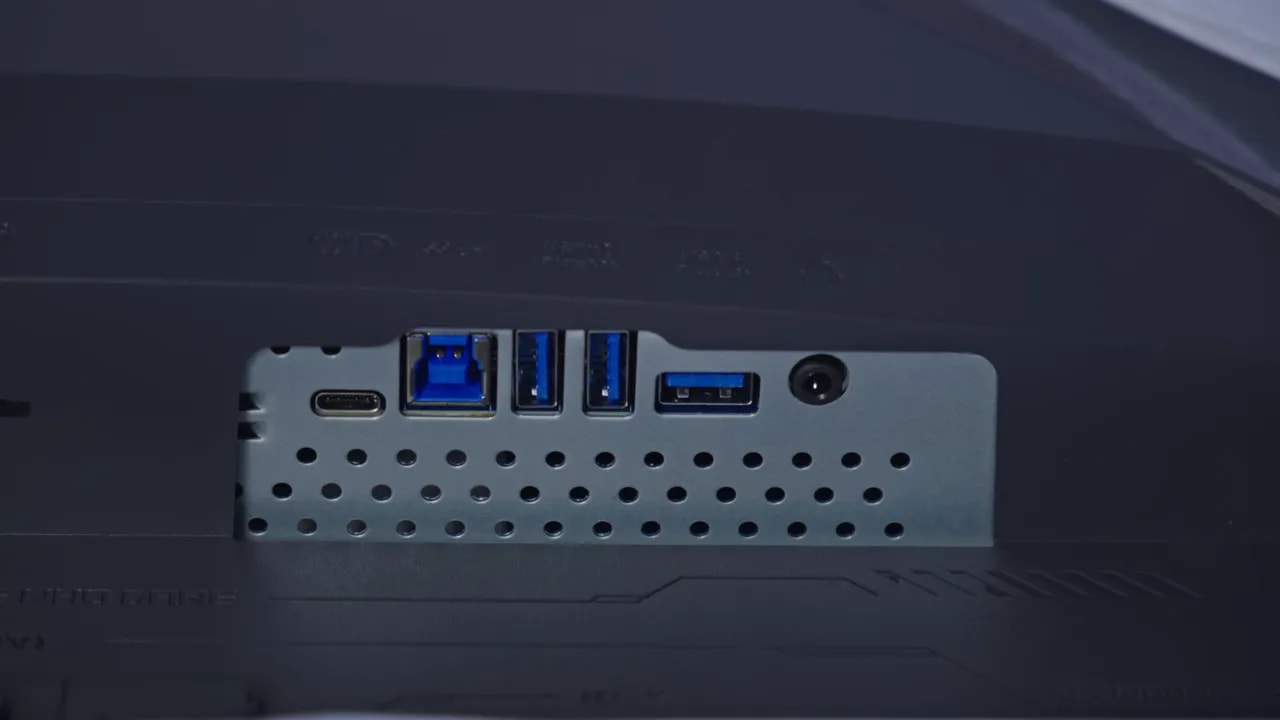
The connectivity highlights are:
- Full-bandwidth HDMI 2.1, with full PlayStation 5 compatibility
- DisplayPort 1.4, without moving up to DisplayPort 2.1
- 15 W USB-C, clearly insufficient for a product at this level
That USB-C port delivering only 15 W is, plainly, one of the most obvious drawbacks of the ASUS ROG XG32UCWMG. It does not meet expectations for a premium monitor that can serve as a work and gaming hub.
Glossy WOLED: reflections and blacks in ambient light
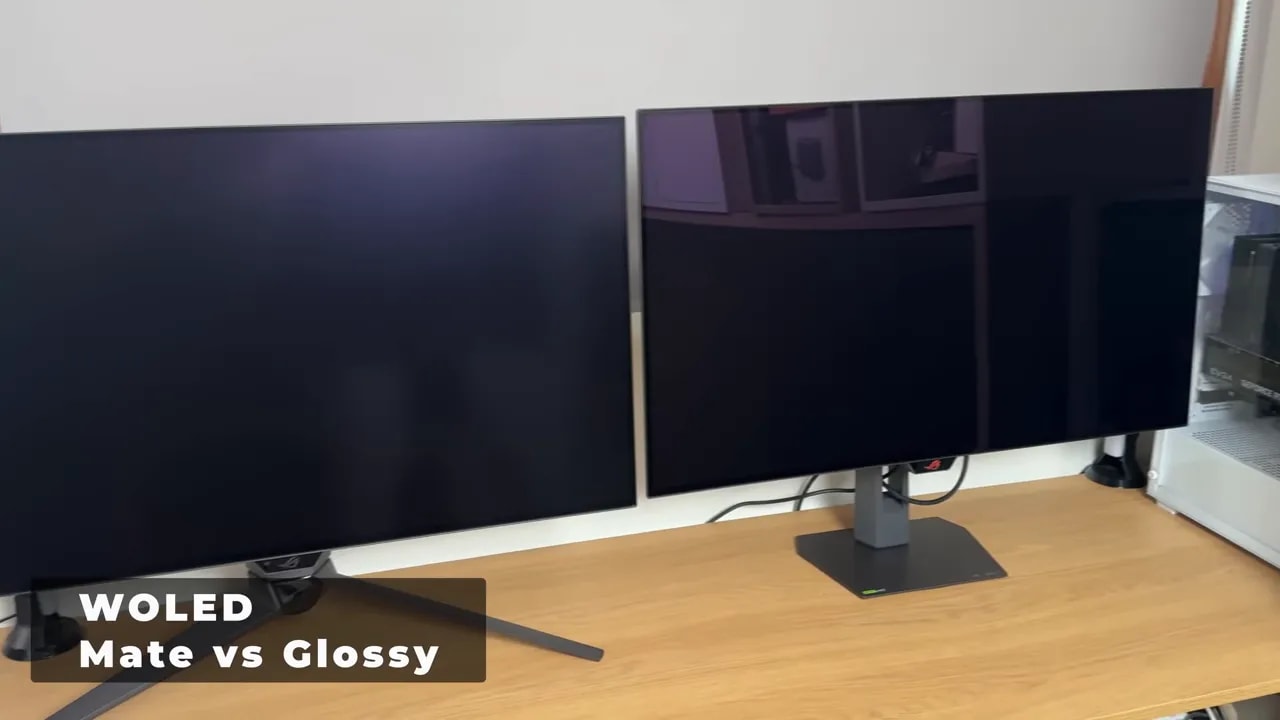
This is what really distinguishes the ASUS ROG XG32UCWMG from its predecessor and much of the WOLED market. You notice it as soon as you unbox it: the panel has a true glossy finish.
Most WOLED monitors have used matte or semi-matte finishes. That reduces reflections, yes, but also adds surface grain that makes the image look less clean, less clear, and somewhat “dirty.” It takes a toll on color and perceived sharpness.
ASUS previously tried something similar on a 1440p WOLED, but it was not truly glossy. It was a very light matte finish. It improved considerably over other matte WOLEDs, but still left some grain. Not here. This is much closer to, if not directly on par with, the glossy finish on LG OLED TVs.
What does that gain you?
- Greater clarity on the panel surface
- Less smearing of the image
- Visually deeper blacks
- Cleaner color reproduction
Compared with its matte predecessor, the difference is quite dramatic. The panel looks cleaner and more “premium” in the best sense.
However, glossy also means paying attention to room lighting. A poorly positioned light source will be reflected. That remains true, just as with QD-OLED monitors or glossy OLED TVs.
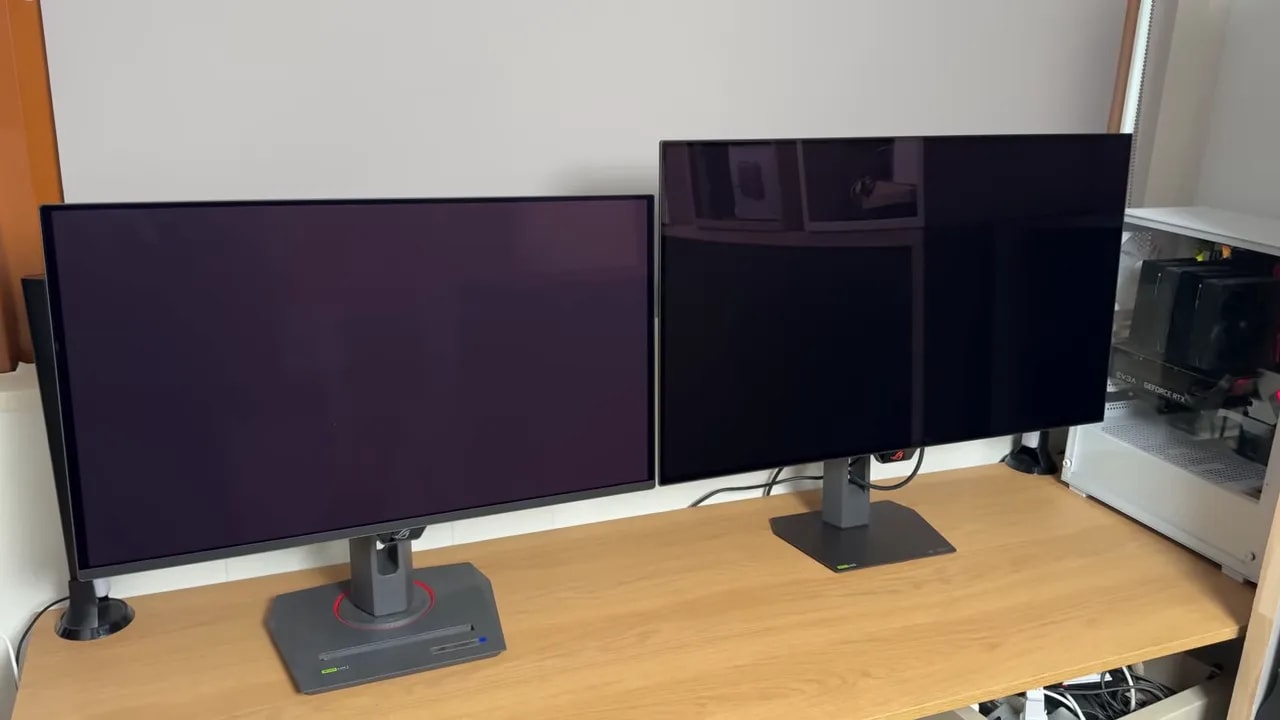
The interesting comparison is how this WOLED behaves against a Glossy QD-OLED. Reflection definition is roughly similar, but reflections look slightly less visible on QD-OLED. So far, more or less as expected.
The big difference is black levels under ambient light. The WOLED panel on the ASUS ROG XG32UCWMG does not develop the pronounced magenta tint often seen on many QD-OLEDs in bright lighting. Yes, very strong direct light raises blacks somewhat, as on any OLED. But it holds up better.
That has a major impact on real-world use. It means this monitor lets you enjoy a glossy finish without compromising blacks as much in bright rooms. For me, that is exactly what WOLED needed to start surpassing QD-OLED as a general recommendation.
I would not make a definitive claim yet, because more time with it would be needed for certainty. But the initial impression is that this glossy WOLED finish seems less fragile than many QD-OLED finishes.
I am not talking about burn-in, which would require months of testing. I mainly mean cleaning and scratches. QD-OLEDs tend to be quite delicate in that respect, and this ASUS seems to hold up better.
Color and brightness for desktop use
Beyond the new panel coating, overall color, brightness, and menu behavior are fairly similar to the previous model. For a simple, effective setup, you can use:
- Mode GameVisual Racing
- Gamma 2.2
- Color temperature 6500K
You can then limit the gamut according to use:
- sRGB
- DCI-P3
- Wide Gamut
For sRGB work, the best option is not simply applying the clamp in the general menu, but switching directly to the calibrated sRGB mode within GameVisual. The clamp is more aggressive, but color accuracy is better tuned.
For DCI-P3, Racing mode clamped to DCI-P3 gives better accuracy than Wide Gamut, although the latter provides slightly more coverage. The difference between the two is not huge, either in coverage or calibration.
If your work depends on Adobe RGB, this needs to be clear: the monitor provides good coverage, but is not specifically tuned for that gamut. That makes sense for a gaming-oriented product. To really fine-tune Adobe RGB, you will need a calibrator.
And yes, QD-OLED still has some advantage in color coverage here.


The sRGB limiter within Racing and the calibrated sRGB mode do not apply exactly the same clamp. For sRGB work, the review favors the calibrated preset; for using the native gamut in games, Racing with Wide Gamut serves a different purpose.
Grayscale shows something common on many OLEDs: both accuracy and gamma are difficult to perfect, even after calibration. Color temperature is slightly warmer than the 6500K reference, but overall factory tuning is reasonably good.
Calibration targeting DCI-P3 D65 starts with:
- Mode Wide Gamut
- Preset Racing
- Temperature set to Custom
- Manual RGB adjustments to refine whites and temperature
Applying an ICC profile improves RGB balance and overall accuracy. But gamma and EOTF remain difficult to align. This is not an isolated fault of the ASUS ROG XG32UCWMG. It is fairly common on OLED monitors.
An important reminder: ICC profiles make much more sense for media, editing, or color work than pure gaming.
Uniform brightness keeps luminance more stable as the white area of the image changes. It is useful for documents and applications, but does not measure spatial uniformity between the panel’s center and corners.
OLED brightness depends heavily on APL, meaning how much of the screen is occupied by bright areas. The smaller the white test window, the greater the available brightness. The more white fills the screen, the lower brightness falls.
Keep this in mind when interpreting any OLED luminance graph. The panel is not “lying”; that is how the technology works.
OLED text clarity still does not match a good LCD. That applies to both QD-OLED and WOLED. QD-OLED generally does slightly better, though there is an important distinction here.
The ASUS ROG XG32UCWMG is a 32-inch 4K display, and that high pixel density helps hide the subpixel layout’s limitations. This WOLED panel uses an RGWBstructure, but at this size and resolution, I do not see a serious text issue. It looks good. Very good, in fact, unless compared side by side with something better suited to this task.
HDR: more brightness means different signal tracking
HDR offers four modes. The most interesting is True Black 400, alongside three other fairly similar profiles.
In True Black 400, from 10% APL onward, the monitor starts dropping from around 450 nits to around 250 nits full-screen. The other modes exceed 700 nits, but as APL increases, they eventually fall to very similar levels.
The reason True Black 400 remains important is simple: it best preserves accuracy along the PQ EOTFcurve. Simply put, it represents the actual lighting of scenes most accurately, in both dark and bright areas.
The other modes raise luminance further but shift the curve forward, causing a loss of shadow detail.
Even in True Black 400, accuracy is very good at low APL but deteriorates toward 25%, 50%, or full-screen. This also happened on the predecessor.
In this area, QD-OLEDs generally come slightly better tuned.
There is also an option to unlock HDR brightness. The monitor itself warns that PQ EOTF accuracy worsens further, but if you want higher peaks and care less about fidelity, the option is there.
In Gaming HDR mode, at 2% APL and maximum brightness, the ASUS ROG XG32UCWMG can peak at around 1100 nits . However, that remains below other WOLED panels on the market and even slightly below its own previous version. The difference is not particularly noticeable in practice, though.


The comparison keeps Gaming mode and the 10% window, changing the brightness control. Unlocking it changes tracking as well as the peak. True Black 400 stays closest to the reference; the more impactful modes brighten midtones and compress highlights as the illuminated area increases.
HDR color accuracy remains very similar to the previous model. In BT.2020 coverage, it reaches around 73%, again somewhat behind what QD-OLEDs typically offer.
Color volume also trails QD-OLED. Remember that color volume is not the same as gamut coverage, since this measurement also considers brightness.
Dual mode: 4K 240 Hz or 1080p 480 Hz
Response times are what you would expect from a modern OLED: practically instantaneous behavior. I found no serious problems here, and the overall experience is excellent. The monitor can be set to either 4K 240hz or 1080p 480hz.
The monitor also includes ELMB, ASUS’s black frame insertion system. It works at half the refresh rate of each mode:
- At 4K 240 Hz, you can enable it at 120 Hz
- At 1080p 480 Hz, you can enable it at 240 Hz
This technique inserts black frames to improve motion clarity. In practice, motion sharpness gets very close to what you would have at double the frame rate without this technology enabled.
It is useful if your PC cannot push that many FPS but you want closer to higher motion clarity. In exchange, you lose brightness and accept some additional limitations.
One of the biggest strengths of the ASUS ROG XG32UCWMG is dual mode. Being able to switch from 4K 240 Hz to 1080p 480 Hz adds tremendous value for anyone combining competitive and AAA gaming on the same screen.
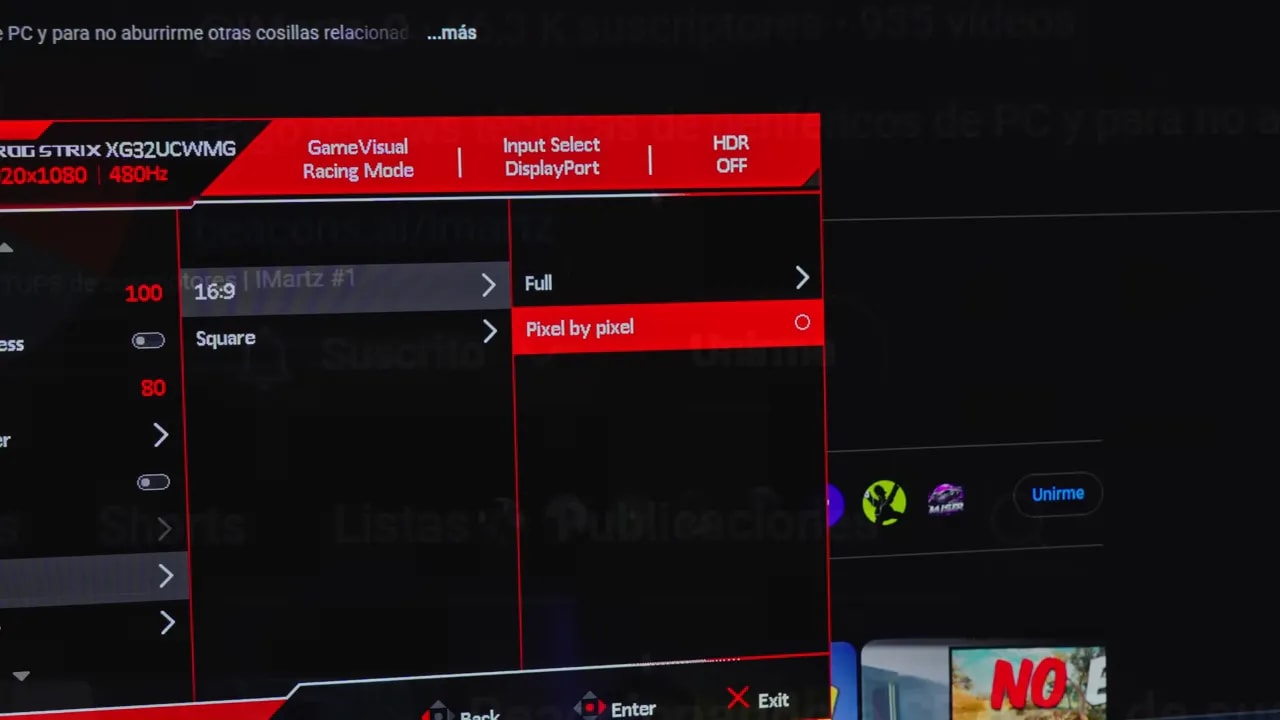
However, 1080p at 32 inches is low for desktop use. Fortunately, full-screen scaling is reasonably well handled. It does not look like the ugly 1080p scaling Windows sometimes applies.
Problems appear in the 24.5-inch and 27 inchesemulation modes. Scaling behaves strangely there. Scrolling a website reveals areas sharper than others, especially in text, and that sharpness can change while scrolling.
This clearly needs improvement.
There is also a pixel by pixelmode, but the image becomes quite small and text still does not look right.
Input lag is within the expected average for this type of monitor. There are no warning signs here.
As for VRR, the ASUS ROG XG32UCWMG supports:
- G-SYNC
- Adaptive Sync
- FreeSync
It can be used with an NVIDIA GPU without problems, even if it does not appear as certified in the control panel.
As on other OLEDs, enabling VRR may introduce flickering. The good news is that it seems to flicker less than its predecessor. However, in 1080p 480 Hz mode, expect more flicker because the VRR range is wider.
ASUS once again includes its OLED Anti-Flickersystem. It can help reduce some flicker, but does not eliminate it completely. It also changes the VRR range, and High mode even introduces a dead zone where VRR does not work.
Keep that firmly in mind before leaving it enabled permanently.
Multitasking and panel protection
The monitor is well equipped with secondary features. We have:
- KVM
- PBP
- PIP
- USB-C, though limited to 15 W
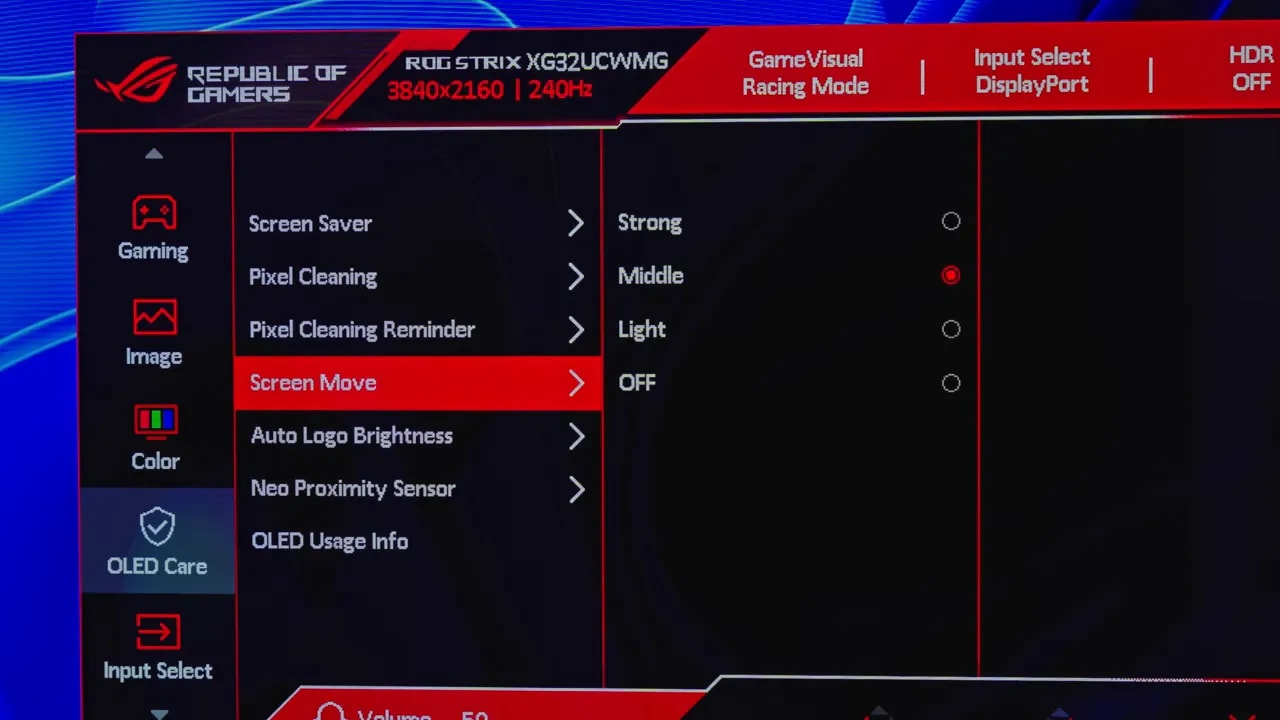
Among its burn-in prevention measures, ASUS includes an interesting improvement absent from the previous model: proximity sensor.
You can configure activation distance and the time before it turns off. In real use, it works quite well. The downside is that it does not recognize people as such, only presence. That means leaving an object nearby may prevent the monitor from turning off.
Beyond OLED’s inherent limitations, two clear improvements come to mind for future versions:
- More powerful USB-C
- A better cable selection in the box
I am not demanding Dolby Vision or DisplayPort 2.1 at any cost, since I understand those would raise the price. But a slightly more expensive version including at least DisplayPort 2.1 and higher-wattage USB-C.
Conclusion and alternatives
In my opinion, in the market for 32-inch 4K OLEDs, the ASUS ROG XG32UCWMG this is the first WOLED that not only challenges QD-OLED, but surpasses it as a general recommendation.
I emphasize general recommendation because the usual nuances apply. It does not mean everyone should now forget QD-OLED. Far from it. For certain uses, it may still be the best choice.
But if I have to recommend a monitor without knowing each person’s exact situation, I would currently put this ASUS ahead of QD-OLED alternatives in the same price range.
Why?
- Because it finally offers a true glossy finish on WOLED
- Because it preserves blacks better in bright rooms
- Because it avoids that magenta tint that becomes so bothersome on some QD-OLEDs in ambient light
- Because surface clarity is better than on matte WOLEDs
- Because the 1080p 480 Hz dual mode adds tremendous value
However, QD-OLEDs still have advantages:
- Wider color coverage, making them slightly more vivid and saturated
- Better calibration on some models
- More accessible prices, I have seen 4K 240hz QD OLEDs for around 700 – 800 euros; as always, these price drops are shared on the Telegram channel.
For work specifically in Adobe RGB under controlled lighting, QD-OLED remains an alternative worth comparing. Also distinguish this XG32UCWMG from the XG32UCWG variant: refresh rate and extras differ, so the price difference is not just about the name.
The ASUS ROG XG32UCWMG strikes me as a major step forward for WOLED monitors. ASUS took an already good foundation and improved it where it needed it most: the panel finish.
That true glossy coating makes the monitor look cleaner, deeper, and more premium. Above all, it makes WOLED stop feeling like the “almost” option and start feeling like the main choice. Add 4K at 240 Hz, 1080p 480 Hz dual mode, good overall motion performance, and a price that has not soared over the previous model, and the result is a very serious product.
It is not perfect. The 15 W USB-C feels inadequate. Scaling in certain emulation modes needs work. HDR has the usual OLED monitor compromises. And depending on use, some QD-OLEDs may still be preferable for color coverage or fine tuning.
But as an overall, balanced recommendation for most situations, yes: the ASUS ROG XG32UCWMG is my new best 32-inch 4K OLED monitor.