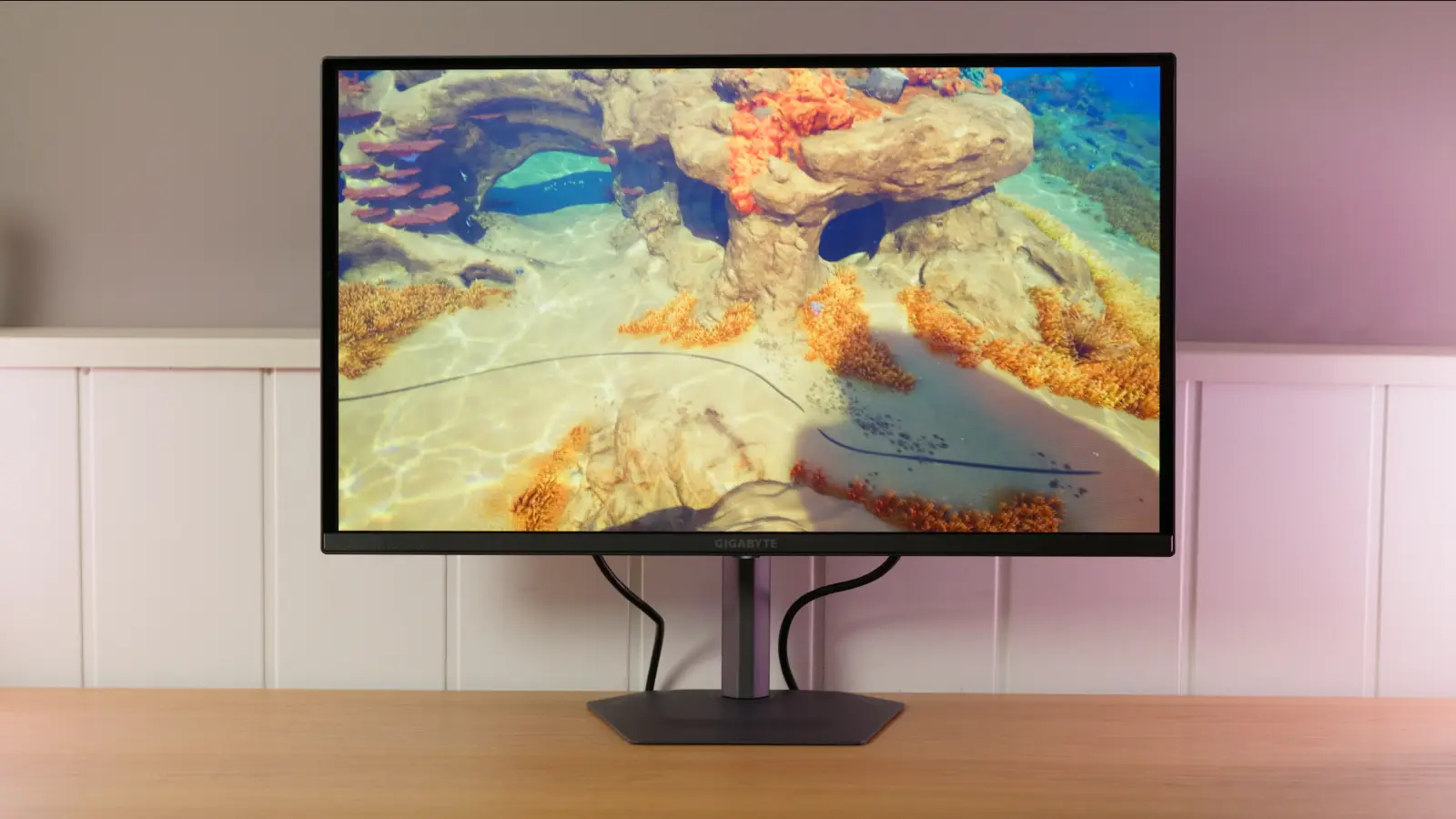
Tested by IMartz
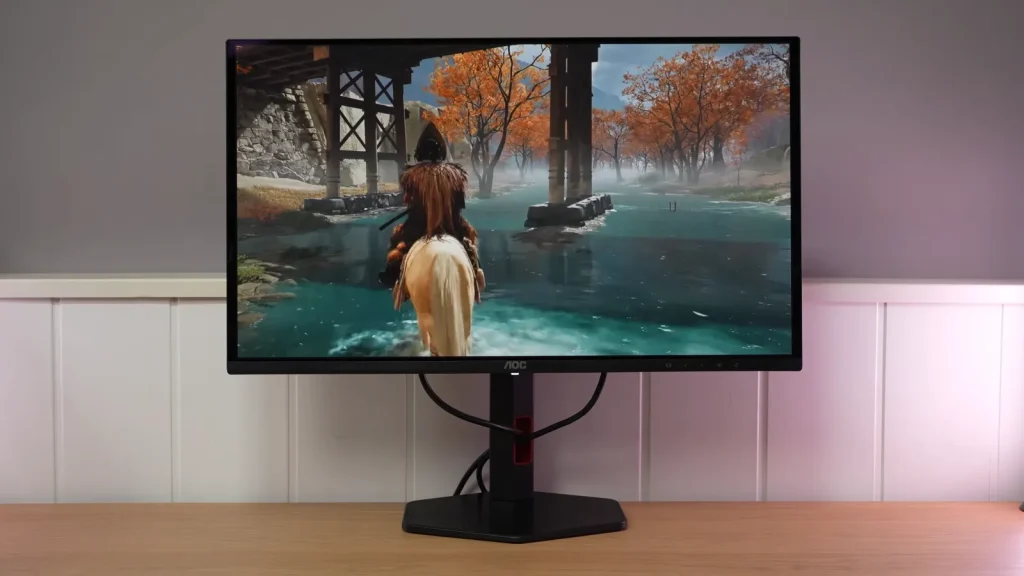
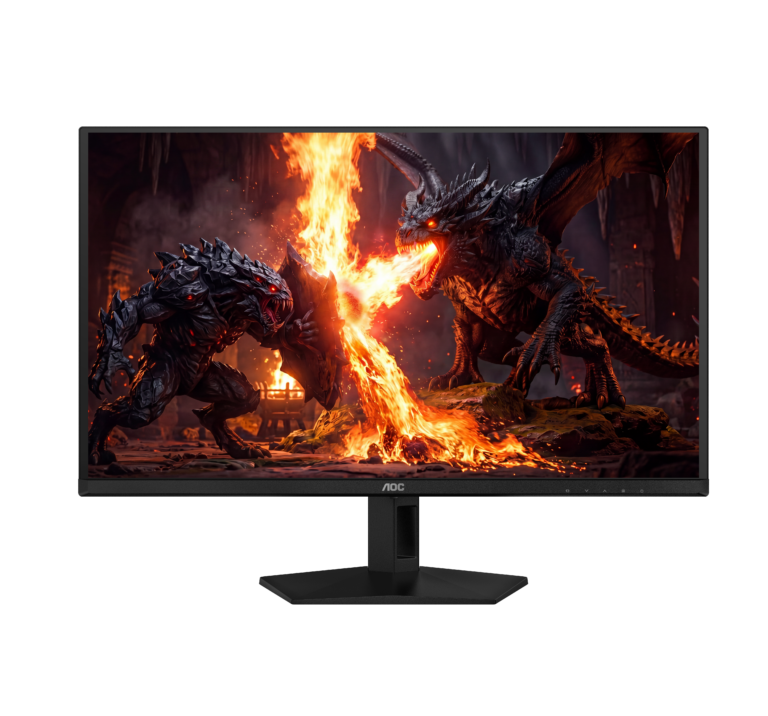
AOC Q27G4ZDR
Inexpensive 240 Hz QD-OLED with full-bandwidth HDMI 2.1 and aggressive pricing, but with cutbacks: low brightness, weak HDR and factory calibration that clearly needs improvement.
PanelQD-OLED
A glossy surface. Reflections tend to look more defined; avoid windows or lights facing the screen.
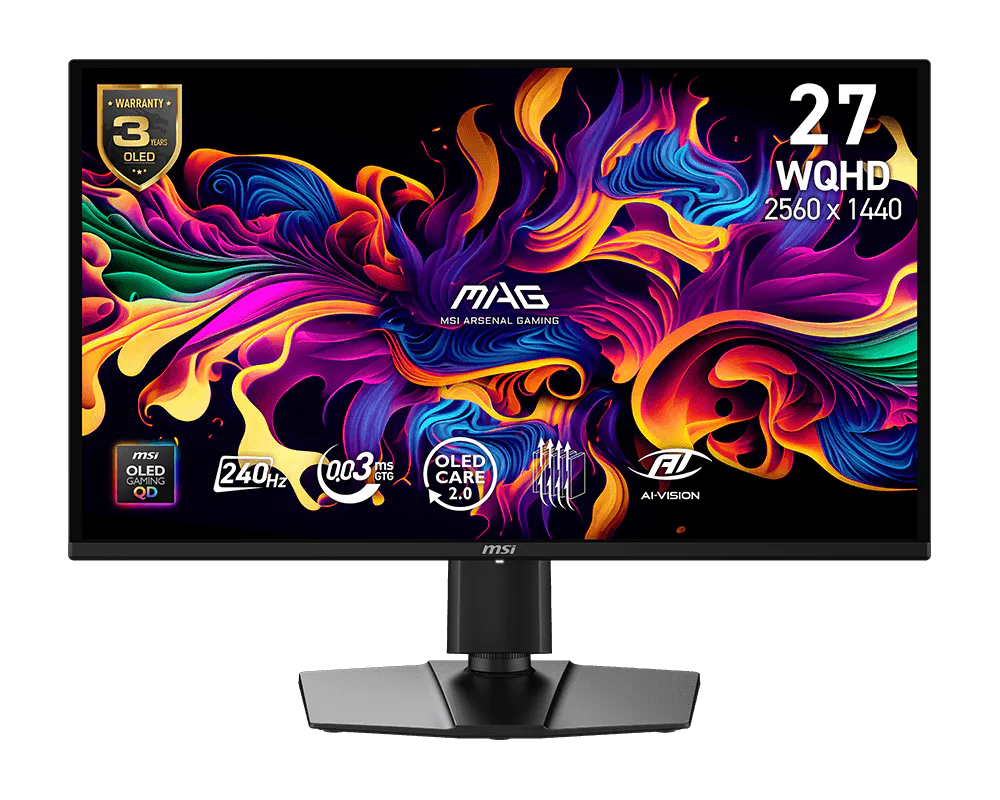
This monitor is identified as a QD-OLED variant with reduced features. Check its specific limitations before comparing it with other QD-OLED monitors.
Versions and related models
You are viewing AOC Q27G4ZDR. Each model retains its own price, specifications and test results.
IMartz verdict
Pros
- Very good motion performance, with the virtually instant response times typical of OLED.
- Good connectivity, with full-bandwidth HDMI 2.1, DisplayPort 1.4 and a USB hub.
- Very wide SDR color gamut coverage, especially in DCI-P3 and Adobe RGB, although more limited in HDR
Things to consider
- Low SDR brightness compared with other OLEDs using the same panel.
- Weak HDR, without a useful peak-brightness mode and below expectations for a current OLED.
- Mediocre factory calibration, especially whites, grayscale and color temperature.
A good fit if…
- Those who want to get into OLED at the lowest possible cost and find a very large discount.
- Fast PC gaming where response, contrast and 240 Hz matter a lot.
- Wide color gamut and infinite contrast for little money.
Consider another option if…
- You want a balanced 1440p OLED that is well tuned out of the box.
- You want impactful HDR or high SDR brightness.
- Its price is close to other 1440p OLEDs with better brightness, calibration or HDR.
Measurements and specifications
IMartz test results. See each section for the measurement conditions.
Display and format
SDR performance
Color, brillo, contraste y comportamiento básico fuera de HDR.
Test note · sRGB accuracy
but grayscale is less accurate
HDR performance
Brillo pico, volumen de color, EOTF y experiencia HDR real.
Test note · EOTF tracking
DisplayHDR darkens shadows and midtones somewhat relative to the reference. Brightness is limited to around 400 nits in small windows and falls as the lit area grows. Game behaves similarly; Movie and Picture reduce highlights further. There is no peak mode to recover that headroom.
OLED brightness
Datos específicos de brillo en OLED, APL y desbloqueos relevantes.
Response time and PC gaming
Overdrive, tiempo de respuesta, overshoot, VRR e input lag.
PS5 and consoles
Compatibilidad con VRR, ALLM y resoluciones permitidas.
4K 120 Hz
OLED characteristics
Subpíxel, claridad de texto, protecciones y limitaciones del panel.
Connectivity
Entradas de vídeo, USB-C, KVM, hub USB y extras de conexión.
Stand, mounting and extras
Calidad física, ergonomía, VESA y detalles destacables.
Photos and test results
Open an image to view the full-size charts and browse the tests.


Grayscale and gamma


Colour gamut and accuracy


Brightness and uniformity


Calibration

Luminance and EOTF


HDR colour


Response time, motion and latency

Alternatives
Other options, each with its own specifications and test results.