Tested by IMartz
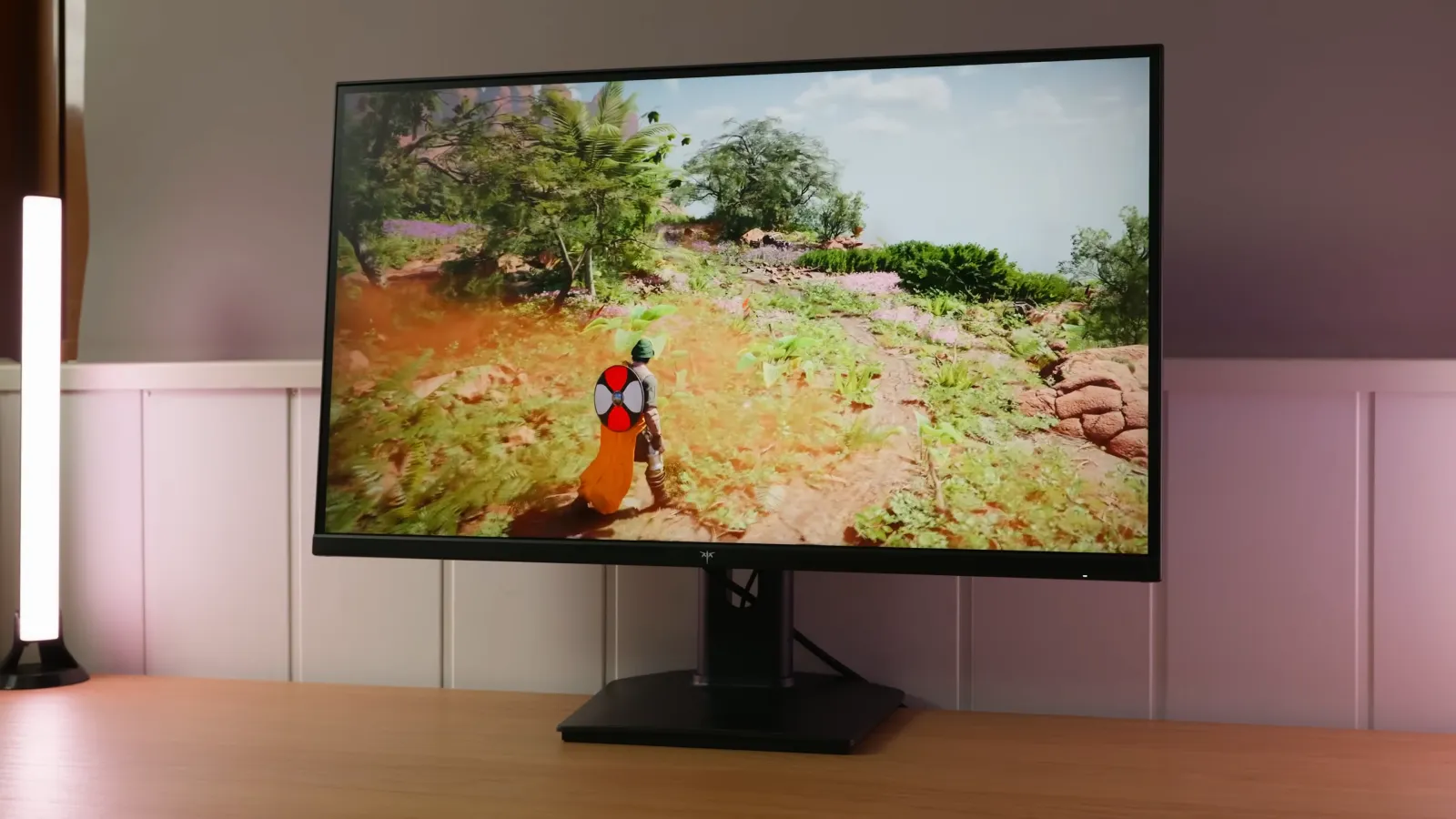
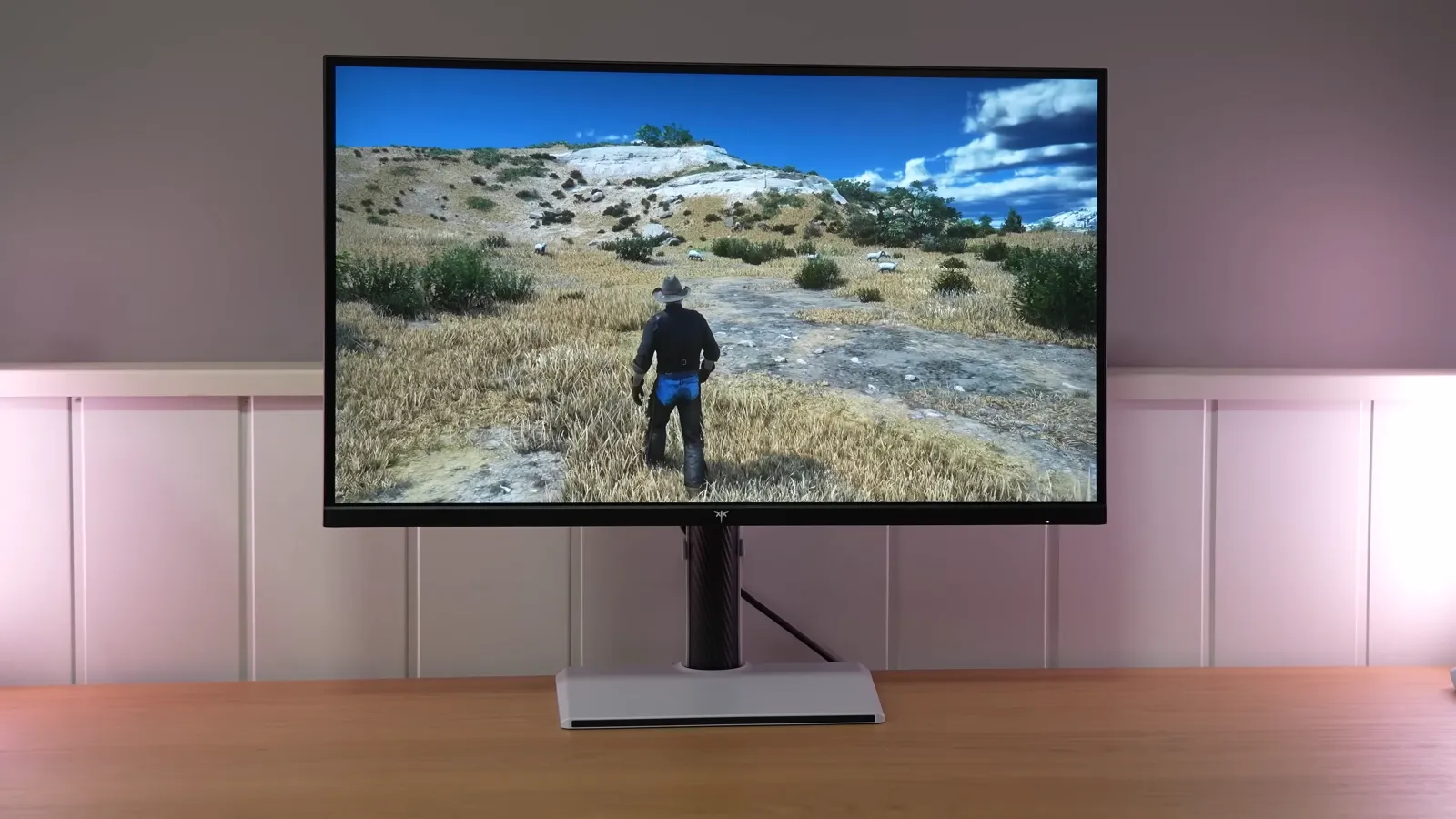
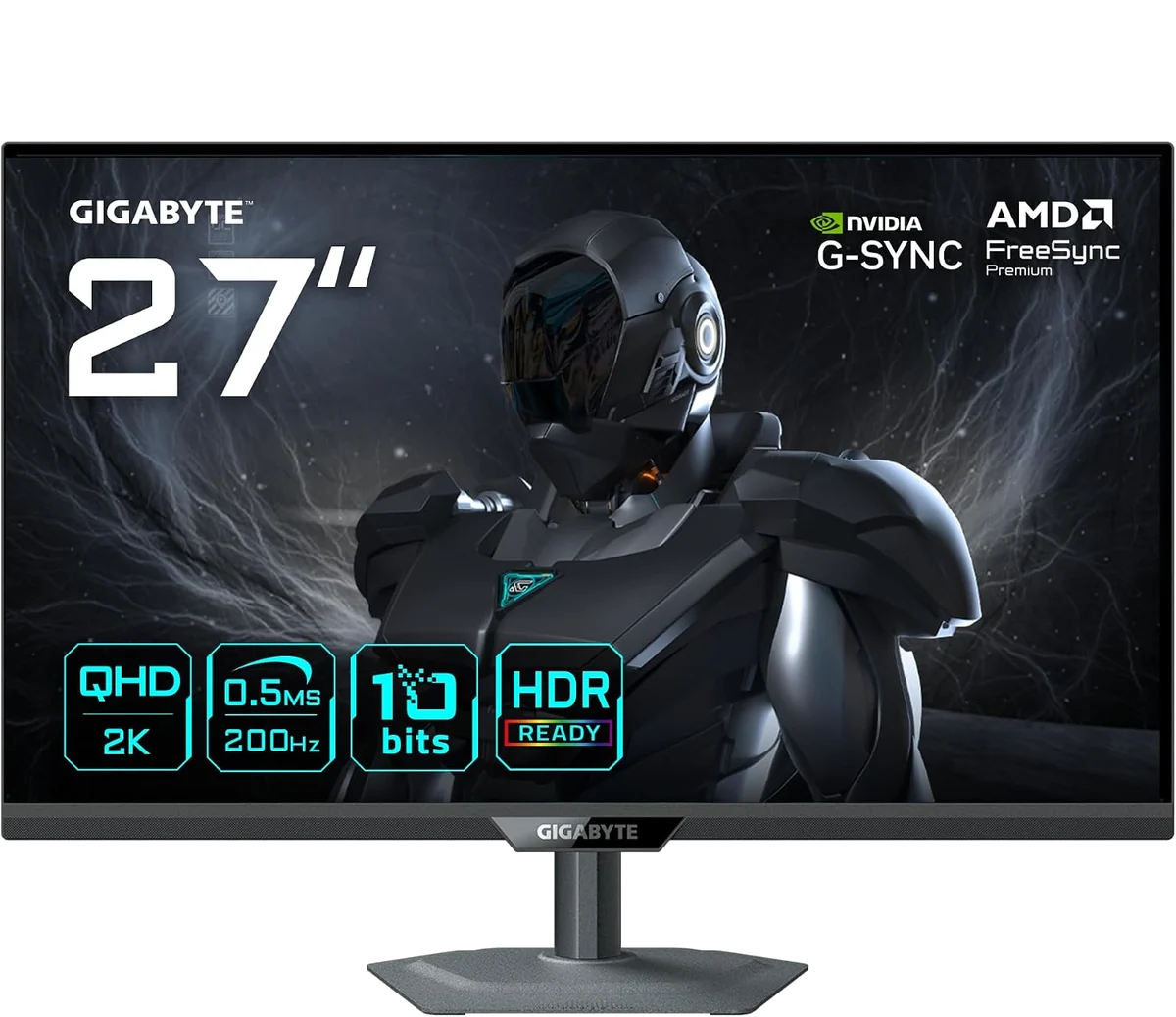
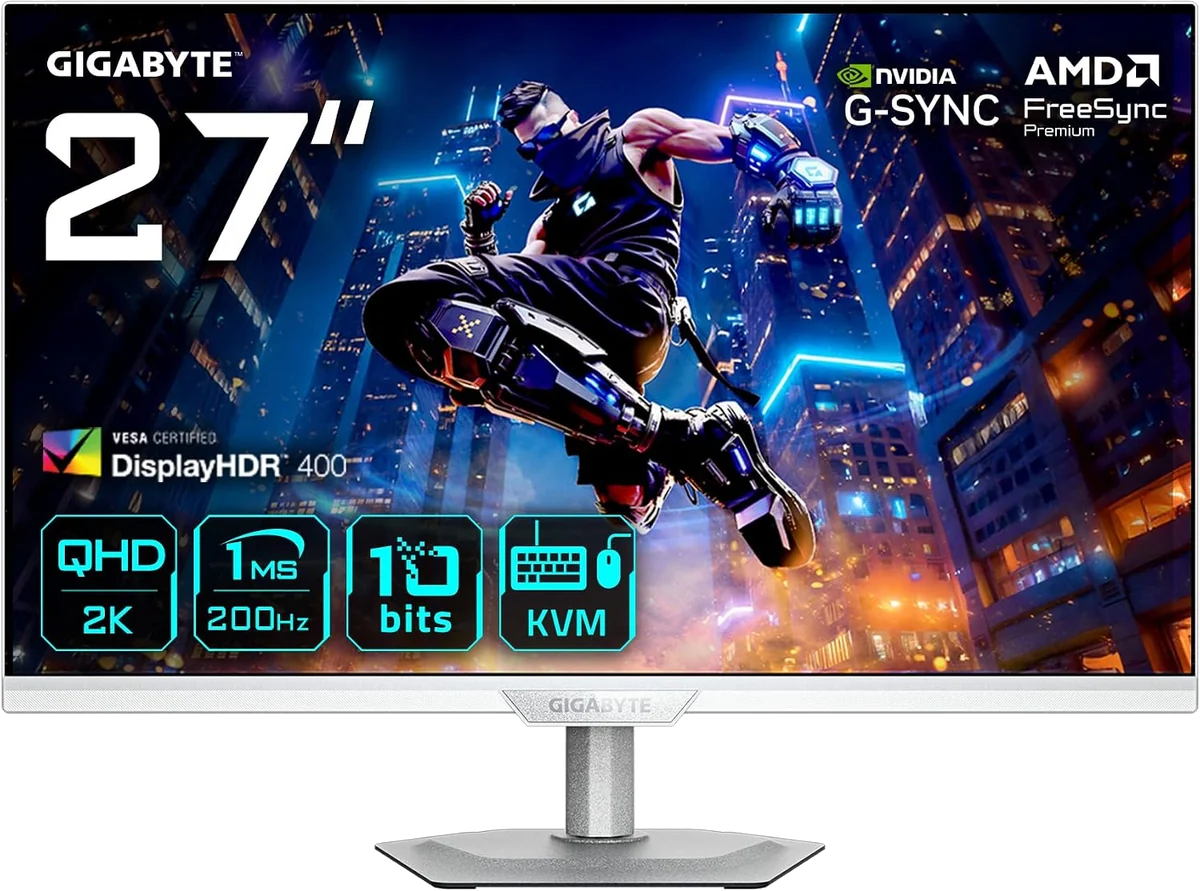
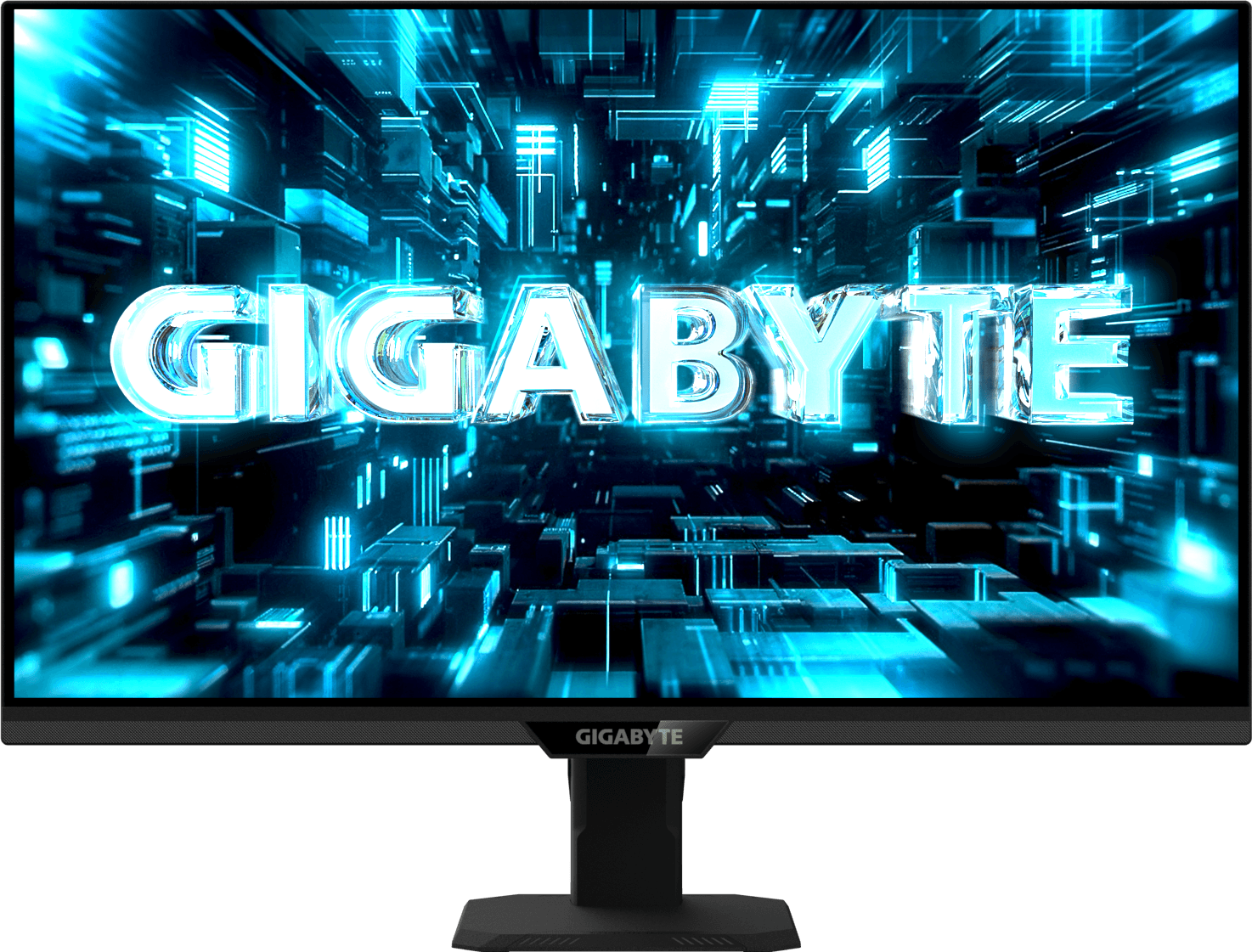
Gigabyte G27Q2
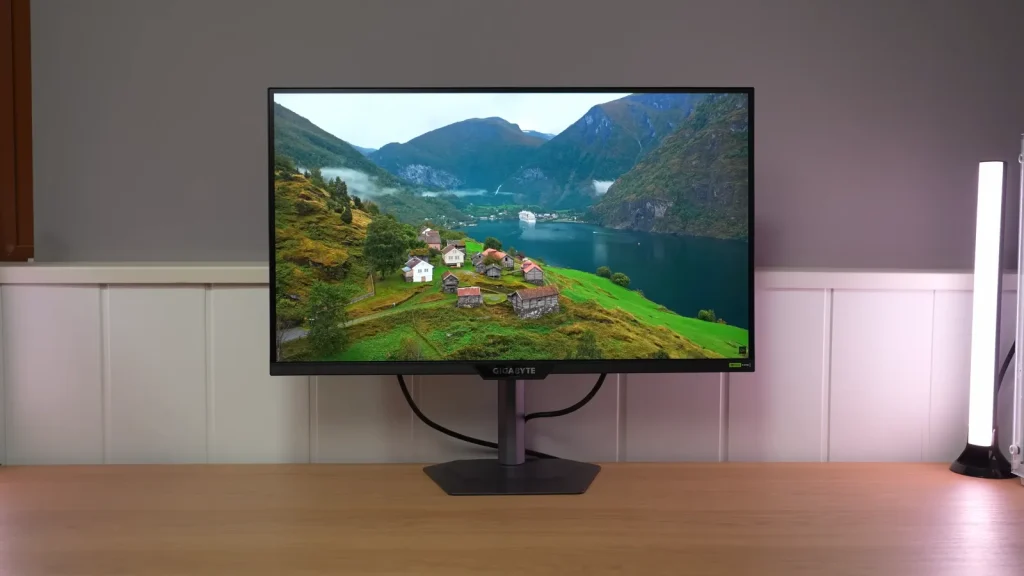
27-inch 1440p IPS gaming monitor at up to 210 Hz, with very good color gamut coverage, high contrast for IPS, USB-C and full ergonomic adjustments, although HDR is basic and overdrive could be better.
PanelIPS
IMartz verdict
Pros
- Very wide color gamut coverage for its class.
- Excellent contrast for IPS.
- Very good ergonomics and USB-C, although only 15 W
Things to consider
- Factory calibration and sRGB mode could be better.
- Overdrive could be better; an intermediate mode is missing.
- Basic HDR and a somewhat pronounced matte finish.
A good fit if…
- Those who want good color, good IPS contrast and full ergonomic adjustments.
- Users who find it at a heavily discounted price.
Consider another option if…
- You find it near €200 or more.
- You want genuinely good HDR.
- You need serious color accuracy or a very accurate sRGB mode and do not have a colorimeter
Measurements and specifications
IMartz test results. See each section for the measurement conditions.
Display and format
SDR performance
Color, brillo, contraste y comportamiento básico fuera de HDR.
HDR performance
Brillo pico, volumen de color, EOTF y experiencia HDR real.
Test note · EOTF tracking
HDR mode tracks midtones quite well, although it raises black levels and slightly darkens some shadows. It reaches around 423 nits; HDR Game and Movie reduce maximum brightness. Without local dimming, dark scenes and highlights have limited headroom.
Response time and PC gaming
Overdrive, tiempo de respuesta, overshoot, VRR e input lag.
PS5 and consoles
Compatibilidad con VRR, ALLM y resoluciones permitidas.
4K 60 Hz
Connectivity
Entradas de vídeo, USB-C, KVM, hub USB y extras de conexión.
Stand, mounting and extras
Calidad física, ergonomía, VESA y detalles destacables.
Photos and test results
Open an image to view the full-size charts and browse the tests.
Grayscale and gamma


Colour gamut and accuracy


Brightness and uniformity


Calibration

Luminance and EOTF


HDR colour


Response time, motion and latency


Motion clarity


Input lag

Alternatives
Other options, each with its own specifications and test results.