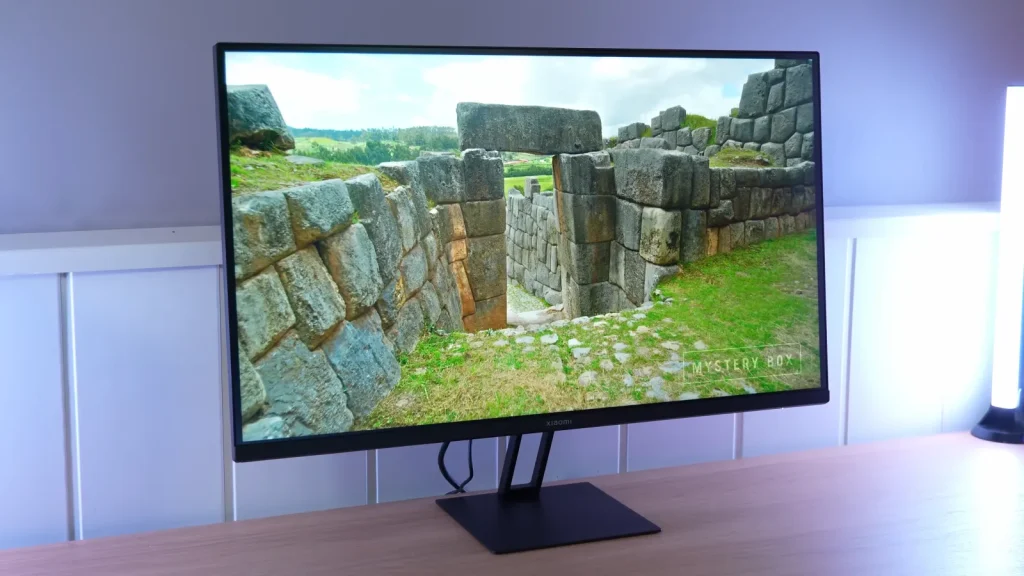
The Xiaomi G27Qi combines 27 inches, 1440p, and 180 Hz in a simple IPS. Its appeal lies in color gamut and price, with limited ergonomics worth considering before comparing it with adjustable-stand models.
Color mode and overdrive substantially change the result. On PC it can be a very good fit with the right settings; for PS5, it offers fewer features than some alternatives in the same segment.
Packaging, stand, and connections
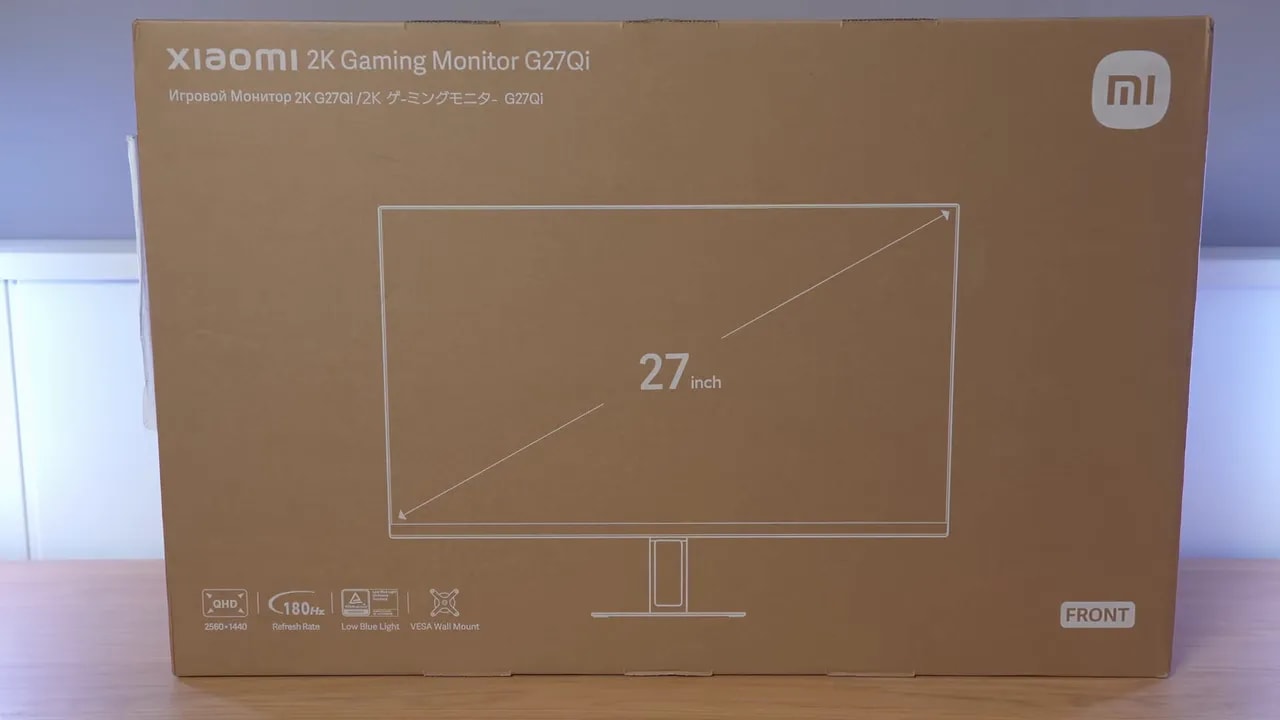
The packaging of the Xiaomi G27Qi is fairly simple. There is nothing particularly premium here, nor does there need to be if the product is well protected and includes the essentials.
The box includes:
- The power supply
- The usual documentation
- A DisplayPort cable
- The stand
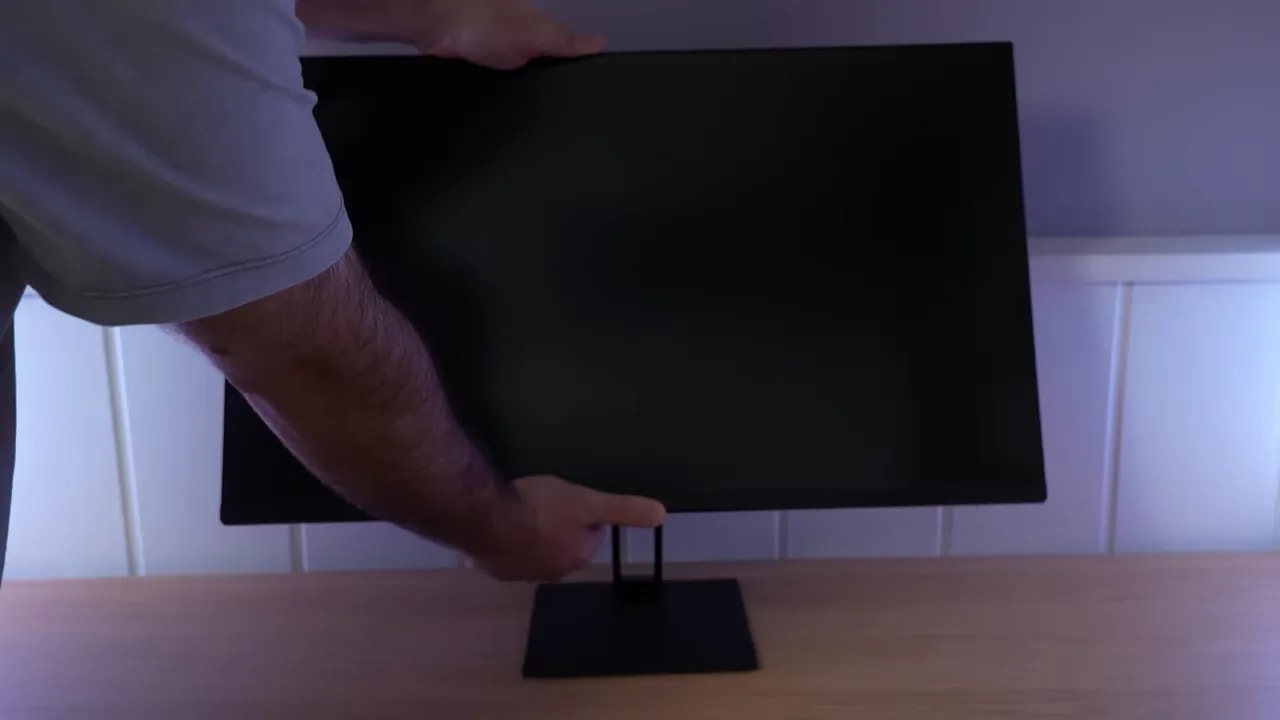
The base requires screws for assembly. It is not the most convenient system, but no major issue either. What matters is that stand construction is decent because it is metal, already giving it a much sturdier feel than very cheap solutions that rely too heavily on plastic.
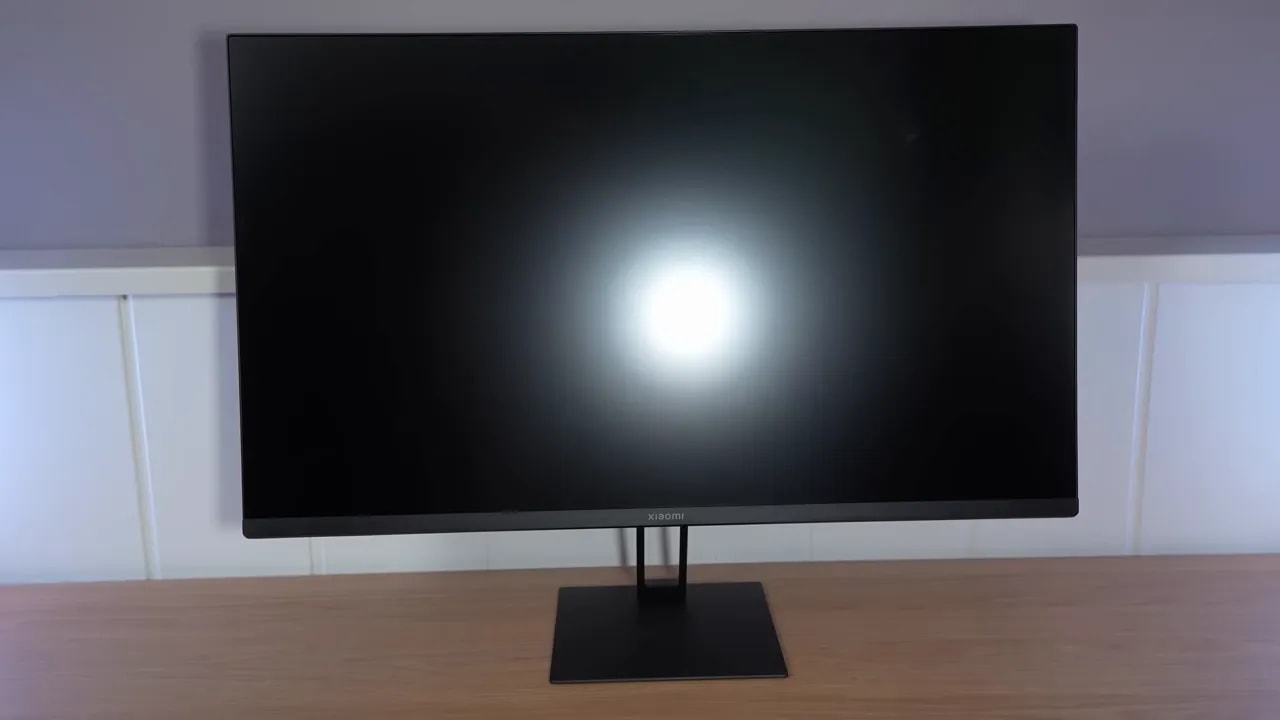
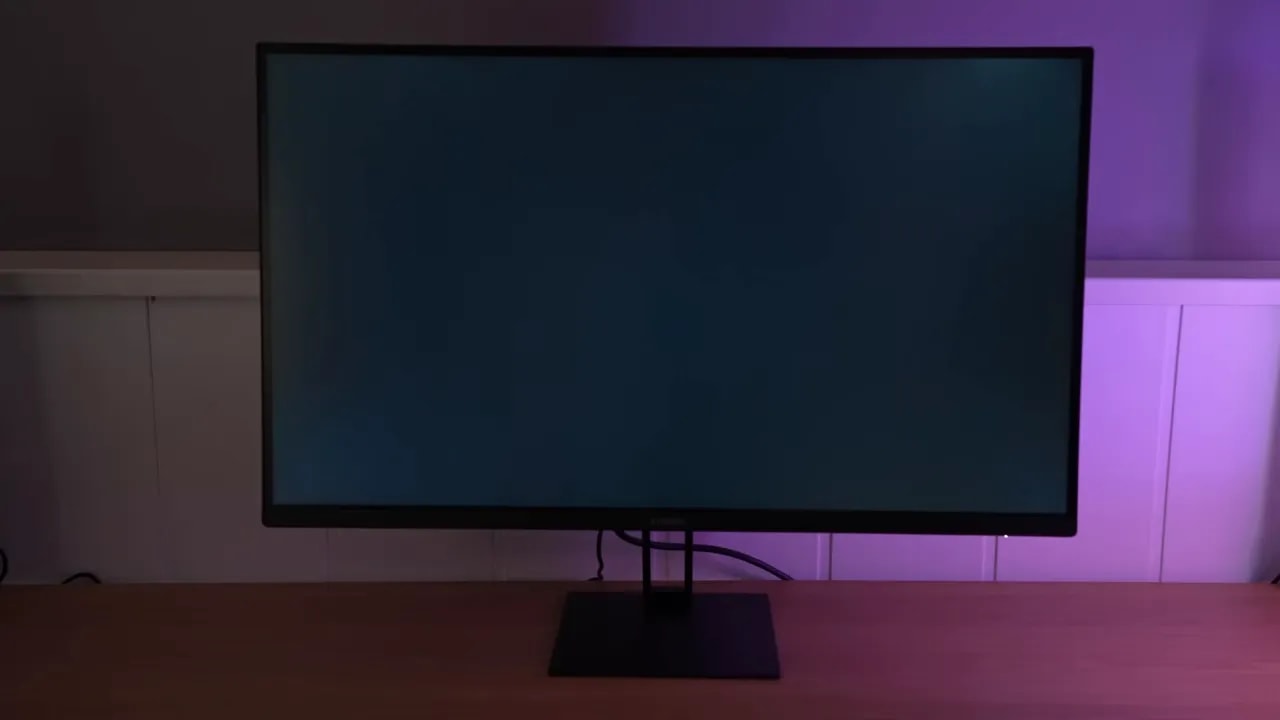
In design, the Xiaomi G27Qi takes a restrained approach. No flourishes, exaggerated gaming aesthetic, or odd ideas. If you like a monitor that blends into the desk, it does that perfectly.
For OSD navigation, we have a joystick, still one of the best possible solutions for this type of product. It is comfortable and quick, avoiding the nightmare of badly placed buttons.
However, stand ergonomics are limited. You can essentially adjust tilt, but little else. There are no substantial height, swivel, or pivot adjustments like on higher-end models. This is one of the most obvious cutbacks, although quite usual at the price.
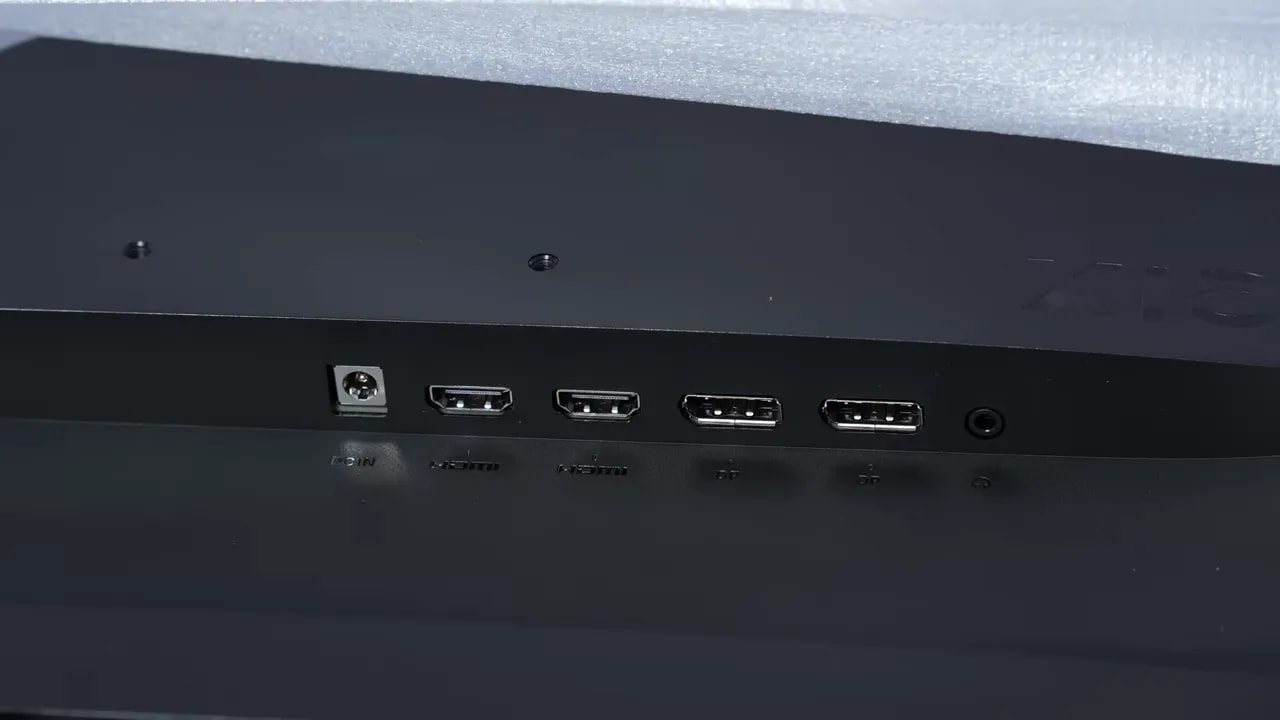
For inputs, the Xiaomi G27Qi is well equipped, particularly considering its price. Connectivity is not heavily cut back, always welcome in a product intended for a PC and perhaps a console.
SDR color: choosing between a clamp and native gamut
The screen uses a typical matte finish, but the antireflective coating is not particularly aggressive. In my opinion, that is good news.
An overly strong matte coating diffuses reflections enormously, yes, but can cost the image some vibrancy and clarity. Here the opposite happens: reflections remain somewhat more distinct than on other matte monitors, indicating a lighter treatment.
What does that mean in actual use?
- Colors seem to stand out more and the image feels cleaner
- Reflections are slightly more noticeable with poorly placed lights
Personally, I prefer this approach. If a monitor is matte, a light finish is better than a coating so aggressive it harms the perceived image.
For color modes, the Xiaomi G27Qi includes the usual options: gaming profiles and profiles aimed more at specific color spaces.
Honestly, gaming modes are better left off. As often happens, they tend to add more artificial processing than anything else.
The interesting options are the sRGB, DCI-P3 and the wide-gamut or wide gamut.
sRGB
The sRGB mode on the Xiaomi G27Qi clamped the gamut too much in my view. The intention is clear—control saturation for sRGB work—but the result is not entirely convincing.
The good part is that:
- The grayscale balance is on the right track
- The sRGB gamma curve is tracked appropriately
- Grayscale tuning has an acceptable delta
- The color temperature is very close to the 6500K standard
The less positive part is color accuracy, which could be improved.


sRGB mode provides reasonably good white and gamma tuning, but limits the gamut more than desired. The two captures separate that clamp from grayscale adjustment: they are not two ways of measuring the same result.
DCI-P3
In DCI-P3 mode, even with the gamut clamp, the Xiaomi G27Qi achieves around 93% coverage, a quite good figure for its price.
The problem here is that color accuracy worsens relative to sRGB mode, although grayscale balance remains quite similar and under control.
Wide Gamut
If gaming is the main use, the most sensible mode on the Xiaomi G27Qi is wide gamut. That is where you get all the color the panel can offer.
In this mode, the monitor exceeds 94% DCI-P3 coverage, very good for its price. In exchange, both color accuracy and grayscale balance worsen somewhat, so it is not ideal if accuracy is the top priority.
The panel also exceeds 90% Adobe RGB on the 1976 chart, although it has no dedicated mode for that gamut.
As with many monitors, the Xiaomi G27Qi improves considerably when manually calibrated with a professional meter.
DCI-P3 D65 calibration was tested by adjusting custom color temperature and applying an ICC profile. The result is a clear improvement in:
- White balance
- Color accuracy
As always, one thing should be clear: copying another unit’s settings does not make all monitors identical, even within the same model. Panel tolerances exist. Even so, proper calibration usually improves the result substantially.
Another important caveat: ICC profiles are mainly useful for image work or content reproduction. Their practical impact in gaming is much smaller.
Brightness, uniformity, and HDR
For brightness, the Xiaomi G27Qi approaches 400 nits, a pretty respectable figure for this segment.
Contrast exceeds 1000:1in most cases, more or less what you expect from a decent IPS. It will not work miracles in dark scenes, but it does not disappoint within this technology’s normal limits either.
The brightness and color uniformity is decent, which deserves credit because much worse results are common at this price.
This remains a lottery on almost any IPS, and the Xiaomi G27Qi is no exception.
The reviewed unit does not show excessive backlight bleed. It is within the normal range, standing out neither positively nor negatively.
As for IPS Glow, it is visible, but again falls in the middle of what is common at this price. This is neither a miraculous panel nor a particularly problematic one.
The Xiaomi G27Qi supports HDR, although it first needs to be enabled in the monitor menu.
Expectations need adjusting, though. This is typical budget gaming-monitor HDR:
- Brightness is not truly high
- Contrast is not high enough for true HDR
- There is no transformative experience in complex scenes
That said, HDR does provide slightly more brightness than SDR, exceeding 400 nits.
The PQ EOTF curve and luminance show some inaccuracies, although considerably worse examples have been seen on this type of monitor.
BT.2020 exceeds 70% coverage, not bad at all for this type of product.
Response at 180 Hz and adaptive sync
Now we reach one of the most important aspects of any gaming monitor. The Xiaomi G27Qi includes several overdrive modes, and the two that really make sense are Fast and Faster.


Faster and Fast offer different compromises at the same 180 Hz. Initial response time should be read alongside overshoot and motion photographs; a more aggressive setting does not guarantee a cleaner image at every refresh rate.
Faster
This is the preferred mode for getting the most from the monitor. With this setting, the Xiaomi G27Qi achieves around 5.62 ms initial response time, good for an IPS in this class.
The trade-off is some overshoot. It is not disastrous, but it is there.
With adaptive sync enabled, overdrive behavior changes slightly. Gray-to-gray response improves a little, at the cost of slightly more overshoot.
Fast
To virtually eliminate overshoot, the Fast mode is the logical choice. Initial response time here rises above 6 ms, sacrificing some speed for cleaner transitions.
This bears repeating about monitor marketing: the famous “1 ms GtG” on spec sheets does not hold up. In practice, with a strict methodology, actual IPS panels come nowhere near that.
So no, the Xiaomi G27Qi is not a true 1 ms monitor, just as the vast majority of IPS monitors boasting it on the box are not either.
The Xiaomi G27Qi supports adaptive sync, FreeSync, and G-Sync Compatible.
It was tested with an NVIDIA graphics card in G-Sync Compatible mode. It is not officially certified, but works well.
No flickering is visible in the pendulum test, and other patterns show no serious issues either. If you are extremely particular, there may be a very slight impression of flickering in specific situations, but that happens on many IPS panels and does not seem especially pronounced here.
The input lag of the Xiaomi G27Qi falls within completely normal numbers. There are no unpleasant surprises here, so gaming response is as expected for a monitor in its class.
What it allows with PS5
One of the weakest areas of the Xiaomi G27Qi is console use, specifically PlayStation 5.
Compatibility covers only the basics:
- It allows 1440p at 120 Hz
- It does not allow 4K mode for supersampling, something many other 1440p monitors offer
- No VRR on PS5
- No ALLM
If you still plan to use it with PS5, the overdrive recommendation is:
- 120 Hz: Faster mode
- 60 Hz: Fast mode
Gray-to-gray times rise a little on console but remain reasonable.
Compared with the KTC H27T22C, and conclusion
- At response times are very similar
- The stand is similar in both ergonomics and construction
- The matte finish light finish is also similar on both
- Slightly better in brightness and contrast
- Better compatibility with PlayStation 5
- Support for 4K supersampling
- Better factory color calibration
- Wider color gamut
- Better potential for post-calibration with a meter, precisely because it covers more DCI-P3 gamut
In other words, if you want better out-of-the-box tuning and PS5 use is important, the KTC makes a case. If you want to maximize panel color and it is also cheaper, the Xiaomi G27Qi makes a lot of sense.
There are frequent comments about Xiaomi monitor quality control, particularly dead pixels or other panel issues. However, making a serious claim would require a very large sample of units, and this cannot be rigorously confirmed or disproven here.
The most honest approach is therefore to leave it under observation, without presenting it as either a guaranteed problem or nonexistent.
Yes, the Xiaomi G27Qi is very worthwhile at the right price.
It is not perfect. Stand ergonomics are limited, HDR is very ordinary, and PS5 compatibility could be much better. Factory calibration is not spectacular in every mode either.
But looking at the whole package, it is hard to find too many serious objections. For what it can cost, it offers:
- 1440p at 27 inches
- 180 Hz
- IPS panel with good overall performance
- Very good color coverage for its segment
- Competitive response times
- Very solid overall PC gaming behavior
Most striking is how much this market has evolved. Not so many years ago, a monitor with these features could easily cost over 300 euros. Being able to buy something like the Xiaomi G27Qi for practically half that now completely changes the midrange landscape.
If PC gaming is the main use and you want the best balance of price and features, the Xiaomi G27Qi belongs firmly on the shortlist.