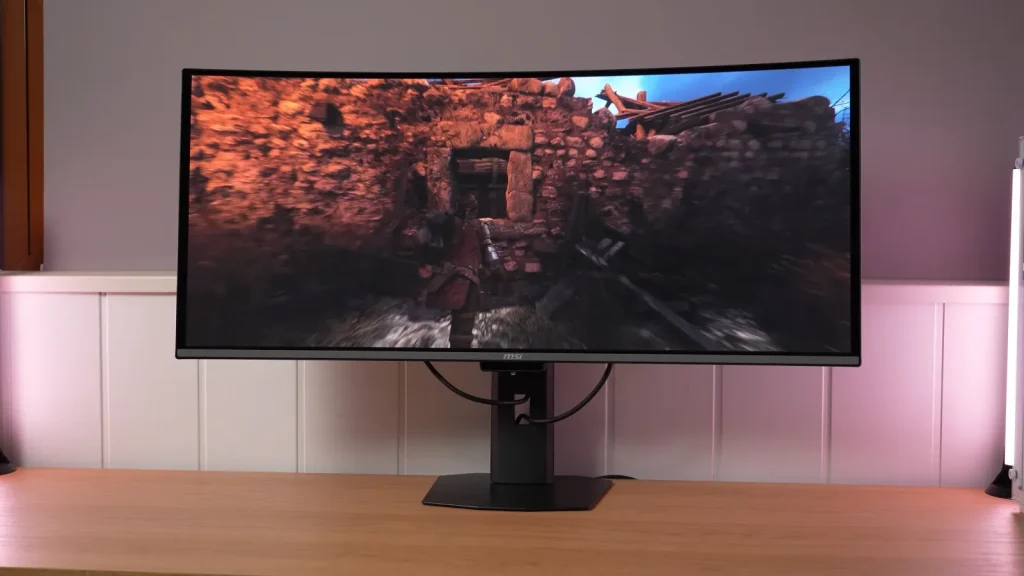
The MSI MPG 341CQR X36 brings 360 Hz to the 34-inch ultrawide QD-OLED format. Alongside speed, improved text and reduced ambient-light tint are meaningful changes for anyone who also works on the monitor.
Testing distinguishes those improvements from remaining limitations: SDR brightness, VRR flicker, and differences between HDR modes. The customizable curve offers more control, but requires understanding what you are changing.
Build, stand, and connectivity
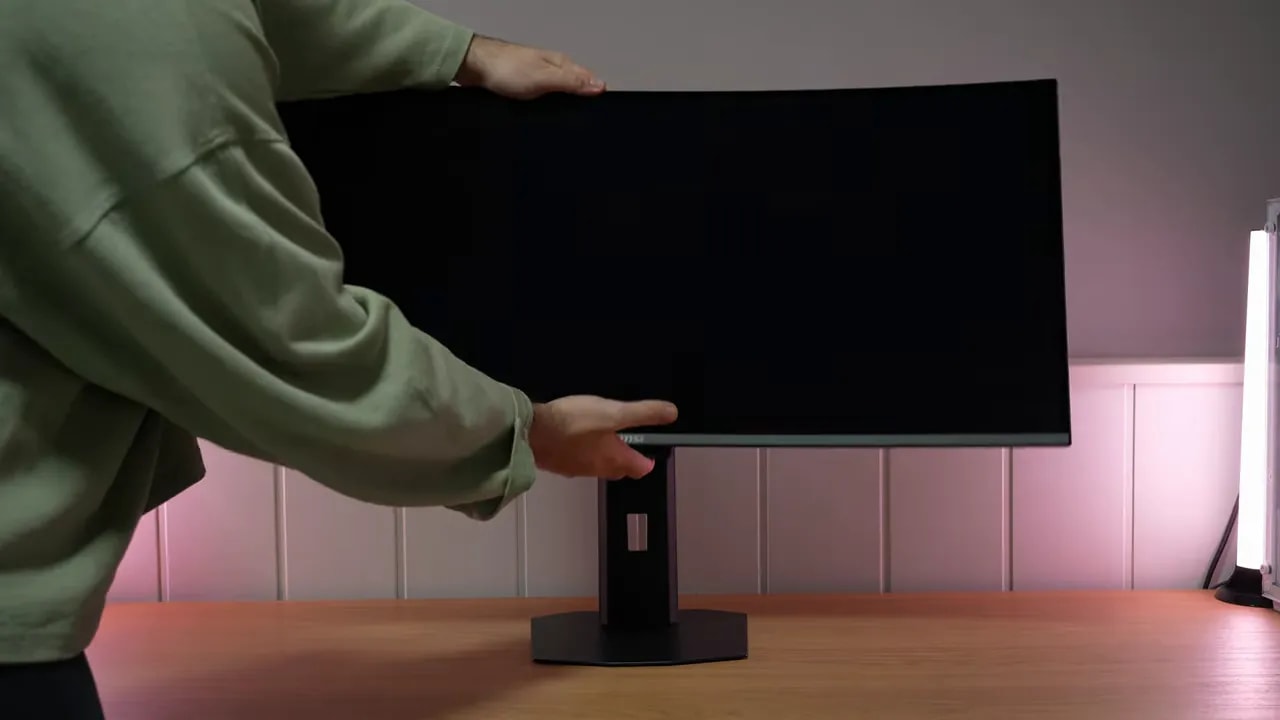
Physically, the MSI MPG 341CQR X36 left a good impression. Its stand has a very solid aluminum base, fairly heavy and stable without taking up half the desk.
It offers height and other usual adjustments, though obviously no portrait mode. That would not make much sense on a 34-inch ultrawide anyway.
Overall construction and stand quality are good. It does not feel cheap or like a monitor whose entire budget went into the panel alone.
MSI includes a fairly comprehensive set of extras, starting with its burn-in prevention system called OLED Care 3.0.
A highlight within that suite is a presence sensor with an integrated NPU, configurable through both the monitor and Windows. It is an interesting, potentially useful feature for protecting the panel while you are away.
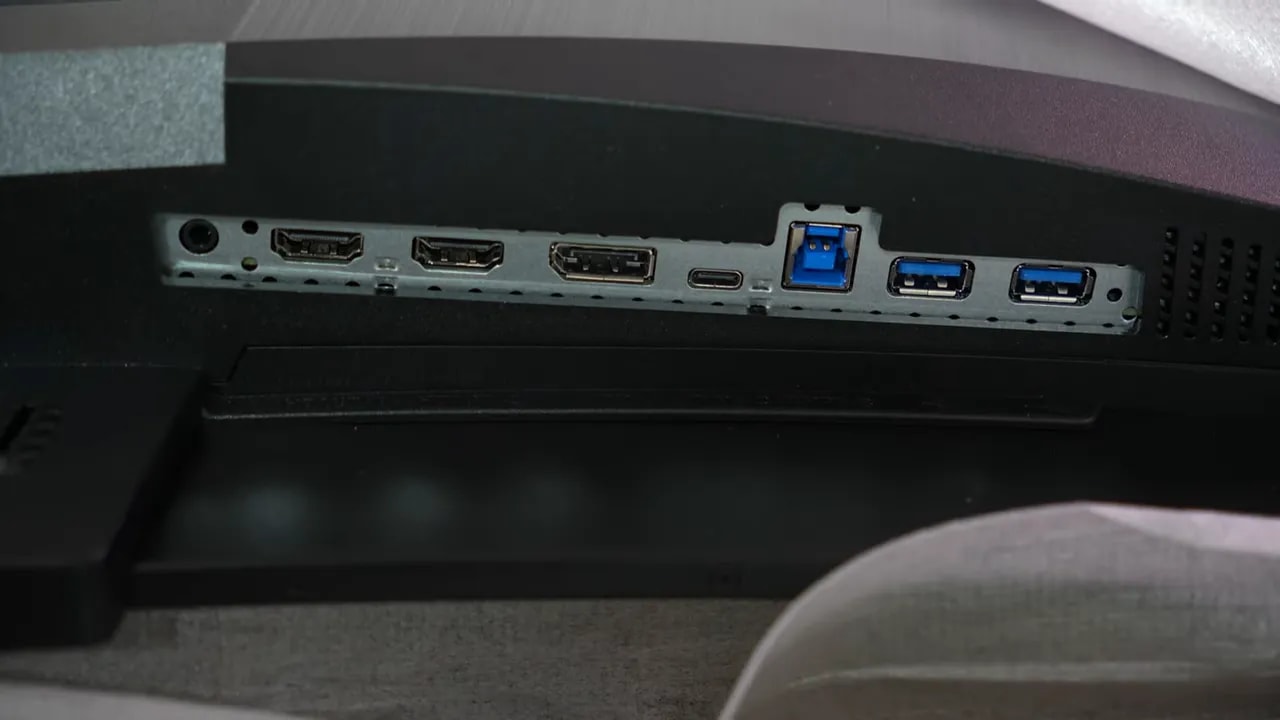
- DisplayPort 2.1, though not full bandwidth, but UHBR 13.5
- HDMI 2.1 with full bandwidth
- 98 W USB-C
There is also KVM, always welcome for switching between computers, and connectivity is fairly complete:
Reflections and text: visible panel changes
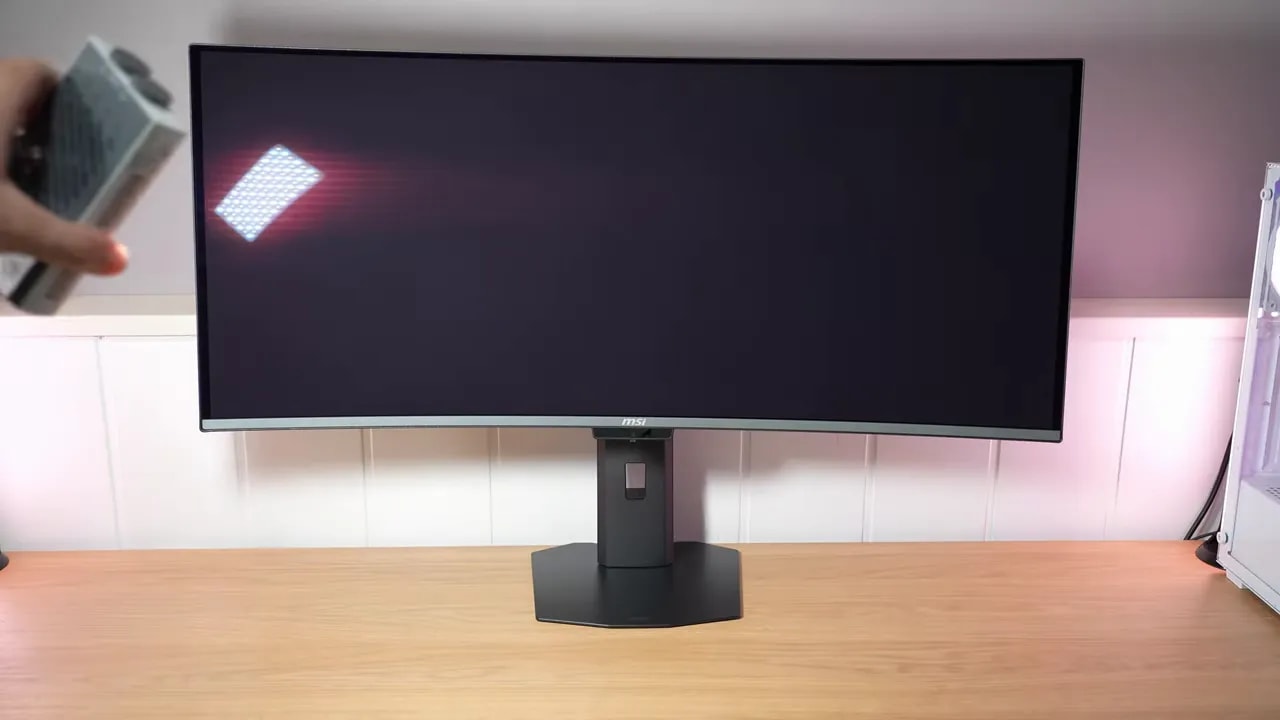
One of QD-OLED’s most visible characteristics until now was the magenta tint under direct or strong ambient light. Some effect remains on this panel, but it is reduced and now leans more gray.
It is not a radical change that makes it feel like a different technology, but is welcome. It is less bothersome, and work on the panel’s front layer is apparent.
Even so, black depth in bright environments still has room to improve compared with W-OLED, especially tandem W-OLED. That difference does not disappear entirely here.
MSI also retains the glossy finish, favored by many for its cleaner, more contrast-rich image. Surface treatment has also been reinforced for scratch resistance. On paper, hardness rises from 2H to 3H.
Deliberately scratching the monitor would not be a sensible test, so time will tell. But if resistance truly improved, that is good news, since these panels have always been delicate in that respect.
Another important change on the MSI MPG 341CQR X36 is the subpixel layout. This brings a meaningful practical improvement for anyone doing more than gaming.
Previous generations had already improved readability with a more favorable pattern than the first QD-OLEDs, but the structure changes again. Instead of the unusual or triangular arrangement, subpixels are now organized in a row.
It is not strictly “perfect” RGB, because subpixels differ in size: red is larger than green, and green larger than blue. In practice, though, it is much more text-friendly.
What is noticeable? The fringing is further reduced, if not practically eliminated altogether. Recent models were already quite decent, but readability improves further here, welcome for desktop use, browsing, editing, or office work.

SDR color: useful factory calibration
There is no especially striking color leap over the previous generation. Coverage remains broadly similar, meaning the MSI MPG 341CQR X36 still achieves very high SDR figures.
- DCI-P3: 98,4%
- Adobe RGB: 96,8%
- sRGB: full coverage
Overall factory calibration is quite good. Some familiar patterns from this panel type repeat. For example, grayscale gamma tracking is less precise than on many good IPS panels, which is relatively common, and color temperature is slightly warm. None reaches a concerning level, though.
MSI again includes several professional modes with gamut clamps to avoid oversaturation, and they are quite well tuned.
P3
P3 mode offers quite precise color accuracy. Grayscale behaves similarly to User mode with native gamut, and overall it feels well tuned.
Adobe RGB
Adobe RGB does not cover the entire gamut, but overall tuning is good. The main caveat is slightly oversaturated red.
sRGB
sRGB mode is particularly well tuned. Red could again be slightly more restrained for a perfect result, but grayscale and gamma are very well handled.
Overall, the MSI MPG 341CQR X36’s SDR factory calibration is very good. A colorimeter can obviously refine it further. DCI-P3 calibration can produce better results, but it performs quite well out of the box for normal and even demanding use.
For primarily gaming use, it honestly does not seem to require any adjustment to enjoy.


sRGB mode controls gamut and provides good grayscale and gamma tuning. The small red deviation does not prevent it being a useful factory starting point; colorimeter calibration remains an option for refining an individual unit.
MSI made a sensible decision here, though not everyone will like it: SDR brightness behavior is locked. This is intended to ensure more consistent panel behavior, and I do not think it is a bad idea.
The issue is not the lock itself, but the lack of an unlock option for those wanting more control. Fixed behavior can help with work, but ideally users could choose.
In practice, the monitor reaches around 300 nits in SDR at different APL levels, an improvement over older QD-OLED generations, aside from certain 500 Hz models that fell somewhere in between.
There is more room to improve brightness uniformity. With locked SDR brightness on OLED, you normally expect fairly clean behavior here. Instead, variations are larger than desirable.
On the positive side, the color uniformity is quite well handled. This area feels like something that could potentially be improved reasonably well through firmware.
HDR: fixed modes and a customizable curve
HDR brings clear brightness improvements. MSI offers three approaches, each with compromises.

TrueBlack 500 and Peak 1300 track fairly close to the reference, with slightly darker midtones. EOTF Boost lifts shadows and midtones and compresses some highlights. The graph shows available brightness by illuminated area; manual curve adjustment offers another tradeoff.
True Black 500
In True Black 500, the monitor reaches around 500 nits maximum at low APL. Its behavior is more impressive than the raw number, because it offers the best PQ EOTF and luminance tracking.
That means a more accurate image, less lost detail in dark scenes, and much less perceived panel dimming. It is probably the most balanced mode when prioritizing fidelity over peak brightness.
As usual with OLED, tracking becomes less precise at high APL, especially from 25% and even more at 50% or 100%. This is not unique to this model.
Peak 1300
Then there is the 1300-nit peakmode. It does not quite reach 1300 nits in a 2% window, but comes very close. That makes it the brightest QD-OLED I have tested at low APL.
However, it remains below some tandem W-OLEDs. It also has a major tradeoff: from 10% APL, considerable detail starts disappearing, and panel dimming becomes more noticeable in certain scenes.
At times, this mode can even feel darker than True Black 500. A typical case of “higher peak, but not always a better real experience.”
EOTF Boost
To mitigate that darkening, MSI includes EOTF Boostmode, already seen on earlier monitors from the brand.
It changes PQ EOTF and luminance behavior to make the monitor appear to lose less brightness in some scenes. It works to a point, but is not a perfect solution because it sacrifices accuracy.
I do not see it as the technically “correct” mode, but as a useful option in certain situations or for those prioritizing perceived brightness.
MSI has added a striking option here: the ability to customize the HDR luminance curve directly in the OSD.
Different points can be moved with the monitor’s joystick to adapt HDR behavior to specific needs. I doubt it is the best route to greater accuracy than the manufacturer’s tuning, but it is a very interesting extra tool.
Not everyone will use it, but those who enjoy experimenting with the image may find it useful.
In HDR, color performance on the MSI MPG 341CQR X36 remains similar to the previous generation.
It is not bad at all, but there is no enormous leap. Interestingly, some earlier QD-OLEDs report higher BT.2020 percentages. That stands out when this is theoretically a newer generation.
For color volume, which differs from gamut coverage because brightness also factors in, BT.2020 coverage falls somewhat, though overall results remain similar to earlier-generation QD-OLEDs.
360 Hz and VRR behavior
This is the first 3440 x 1440 QD-OLED ultrawide at 360 Hz I have tested, and response holds few surprises: gray-to-gray transitions are instantaneous, as expected from OLED.
There may be a little overshoot, also not unusual, but nothing relevant is visible in real use. Motion clarity, response speed, and clean transitions are all at an extremely high level.
However, MSI should correct two issues:
- Black Frame Insertion: it appears available even at 360 Hz, but does not seem to work correctly. The idea is to use it at 180 Hz for motion clarity comparable to 360 Hz, but the monitor’s current Windows configuration does not even let you directly select 180 Hz, exactly half the rate needed for this technology to make sense. Yes, a custom resolution can solve it, but that is not ideal on a product at this level. It strongly suggests firmware or implementation that still needs refinement.
- Input lag: measurements suggest it is somewhat higher than desirable.
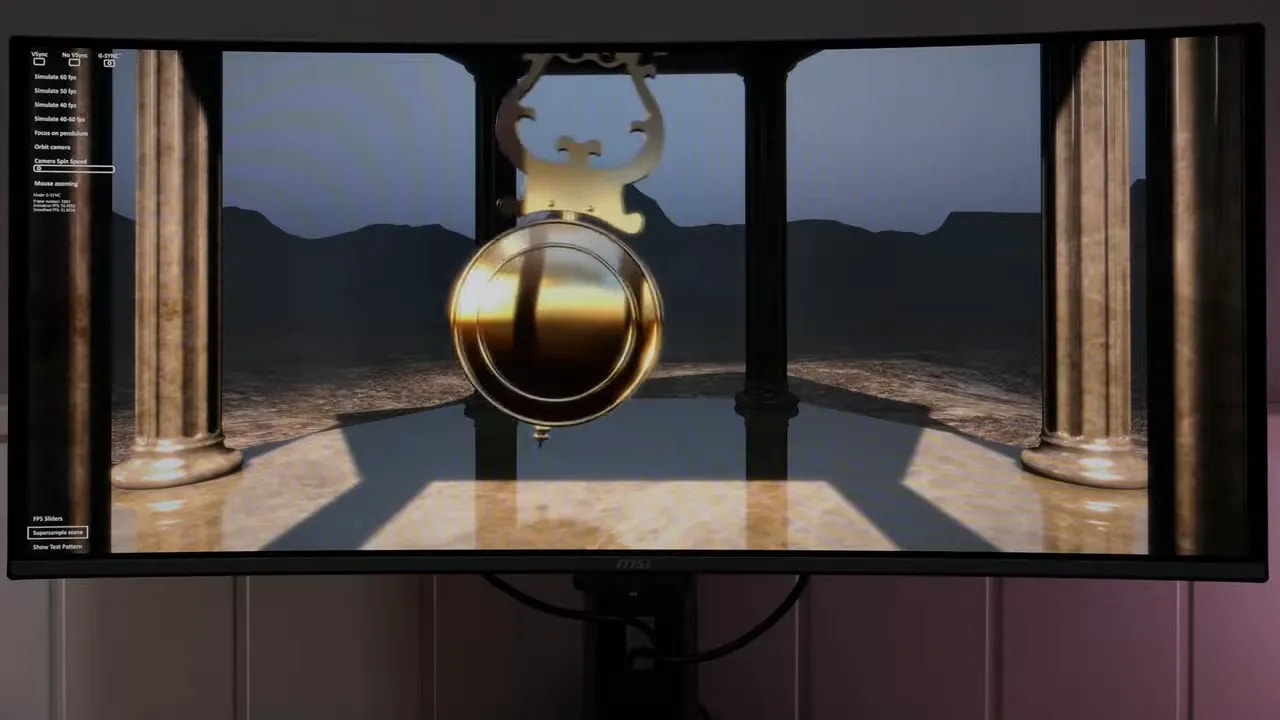
The MSI MPG 341CQR X36 supports Adaptive Sync, and testing with an Nvidia graphics card shows typical modern OLED behavior: there is flickering.
The effect does not seem particularly mitigated. The monitor even has a refresh-rate indicator in its menu, which makes it clear how variable-frequency behavior can accompany the usual flicker.
This is nothing new on OLED, but worth remembering as a recurring drawback when using VRR.
PS5: preserving image proportions
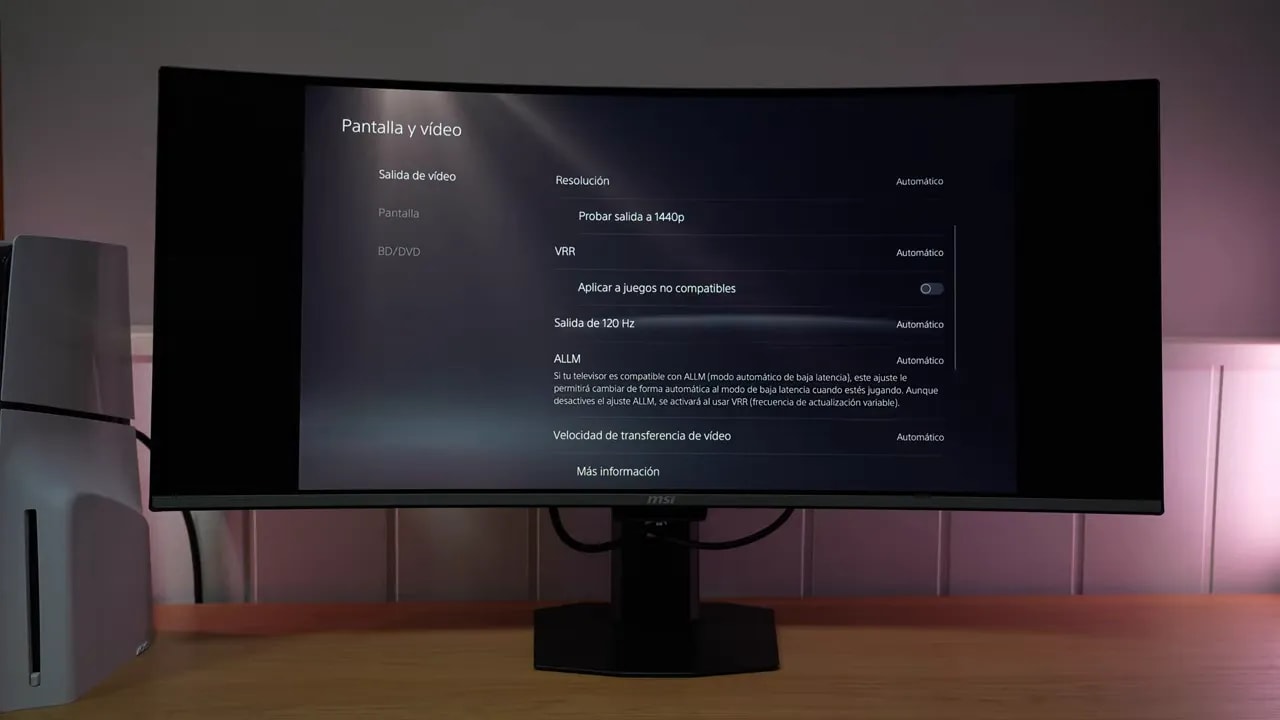
At PlayStation 5 runs at 4K and 120 Hz with HDR and VRR simultaneously, plus ALLM. To preserve image proportions, select 16:9 in the menu and use the side bars.
However, remember the obvious but important point: the monitor is ultrawide. So console use offers two choices:
- use a stretched image
- force 16:9 with black bars on the sides
The good news is that 16:9 emulation is available in the monitor menu, unlike on some ultrawides. It also supports additional aspect ratios.
Conclusion: useful advances beyond refresh rate
The key takeaway is this: the MSI MPG 341CQR X36 does more than increase refresh rate. Yes, a 34-inch 1440p ultrawide at 360 Hz is striking, but the most interesting part is the small improvements that together make a more well-rounded product.
- less magenta tint in ambient light
- better text clarity thanks to the new subpixel layout
- very good SDR factory calibration
- greater HDR brightness at low APL
- advanced HDR adjustment options
- comprehensive connectivity and useful extras
Not everything is perfect. BFI needs refinement, measured input lag needs improvement, SDR brightness uniformity needs more work, and VRR flicker remains part of the OLED package. Other technologies such as W-OLED and tandem W-OLED also retain perceived-black advantages in bright light.
Even with those caveats, among 34-inch 1440p OLED ultrawidesthis is clearly one of the most advanced I have tested, if not the most advanced.
Now we need to see what competitors do with this panel and, above all, compare a tandem W-OLED version directly against this fifth-generation QD-OLED at the same size and resolution. That will be especially interesting because, as always with monitors, every technology has pros and cons.