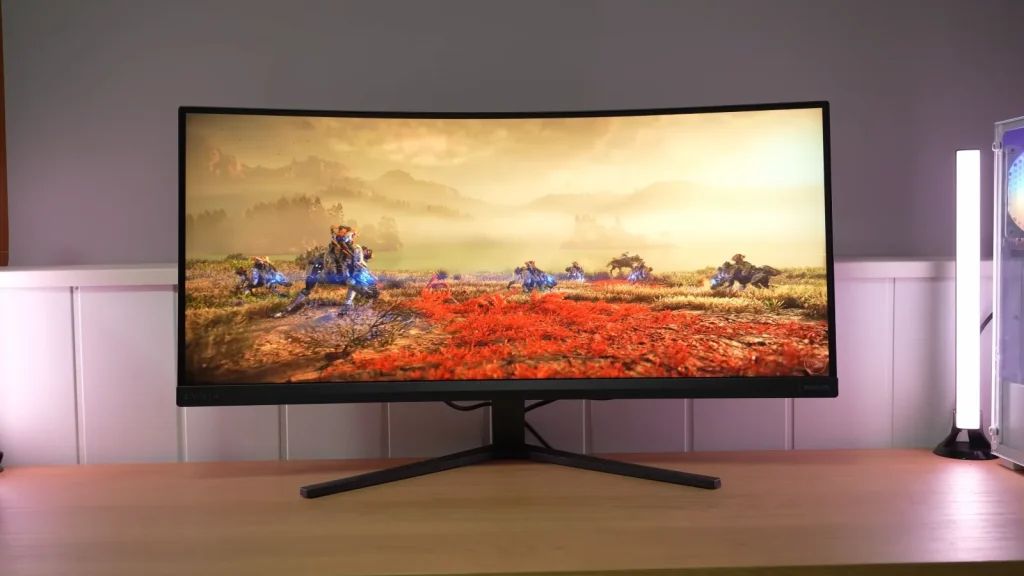
The Philips Evnia 34M2C3500L offers a 3440 × 1440 ultrawide format at 180 Hz with the contrast characteristic of a VA panel. It has a wide color gamut and is appealing for immersive gaming or extra workspace.
Dark transitions, VRR flicker, and the limited stand are its main compromises. Its results should be considered within the context of affordable VA monitors, without expecting the motion clarity of a fast IPS.
Packaging, assembly, and connections
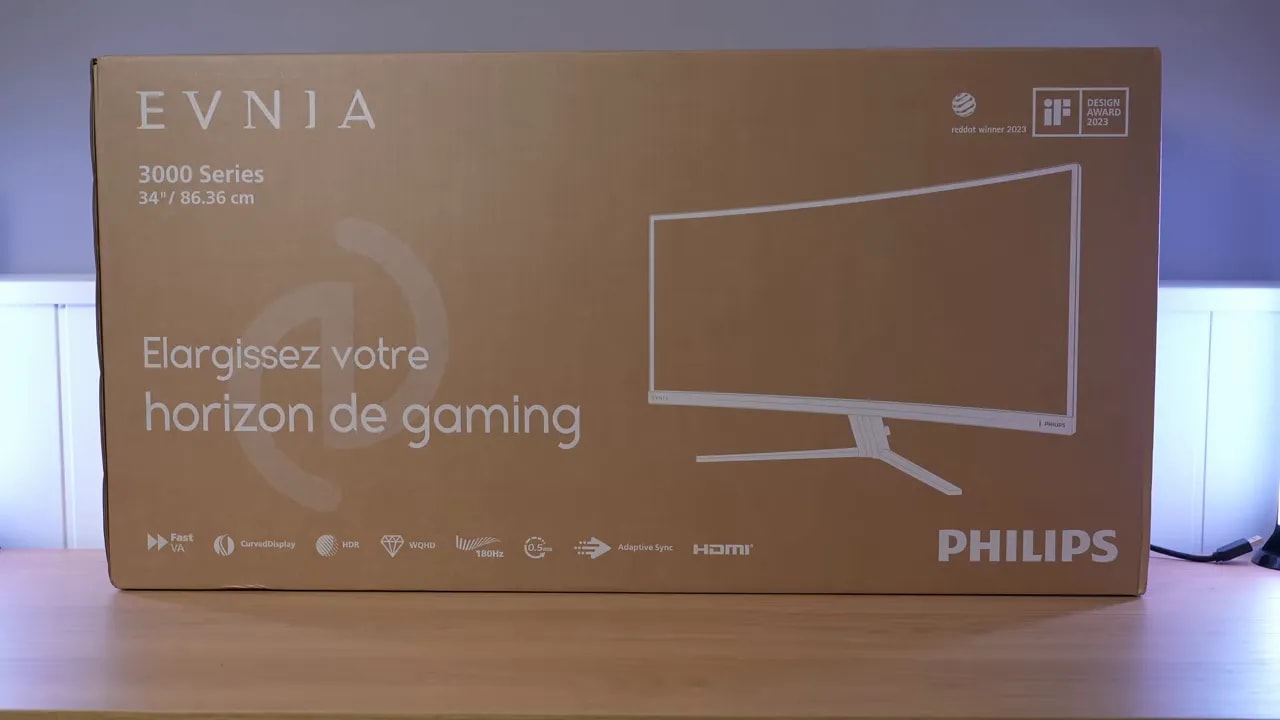
In terms of accessories, the Philips Evnia 34M2C3500L is reasonably well equipped. Inside the box, we find:
- HDMI cable
- DisplayPort cable
- Documentation
- Calibration report
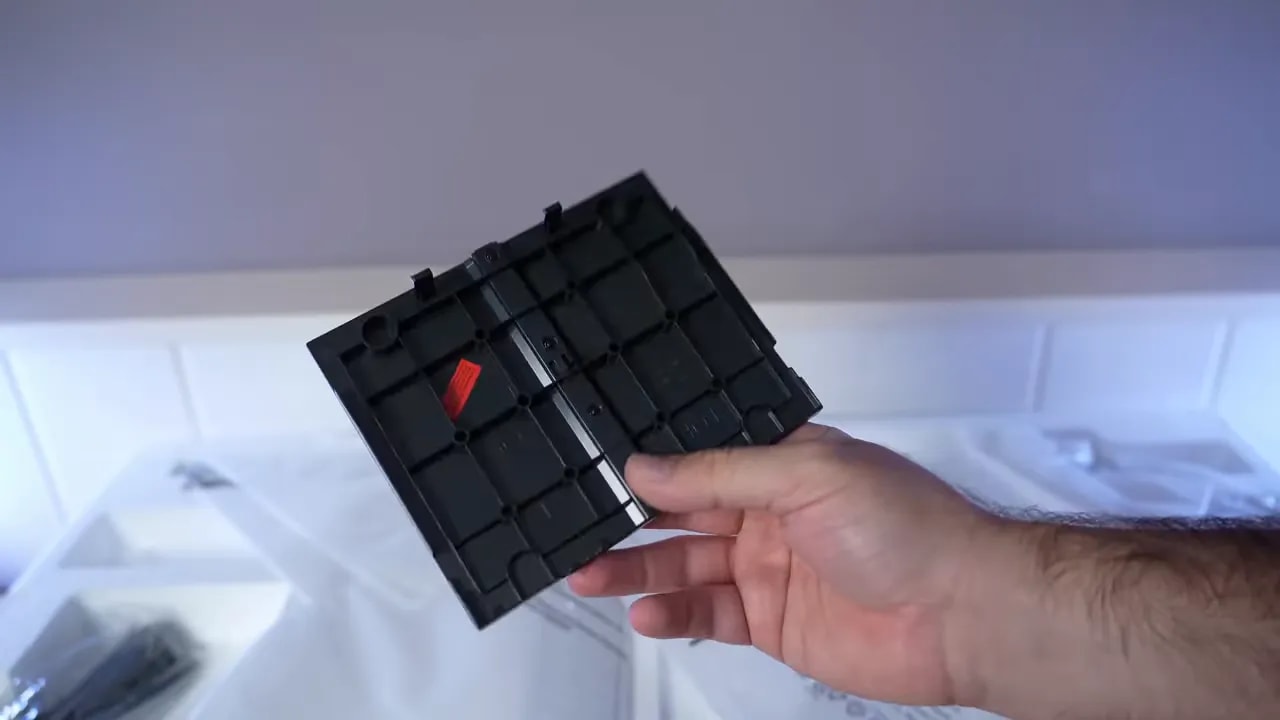
- Rear trim cover
- Screws for assembling the stand
- The monitor’s base and support
A calibration report is always a welcome detail, even if actual factory calibration is not particularly refined. It does no harm, but should not be taken as a guarantee of flawless tuning either.
Overall construction is good for the price range. It does not feel cheap at all. The issue is more with ergonomics than perceived quality.
The stand does the job, but only offers tilt adjustment. There is no height adjustment, swivel, or pivot, which is not unusual for a 34-inch ultrawide, but remains a major limitation if you do not plan to use an arm.
Fortunately, the monitor has VESA mounting support, so mounting it on an arm removes the main ergonomic shortcoming. If you do not, you can at least fit the rear trim cover for a slightly cleaner look.
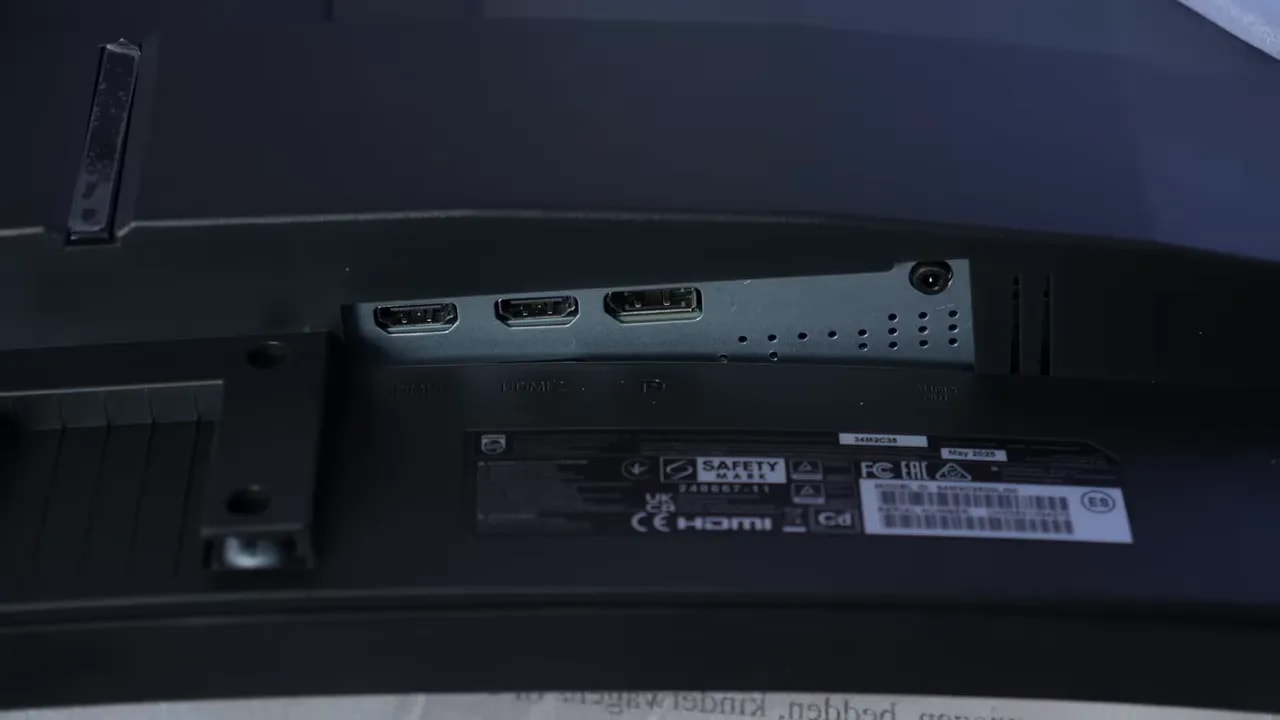
Connectivity includes the usual inputs for this type of monitor, though there is no USB hub. That is an expected cutback in this class, but worth knowing if you like using your monitor as a small connection hub.
Curvature and SDR color
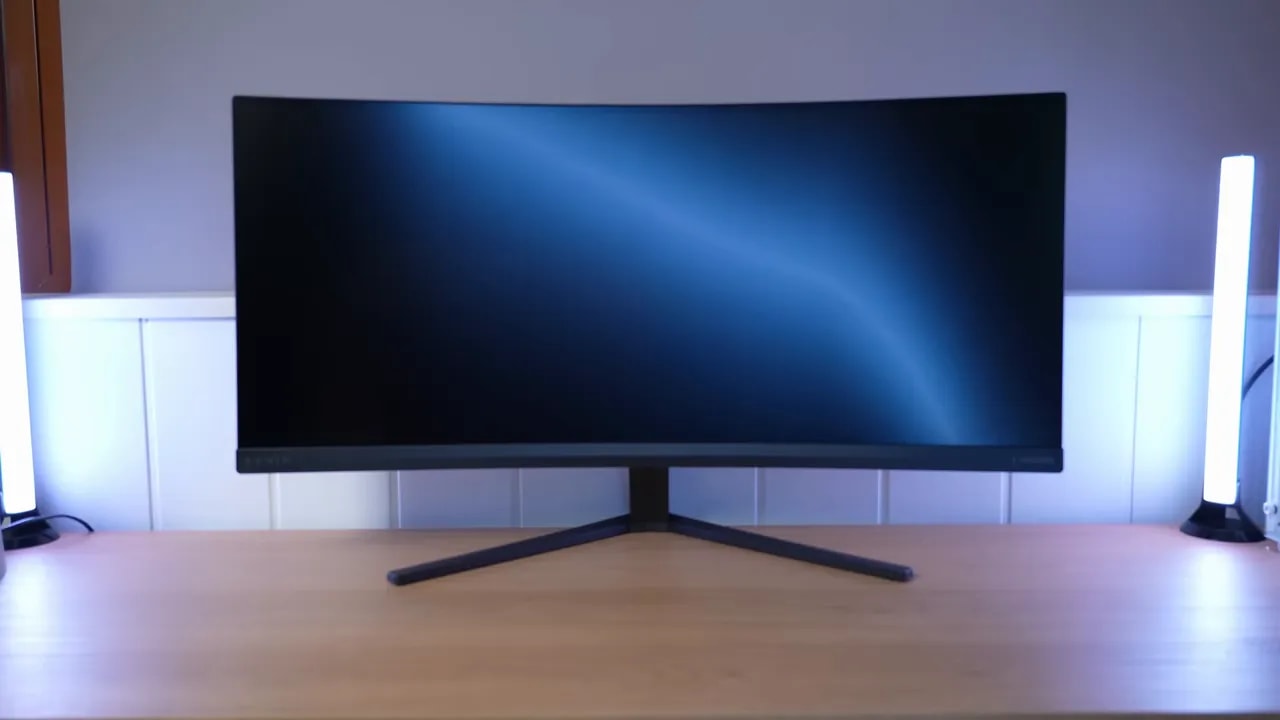
The panel surface has a light matte finish. Personally, I find this type of finish the best-balanced option when done well: it reduces reflections somewhat without dulling the image or muddying colors too much.
That is exactly what happens here. Colors look a little more vivid than with an aggressive matte coating, but in return, reflections are less controlled.
Also, because the monitor is curved, reflections distort more than on a flat screen. That is not a specific flaw of this model, just physics at work.
The OSD menu contains several picture presets, but the most sensible starting point is Standard mode.
Factory grayscale calibration is not disastrous, but could improve. Gamma is somewhat high out of the box, grayscale could be better tuned, and color temperature, while not bad, is not exactly where it should be around 6500 K.
After trying different options, this configuration gives the best result:
- Picture mode: Standard
- Gamma: 2.0
- Color temperature: Native
Something interesting happens here: the 2.0 gamma setting behaves closer to 2.2 than a true 2.0, though with the occasional odd small spike. Even so, it is the most convincing option available.
With this combination, grayscale calibration improves considerably, although 100% white still strays a little. It is not perfect, but it is much closer than the factory settings.
One of the strengths of the Philips Evnia 34M2C3500L is that its color gamut is quite good. In the mode discussed above, it reaches approximately 95% of DCI-P3, a very good figure for this type of monitor and its price.
At Adobe RGB comes close to 90%, which is not bad either, though the monitor’s factory calibration does not seem specifically intended for that gamut.
When measured against sRGB, the expected oversaturation from using a wider gamut appears. That is where the monitor’s sRGB mode comes in.
The Philips Evnia 34M2C3500L includes an sRGB setting that does a fairly good job clamping the gamut. It reaches around 98% sRGB and eliminates that typical oversaturation.
The problem is that this mode is quite restricted. Only brightness is adjustable. Gamma and color temperature cannot be changed. As a result, grayscale and gamma remain less refined than ideal. In practice, the supposed 2.2 is closer to 2.4, and grayscale is less accurately tuned.
It is far from useless, but there is room for improvement.


The clamp retains almost the entire sRGB gamut and avoids native-gamut oversaturation. However, only brightness can be adjusted in this preset: grayscale and gamma deviations are constrained by that lockout.
If you want to fine-tune the monitor manually for DCI-P3 work, there is room for improvement. Adjusting color temperature manually, especially by lowering blue considerably, can produce better results after calibration.
Calibration mainly improves white-point tuning, which can then land where it should. The EOTF, essentially the functional equivalent of gamma in these measurements, is still not as precise as desired, but the overall result improves.
If you plan to copy settings from another identical panel, keep something important in mind: two monitors of the same model do not behave exactly alike. You can get close, but cannot match the result exactly without a colorimeter.
Another important distinction: the ICC profile makes much more sense for editing, content playback, and color work than for gaming.
Contrast, uniformity, and HDR limitations
For brightness, the Philips Evnia 34M2C3500L comes in at around 330 nits with color temperature set to Native. That is not a huge amount, but it is not bad either. It should be enough for most people in normal indoor use.
Contrast is where VA excels. Initial measurements here yielded around 4700:1, but with a newer, more accurate colorimeter, the figures were closer to 3500:1.
The difference comes from how black level is measured. If choosing one reference, it is better to trust the more conservative, lower value, since it is likely more accurate.
In any case, even using the cautious figure, contrast remains very good and clearly superior to most IPS panels.
The monitor includes several HDR presets, of which the best-performing is Personal mode. Even so, the accuracy of the PQ EOTF curve and luminance could be better.
There is little mystery here: convincing HDR needs more brightness and more useful contrast under real conditions. Native VA contrast helps, yes, but 330 nits falls short of serious HDR.
As a minor extra, fine. As a reason to buy, no.
That said, coverage measurements are not bad. In BT.2020 coverage, it reaches around 73%, which is quite decent for this price range. In UHDA-P3 there is no loss of color compared with SDR, and color volume is around 92% of DCI-P3.
But again, the brightness ceiling dictates the result. And here, that ceiling is what it is.
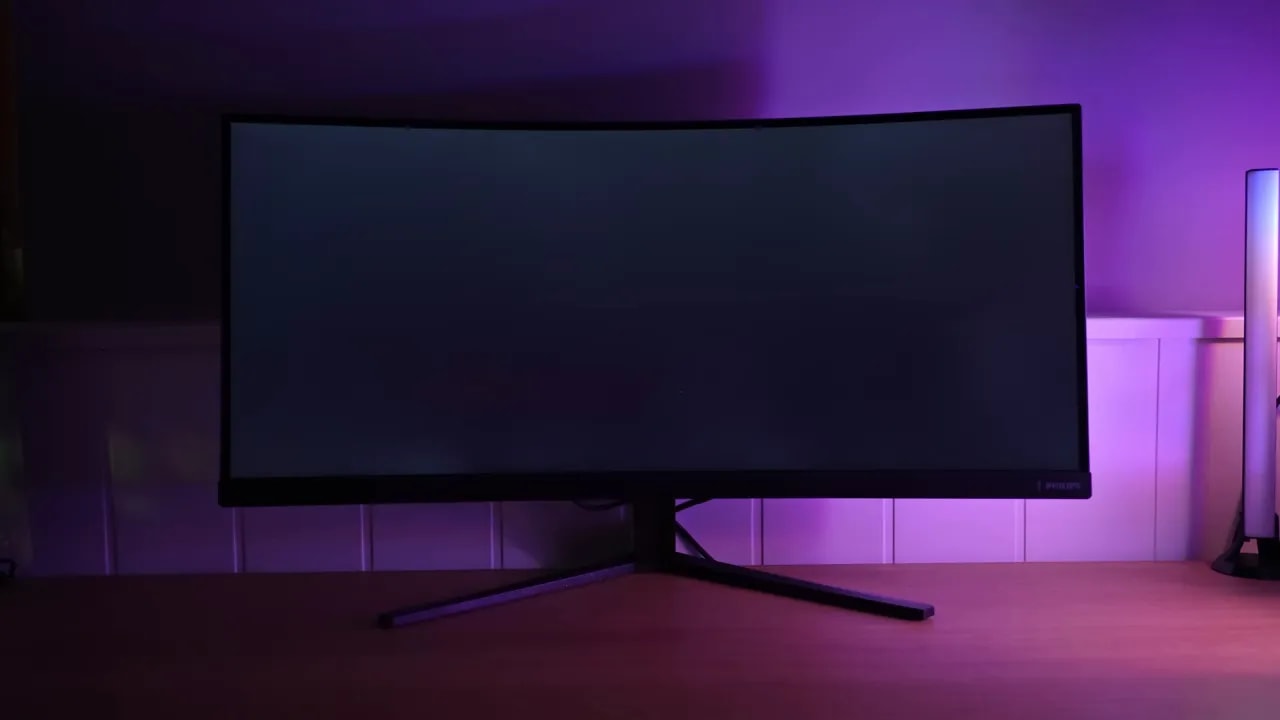
Backlight bleed shows the classic pattern seen on many curved VA panels: that round, ball-like clouding, especially at the top and bottom. It is very common with this technology, and honestly, finding one entirely free of it is difficult.
Glow is not particularly noticeable, although the bleed becomes more apparent from the sides.
The brightness uniformity is quite good considering this type of bleed. The color uniformity has more room for improvement, though it improves substantially at lower brightness.
180 Hz: response, dark trails, and MPRT
Now we reach one of the key areas of any gaming monitor. The Philips Evnia 34M2C3500L runs at 180 Hz and offers several overdrive modes.
But context matters. Even though it is a Fast VA, it does not compete in the same league as IPS for response times.
The two most interesting modes are:
- Faster: around 7.76 ms initial response time with little overshoot
- Fastest: around 6.08 ms, but with more overshoot
Between the two, I personally find Fastest more appealing if you can tolerate the extra overshoot, since it pushes the panel a little harder.


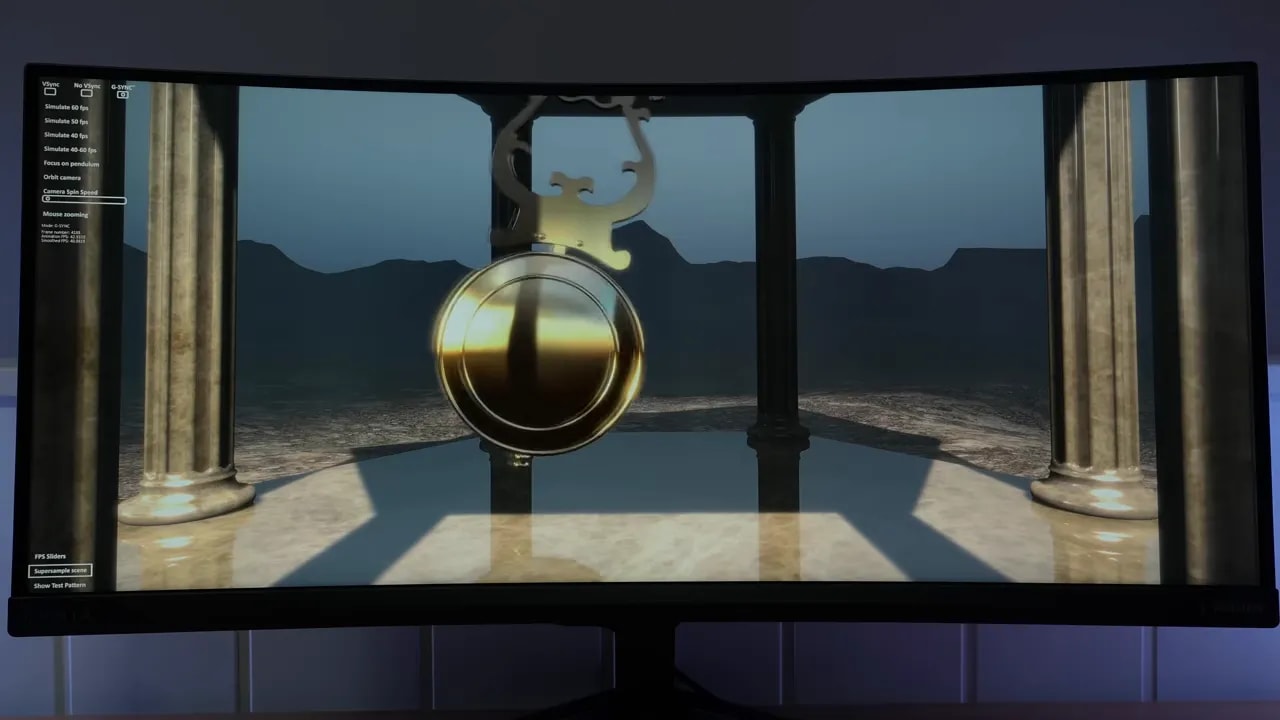
Faster and Fastest show the tradeoff between initial response and overshoot at 180 Hz. Fastest reduces response time but increases artifacts; Faster is the more conservative option. The VA’s dark transitions deserve attention alongside its overall average.
The UFO test clearly shows that ghosting, and especially smearing in dark transitions, is present.
That is exactly what usually happens with VA panels. Even the better Fast VA panels remain far behind IPS in this respect.
The good news is that, within its category, this panel performs quite well. It does not eliminate the problem, but performs better than other options in the segment. In fact, it comes out considerably ahead of the previously tested Xiaomi ultrawide, particularly in response times and color.
It also includes an adjustable MPRT backlight strobing mode. Its inclusion is welcome, since some people always want to experiment, but I do not find it particularly advisable in this case.
Increasing this setting reduces brightness, it cannot be used simultaneously with G-Sync, and it does improve motion clarity somewhat, but smearing remains visible.
Also, strobe crosstalk is noticeable too. Overall, it is an interesting feature to experiment with, but I would not leave it enabled for normal use.
VRR and flicker: the most important compromise
The monitor supports Adaptive Sync, so it can be used with G-Sync Compatible on Nvidia and FreeSync on AMD. To enable it with Nvidia, you need to use DisplayPort.
However, here comes the big caveat with this type of panel: I do not recommend enabling it.
Why? Because enabling VRR introduces considerable flickering, especially in dark scenes and loading screens. This is not a specific fault of the Philips Evnia 34M2C3500L. It is very typical of VA panels, curved or flat, cheap or considerably more expensive.
The brief explanation is simple: on many VA panels, changes in variable refresh rate also slightly change panel brightness. That creates the bothersome flicker.
Firmware fixes have been attempted on more expensive models, including well-known Samsung lines such as G7 and G9, but the solution has never proved truly satisfactory.
So the conclusion here is very clear:
- If you are sensitive to flicker, disable Adaptive Sync.
- If VRR is essential to you, look instead at an IPS or an OLED.
Even OLED can exhibit it to some extent, but considerably less.
The input lag is slightly above average. Nothing dramatic or particularly noticeable in practice, but it is there and worth recording.
Console use, multitasking, and everyday details
If you are considering using the Philips Evnia 34M2C3500L with a PlayStation 5, you need to temper your expectations. This monitor is not designed for consoles.
The PS5 does not support the 21:9format, so the image may appear stretched. Also, no clear menu option was found for displaying 16:9 content with the correct aspect ratio within the panel.
It also could not be set directly to 1440p as expected. The available options were:
- 4K at 60 Hz with supersampling
- 1080p at 120 Hz
There is also no support for VRR or ALLM in that scenario.
If you still plan to use it on a console at 120 Hz, the most sensible overdrive setting is Fast. It has a little overshoot, but it is barely noticeable and worthwhile compared with leaving overdrive off.
At 60 Hz overshoot increases somewhat, though it remains moderate and the result is still better than disabling overdrive completely.
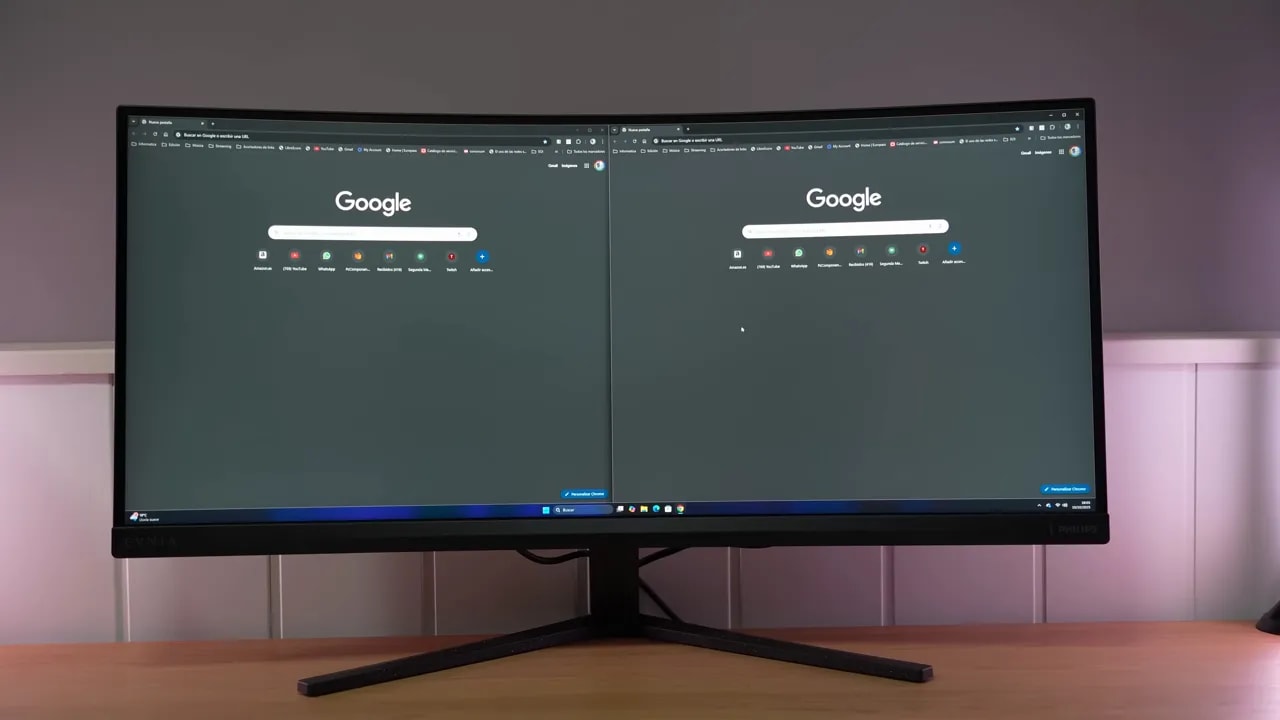
As additional features, the monitor supports PBP and PIP, allowing two video sources at once. That can be useful for certain productivity workflows.
However, one small detail becomes quite annoying day to day: the front status LED.
You can turn it off or adjust its intensity while the monitor is on, but in standby it keeps blinking and there is no clear menu option to disable it. If light in the room bothers you, you will need the classic tape solution.
Compared with other affordable ultrawides
Among affordable 34-inch ultrawide monitors, this model fares quite well. Compared with the equivalent Xiaomi reviewed previously, it is better in color gamut and response times.
Brightness falls slightly behind at 330 nits, but honestly, that does not seem a serious problem for this type of product.
That said, it is important to place the product in context. This is not a monitor for serious competitive gaming. For that, an IPS with clearly better response times is preferable.
Where it makes sense is a mixture of productivity, media, and more immersive gaming, provided you accept the usual VA compromises.
And that is the key point: if you want a 34-inch ultrawide on a limited budget, often you have to accept a VA panel, because IPS and OLED options in this format usually cost considerably more.
The Philips Evnia 34M2C3500L strikes me as a monitor that is quite well balanced for its price. Not because it is perfect—it is not—but because it handles several key areas better than usual within its class.
It has a good color gamut, high contrast, decent response times for a VA , and a 1440p ultrawide format that is very welcome for work and more immersive gaming.
However, you need to buy it knowing exactly what it is:
- Not for esports
- Not for anyone who cannot tolerate smearing
- Not for anyone who considers clean VRR essential
- Not a particularly logical purchase for PS5
But if you want an inexpensive 34-inch 3440 x 1440 monitor and already accept VA’s limitations, the Philips Evnia 34M2C3500L is among the most interesting options in the budget range.