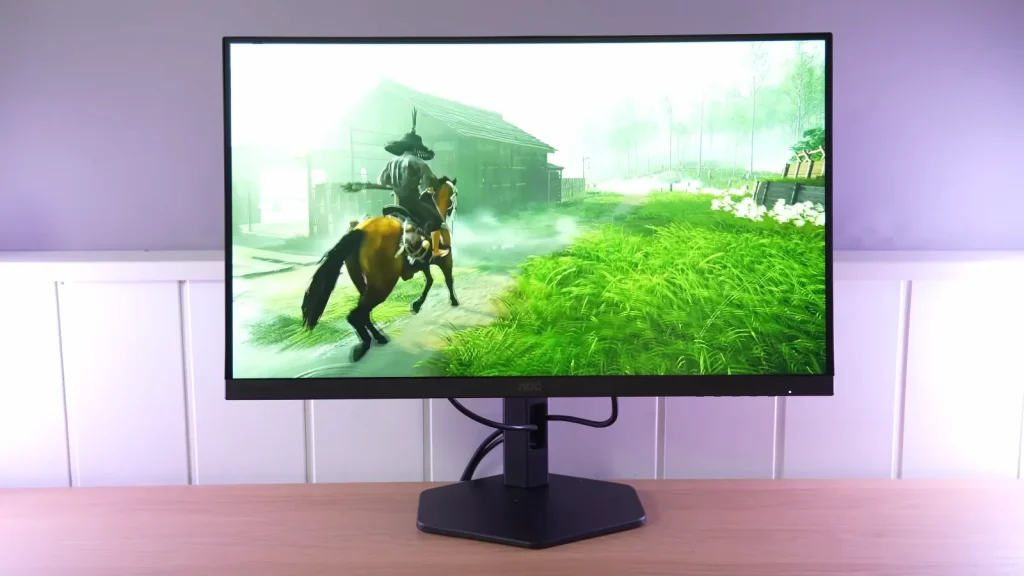
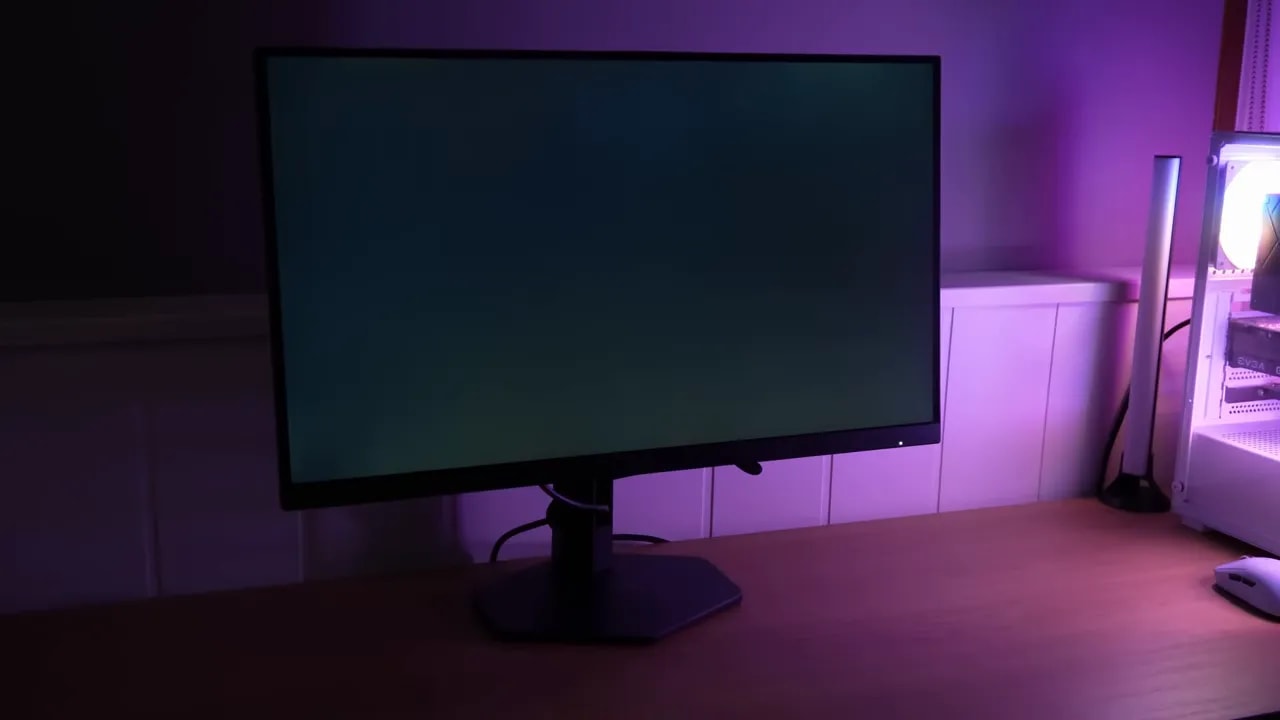
The AOC Q27G4XF is a 180 Hz 1440p IPS aiming to balance price, ergonomics, and response. It provides a convincing SDR baseline, although the heavy matte finish and sRGB clamp shape the image’s appearance.
Overdrive choice matters more than the number of presets. It is also worth distinguishing it from other Q27G4 variants: their names are very similar, and not all have the same stand or equipment.
Assembly, stand, and connections
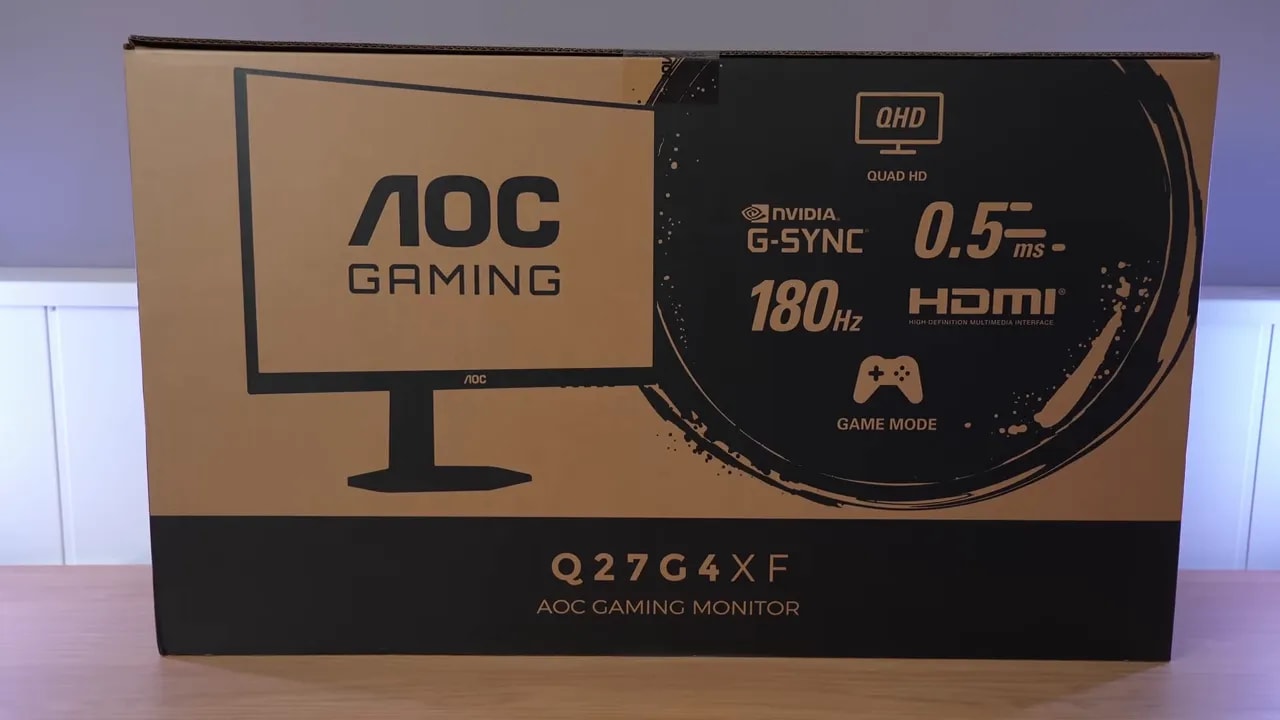
The packaging holds no surprises. Inside are the usual items, enough to get started without buying anything else:
- HDMI cable
- DisplayPort cable
- Power cable
- Documentation
- Base and stand
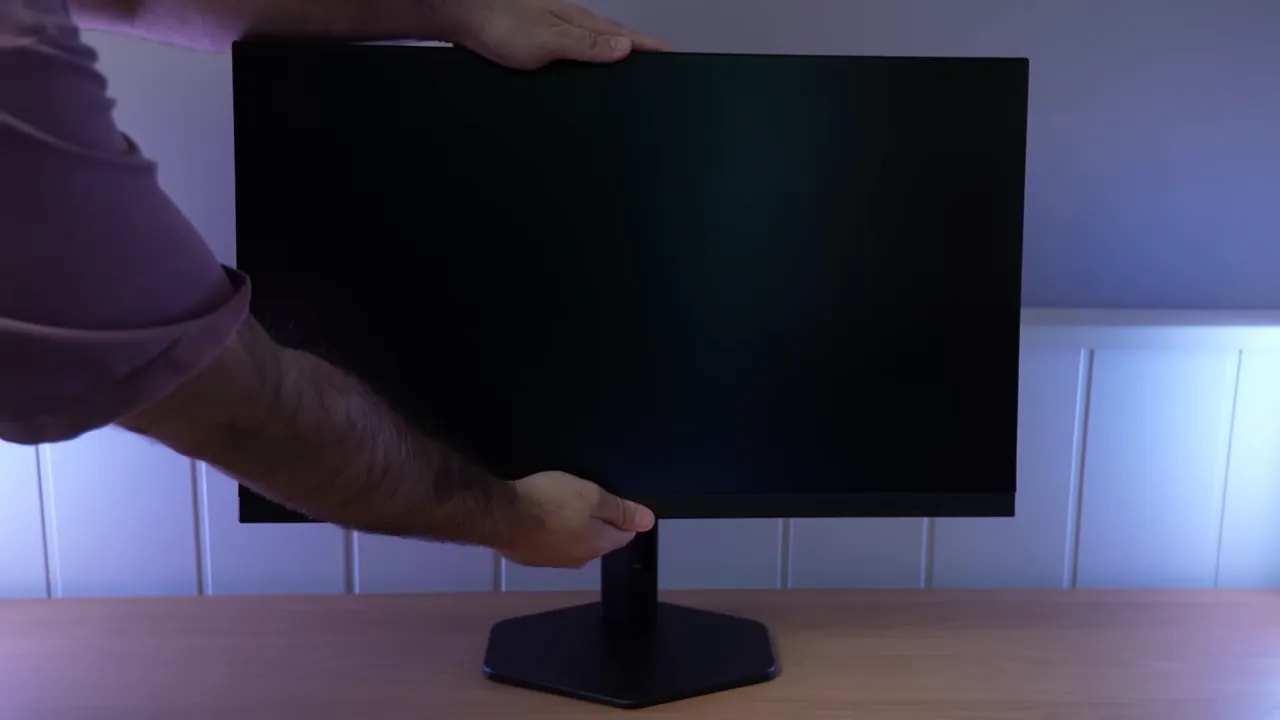
The stand on the AOC Q27G4XF is the same as on the original model. It is mostly plastic, like the monitor itself, but what matters here is that it functions well.
In fact, ergonomics are considerably better than usual in this range:
- Height adjustment
- Portrait pivot
- Forward and backward tilt
- Swivel without moving the base
The only clear ergonomic drawback is a slightly limited height range compared with other monitors. It is not a big problem, but it is a small detail AOC could improve.
AOC still uses conventional physical buttons for menu navigation. They are rather inconvenient compared with a joystick, although at least the labels are visible from the front, avoiding guesswork about each button’s function.
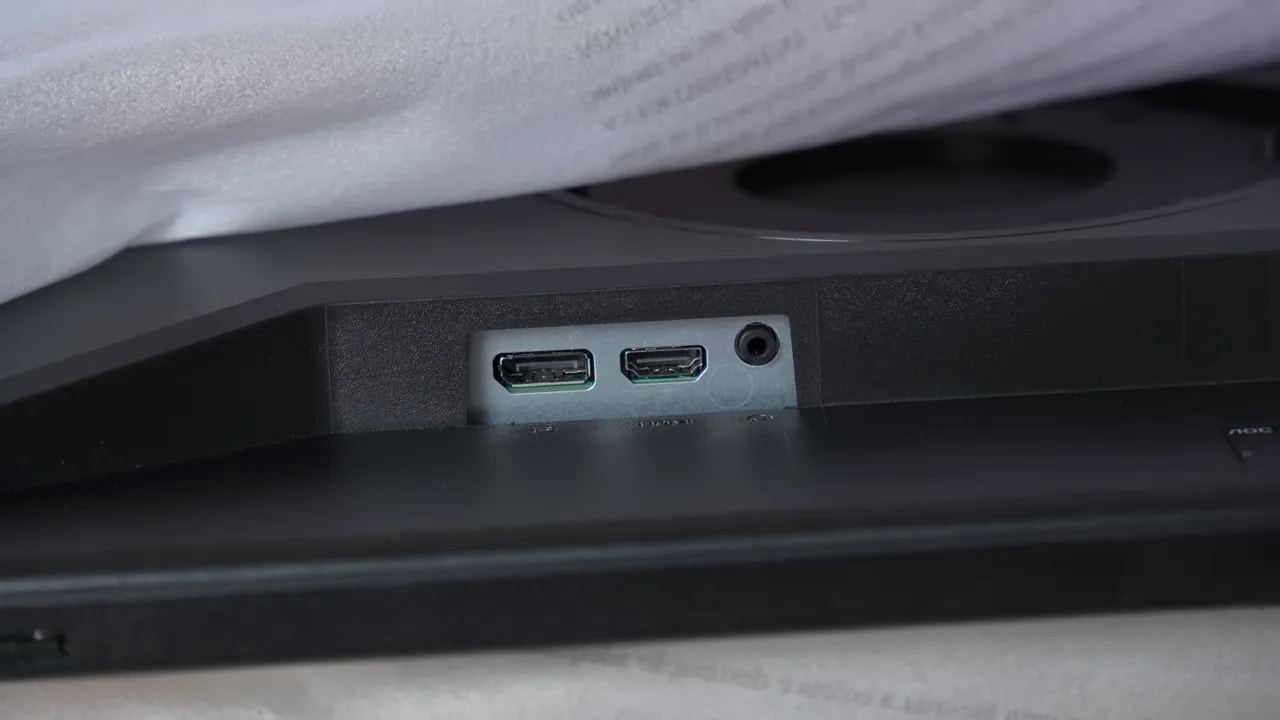
For connectivity, the AOC Q27G4XF is sparsely equipped:
- 1 x DisplayPort 1.4
- 1 x HDMI 2.0
- Audio jack
More inputs are clearly missed, but the product needs to be judged in context. At this price, the cutback is understandable. Even so, the model without the F does offer an extra connection, which may tip the balance if you use several sources at once.

Finish and SDR color
One of the clearest characteristics of the AOC Q27G4XF is its fairly aggressive matte finish. This has an obvious benefit: it controls reflections very well and diffuses them considerably.
But it is not all good news. Such a strong matte treatment also restrains color output a little and can introduce the familiar grain most visible in light colors such as white, especially from side angles.
If you prefer light matte finishes, keep that firmly in mind before buying the AOC Q27G4XF. It does not ruin the experience, but strongly shapes the panel’s visual character.
For image quality, the monitor offers several modes, but the recommended starting point is clear: leave Gaming Mode on Standard. From there, color settings offer two main paths:
- Wide Gamut, where options can be adjusted
- sRGB, to limit saturation
Compared with DCI-P3, the AOC Q27G4XF delivers nearly 93% coverage, a very good figure for the segment. In Adobe RGB, according to the measurement in the corresponding reference space, it is around 87,6%. In fact, it fares even better here than the original version.
However, this is not a mode designed for Adobe RGB. Calibration against that gamut is not accurate because the panel is more oriented toward DCI-P3. It looks most comfortable against DCI-P3: one blue strays too far, but average Delta E is quite decent.
There are two interesting configurations here.
Setting color temperature to Warmgives the best overall calibration. Grayscale Delta E is quite good, temperature is very close to 6500K, gamma tracks the reference reasonably well, and RGB balance is decent.
If you choose User without changing anything, calibration worsens slightly. Delta E rises a little, RGB balance is less precise, and color temperature increases slightly. In exchange, you gain some brightness and contrast.
In plain language: for the most accurate factory image, choose Warm. If you prioritize a little more visual impact, User mode is also perfectly usable.
In Wide Gamut mode, the monitor extends well beyond sRGB, so AOC includes a dedicated mode to restrain saturation. The problem is that it clamps too much for my taste.
Coverage is around 88% in CIE 1976 or 91.4% in CIE 1931, and red clearly falls a little short, even though the panel can reproduce it better in Wide Gamut mode.
Even so, factory calibration is not bad. Average Delta E is around 1,78, grayscale is decent, color temperature is well adjusted, and gamma more or less follows the sRGB standard.
As usual, manual calibration can improve it considerably.


sRGB mode improves saturation control but excludes part of the gamut, especially red. Coverage and accuracy should be read together: a reasonable average DeltaE does not compensate for losing reproducible colors.
Testing manual DCI-P3 calibration with custom color-temperature settings and Wide Gamut mode brings a clear improvement. After correction with a meter, grayscale balance is excellent and Delta E improves considerably, although perfection is impossible because the monitor does not cover the entire gamut.
This also needs context. If gaming is the main use, fine calibration usually is not the most important factor. It makes more sense for content consumption and editing.
Brightness, uniformity, and HDR
Brightness and contrast measurements put the AOC Q27G4XF in a fairly strong position for its price. One calibration device measured a maximum of 380 nits and contrast of 1141:1. With another device and software, brightness was 365 nits. That 15-nit difference is not concerning.
Is it slightly less bright than the original model? Yes. Is the difference important? Not especially. In practice, they are very close.
The best brightness and color uniformity came with User color temperature. Warm is a little worse, but still quite decent for the monitor’s price.
The tested unit also improves somewhat on the previous reviewed version. As always with IPS, backlight bleed is a lottery between units. There is some minor bleed at the upper right here, but nothing dramatic.
Regarding the familiar IPS glow, that slightly brownish effect when viewing dark scenes from certain angles, the result is acceptable and actually better than on other IPS panels I have tested.
The AOC Q27G4XF includes HDR support and several modes, but clarity is needed here: HDR is weak, and in this case even worse than on other similarly priced budget monitors.
The main problem is that enabling it makes the image very overexposed. Technically, that appears as an excessively elevated PQ EOTF curve, causing loss of gray detail. The luminance curve does not help either.
On top of that, HDR brightness does not increase, unlike the at least slight increase on other similar monitors. That caps an experience which, honestly, amounts more to a sticker than a genuinely useful feature.
However, for anyone who enjoys these tests, the HDR color coverage figures are not bad:
- P3: 91,77%
- BT.2020: 70%
- BT.2020 color volume: 61%
- DCI-P3 color volume: almost 91%
The straightforward conclusion is this: it is a wide-gamut monitor with vivid colors and quite well-executed SDR. HDR, however, is not a reason to buy.
180 Hz: overdrive, MBR, and VRR
For gaming performance, the AOC Q27G4XF remains highly competitive. Overdrive modes have been renamed since the original version, but their overall behavior is similarly tuned.
The best mode is Faster. Initial response time there is around 5.5 ms with a little overshoot that is barely visible in practice.
UFO-style tests show the differences between modes quite clearly:
- Normal: slightly more ghosting
- Faster: the sweet spot
- The most aggressive modes: too much overshoot
In other words, for high-refresh PC use, Faster is the most balanced mode.


These tests keep Faster and 180 Hz, with and without VRR. They verify the chosen setting at maximum refresh rate; as refresh rate falls, the review recommends Fast at 120 Hz and Normal at 60 Hz to limit inverse ghosting.
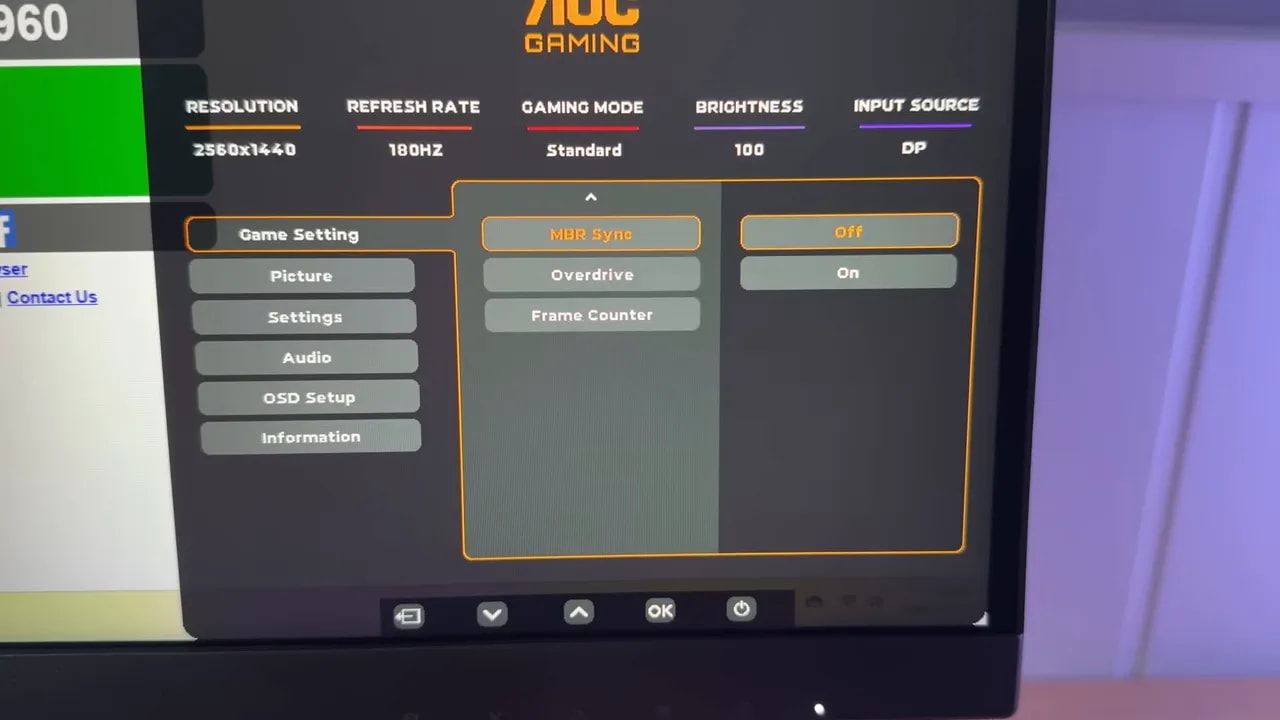
The mode Extreme introduces backlight strobing, a technique that flashes the backlight to improve motion clarity. There is also MBR with a slider from 0 to 20 to adjust its intensity.
What happens in practice? Increasing the level lowers brightness and improves clarity somewhat, but introduces artifacts and some strobe crosstalk, the double-image effect that substantially undermines the feature.
Some intermediate setting may be usable, especially between 10 and 15, but personally I would not use it as my main mode. Still, having it available is better than not.
Good news here. The AOC Q27G4XF is G-SYNC Compatible and can also work with Adaptive Sync and AMD FreeSync graphics cards.
Tested with an Nvidia card, it appears certified by the brand itself and works well overall. The pendulum test shows no significant flickering. If you are extremely particular, you may notice a very slight impression, but it is practically imperceptible.
However, as on many monitors, enabling G-SYNC slightly changes overdrive behavior. Gray-to-gray response becomes a little slower at 180 Hz, and conventional MBR is disabled.
Interestingly, an MBR Syncmode appears, allowing a form of backlight strobing alongside adaptive sync. That is extremely rare in this price range.
There is still a double image, so I would not call it a cure-all, but as an extra it is frankly good.
The input lag of the AOC Q27G4XF is within the normal range. There is nothing unusual or concerning. It is not one of those monitors with astonishingly low figures, but it does not struggle either.
Use with PlayStation 5
PS5 results are mixed. The AOC Q27G4XF does not support VRR or ALLM, which is a shame.
What it does offer is a 4K emulationmode, useful on many 1440p monitors for slightly improving sharpness with a console. That mode works up to 4K 60 Hz.
It can also be used at 1440p and 120 Hz, in which case the recommendation is to set overdrive to Fast. There is some overshoot, but it still looks quite good.
If you will play at 4K60 or 1440p at lower refresh rates, it is better to switch overdrive to Normal, because Fast produces distracting overshoot.
Differences between variants and conclusion
Here is the heart of the matter. If you are asking whether the AOC Q27G4XF differs greatly from the original version ending only in X, the short answer is no.
The real differences are small:
- The AOC Q27G4XF is slightly less bright
- Color and response times are very similar
- The X model has an additional input
- There are overdrive nuances, but actual use is quite similar
Then there is the Q27G4XD, another variant often found on Amazon at an intermediate price. AOC lists very similar specifications on paper, but it had not been thoroughly tested here, so do not assume it is identical based only on the spec sheet.
If the X model costs around 20 euros more, paying that extra for an additional input and slightly more brightness can make sense. But if you want to maximize value, the AOC Q27G4XF remains very well positioned.
The version ending in E, meanwhile, appears to be the same as the one reviewed here but with a basic stand. Its advantage is that it is often considerably cheaper than the review model, around 140 euros.
If available for around 150 euros, the AOC Q27G4XF it makes a lot of sense. Not because it is perfect, which it is not, but because it combines strong specifications with fairly solid overall performance.
This monitor stands out primarily for value. It delivers a very capable gaming experience, vivid colors, good SDR calibration for the range, and above-average ergonomics. Differences from the model without the F are minimal, so there is no major twist between versions.
The biggest caveat is the pronounced matte finish. If that does not bother you, it is hard to find many serious drawbacks beyond weak HDR and limited connectivity.
The problem with this monitor and its variants is that the 260hz version is ironically sometimes cheaper, making that one usually more worthwhile. We reviewed it here a while ago; here is the reference: AOC Q27G42ZE