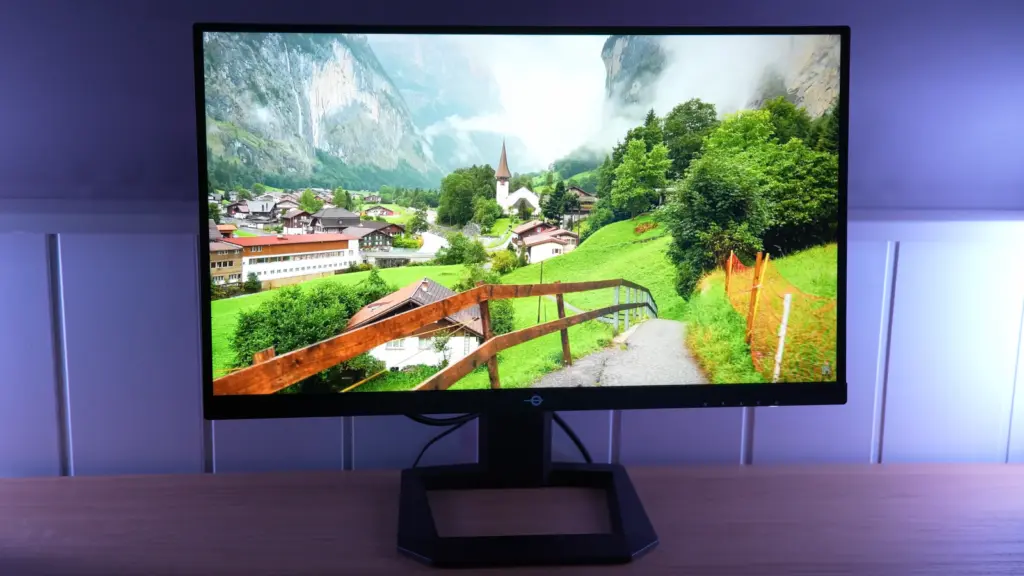
An unusual format, and interesting for exactly that reason
The first thing that makes the Titan Army P2510S Plus special is its combination of specifications. There are not many monitors with 24.5 inches, 2560 x 1440 pixels, and 240 Hz, at least not readily available in the Spanish market. That smaller size may be exactly what many people want:- More sharpness than 1080p.
- Smaller physical size on the desk.
- A more “focused” feel for gaming, without moving your eyes as much as on a 27-inch screen.
Design, stand, and ergonomics: a clear improvement here
At first glance, the most obvious change to the Titan Army P2510S Plus is the stand. It is not premium or particularly sophisticated, since it remains fairly simple and uses plenty of plastic, but ergonomically it is light-years ahead of the original model.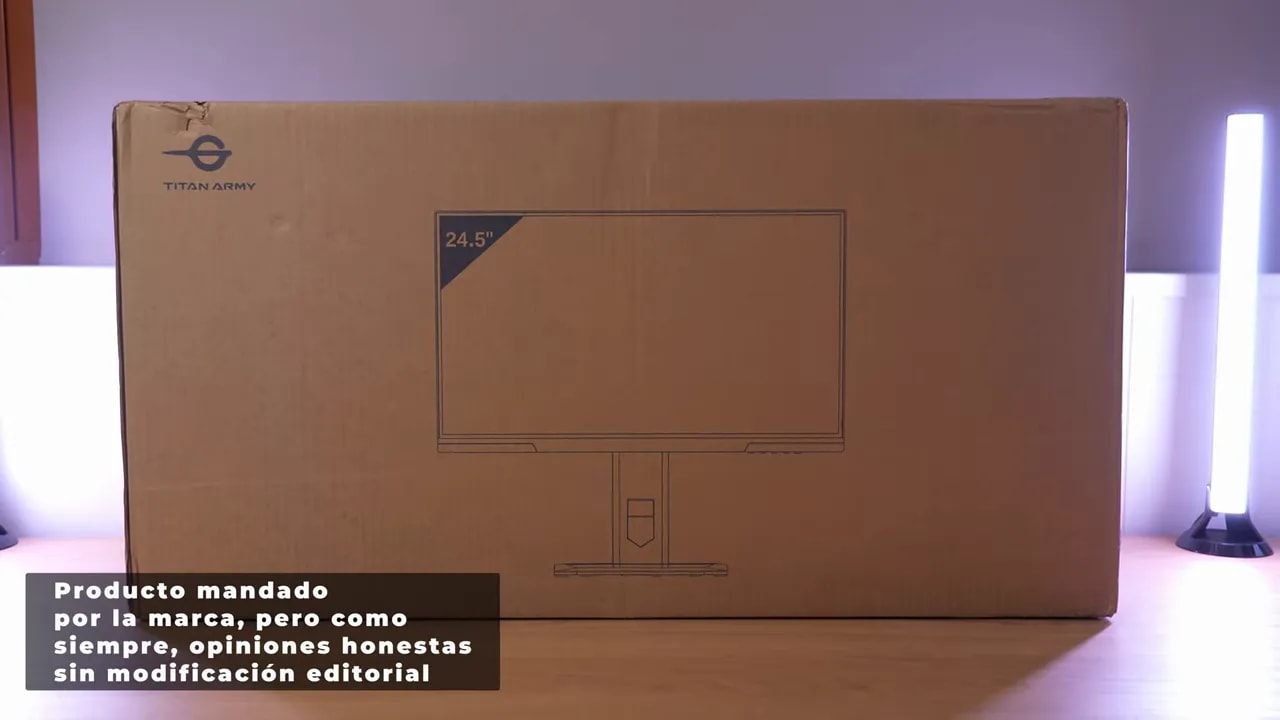
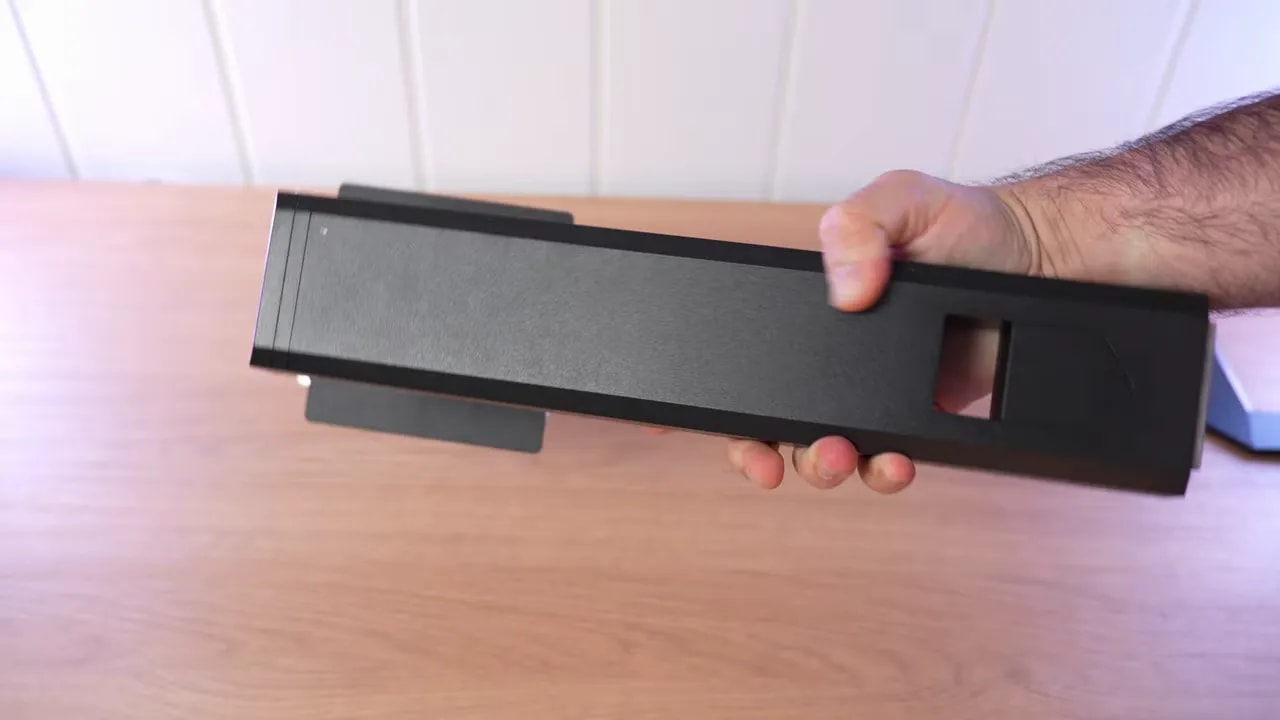
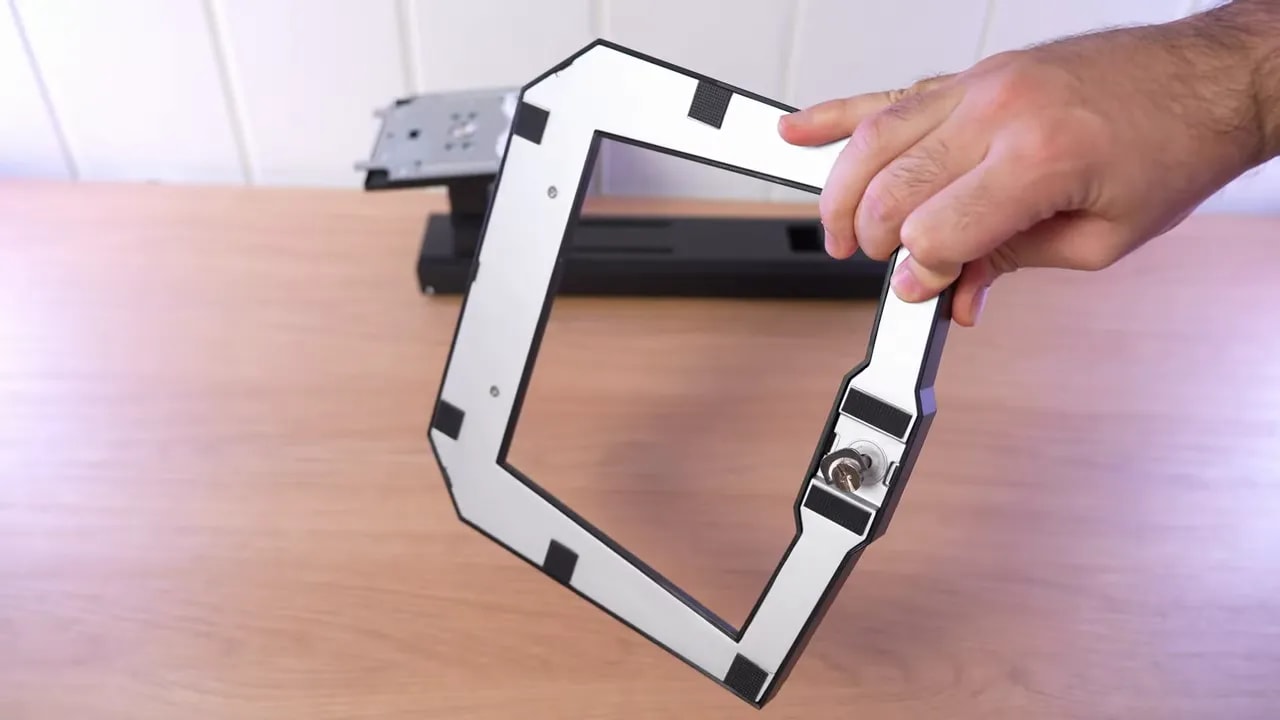 It now allows:
- Height adjustment
- Tilt
- Portrait rotation
- Swiveling the monitor without moving the base
Connectivity
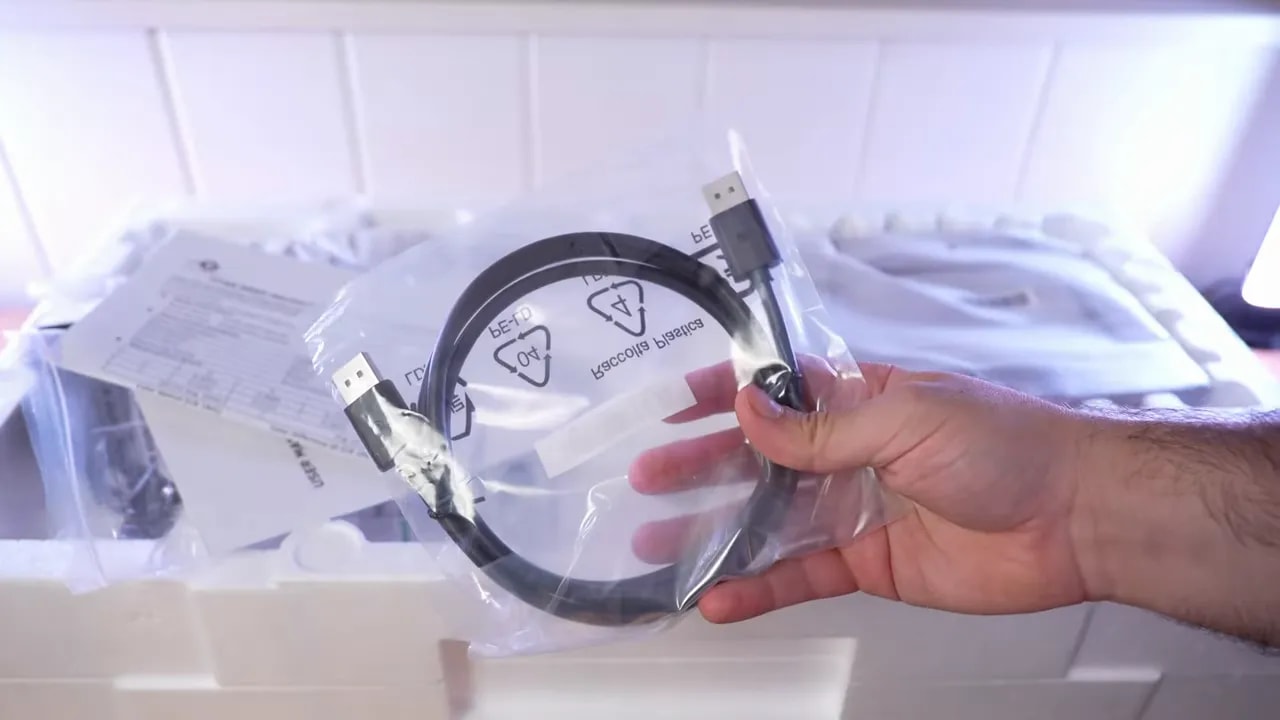
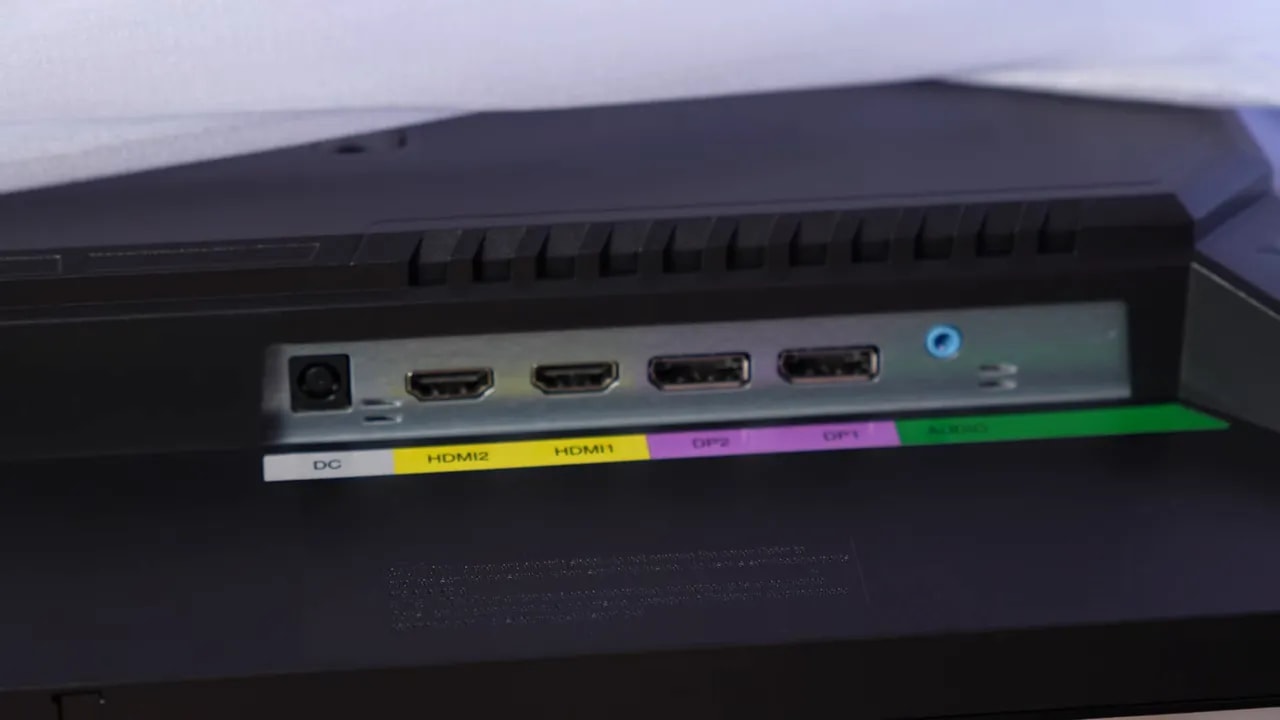
The monitor is well equipped with connections:- 2 x HDMI 2.0
- 2 x DisplayPort 1.4
- Audio jack
Screen finish and reflections
The Titan Army P2510S Plus uses a fairly pronounced matte finish. It is not one of those light matte coatings that lets more reflections through. The antireflective treatment here is on the strong side, and it shows. The positive is obvious: it handles reflections very well. The less positive side is that some people prefer lighter matte finishes because the image can look a little cleaner. Even so, personally this approach makes sense, especially if the monitor will be used around lights, windows, or setups with lighting behind them.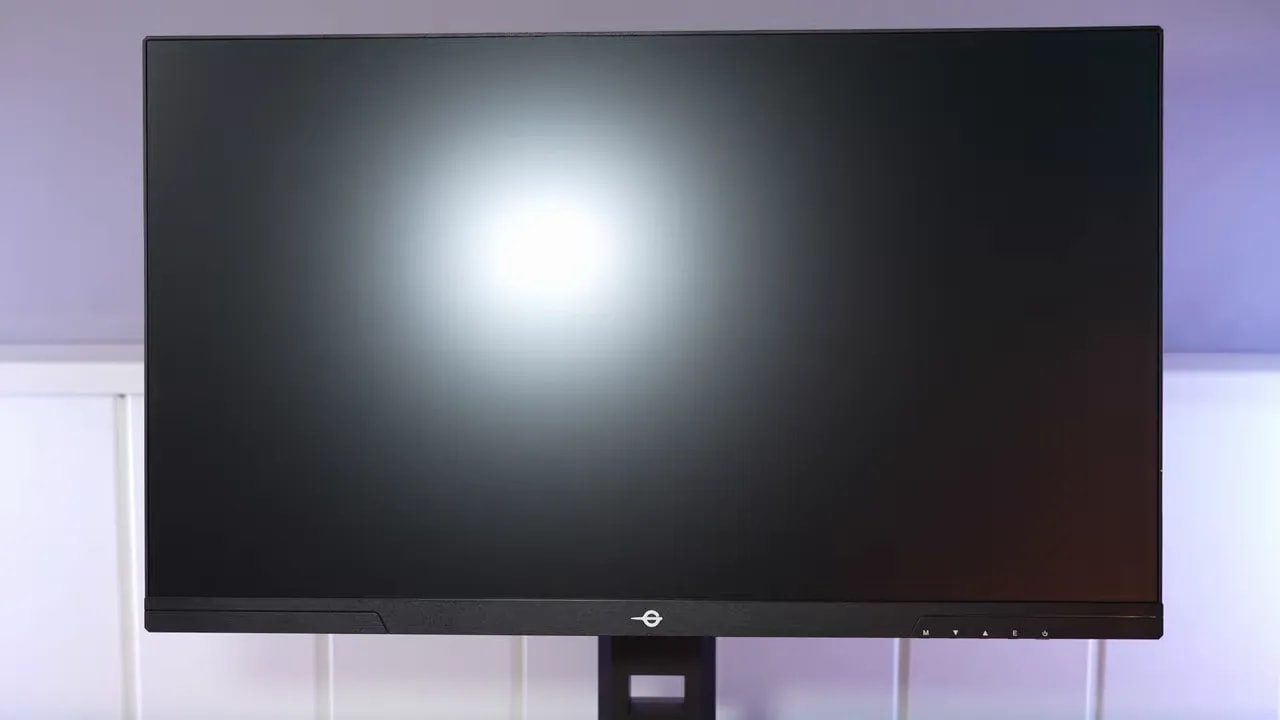
Titan Army P2510S Plus color and calibration
This is where much more than a simple spec sheet is at stake. Promising color coverage is one thing; the panel’s factory tuning is another. On the Titan Army P2510S Plus there are several relevant picture modes, and it is worth distinguishing them because they do not behave alike.sRGB mode
sRGB mode is present and even offers some customization, but it is not quite as well tuned as it should be. In particular, overly aggressive gamut clamping and a recurring issue with the blue channel, which is the least accurate color. Still, it is not all negative. The other colors are quite well adjusted, and deviation from the white point is also reasonable.

The gamut clamp restrains Standard mode’s saturation, but you should also check where the colors land and their errors. Coverage and calibration are not interchangeable: a wide gamut alone does not correct the blue deviations observed in testing.
DCI-P3 mode
The monitor includes a DCI-P3 mode, although something typical of many manufacturers happens here: the preset is included even though the panel does not fully cover that gamut. In this case, coverage is around 91,5%, which is not bad at all and confirms this is a wide-gamut monitor. The issue is that, without full gamut coverage, accuracy falls a little further, and the same Achilles’ heel returns: blue. Grayscale in this mode is somewhat worse than in sRGB, although still usable. Grayscale delta E is good, but RGB balance worsens and gamma behaves somewhat oddly, not quite tracking the expected curve. Where it does quite well is color temperature. In both sRGB and DCI-P3, the panel stays fairly close to the standard of 6500K, which is always a good starting point.Standard mode: getting all the color
To get the most coverage from the panel, you need to leave those more restricted modes and use Standard mode. There, the Titan Army P2510S Plus rises to approximately:- 93.1% DCI-P3
- More than 92% Adobe RGB
How does it perform after calibration?
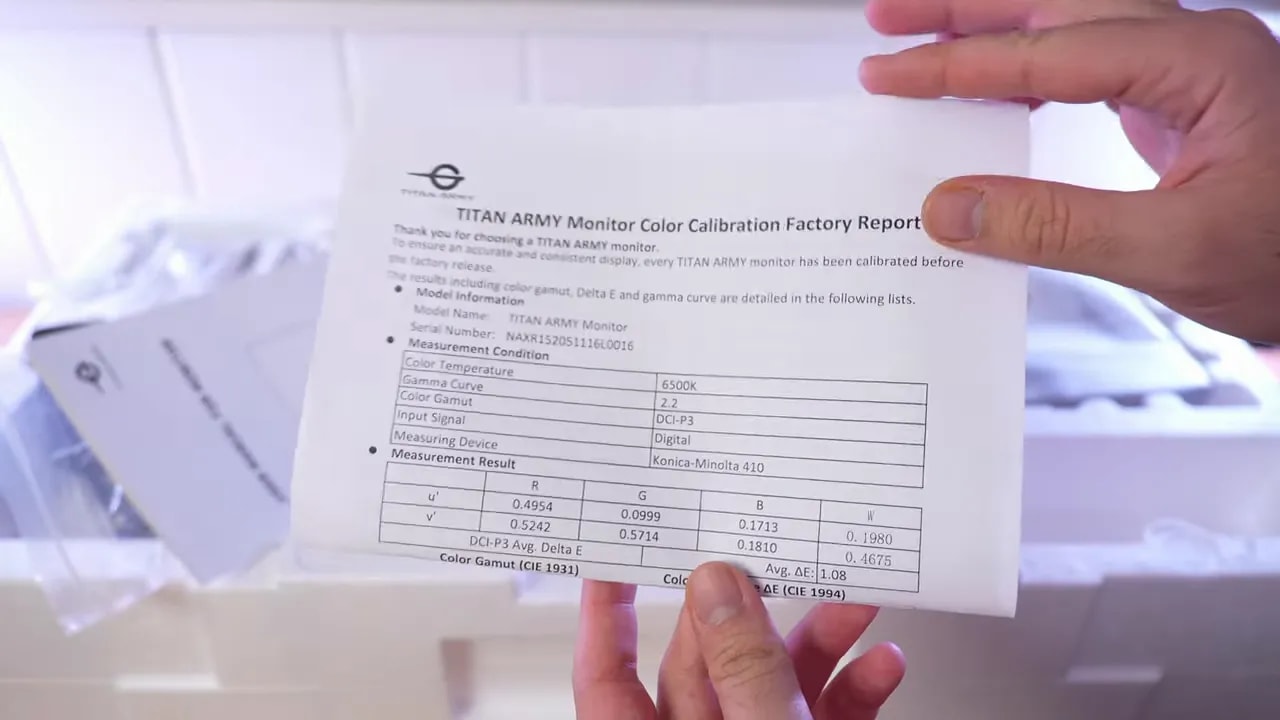
The good news is that the panel seems to have a reasonably good baseline, because calibration did not require adjusting color temperature. That means the monitor was already physically well set up in that respect. After manual calibration with a professional meter, results clearly improve in:- Grayscale
- Gamma
- Overall balance
Brightness, contrast, and uniformity
Moving to more traditional measurements, the Titan Army P2510S Plus lands where you would expect a modern IPS, although with a few caveats. Actual brightness is around 360 nits and contrast is around 1000:1. Those are normal IPS figures, but honestly a little more brightness would have been welcome, closer to 400 nits in SDR. Brightness uniformity is more or less decent. It is not outstanding, but it improves on the original-model unit tested previously. Even so, the lower-right corner shows more deviation than desirable.Backlight bleed and glow
On an IPS, this always deserves close inspection. Some visible bleed is present here, for example at the upper right, although it does not seem excessive. As for IPS glow, it is average or even slightly worse than some other IPS panels. The effect is clearly noticeable.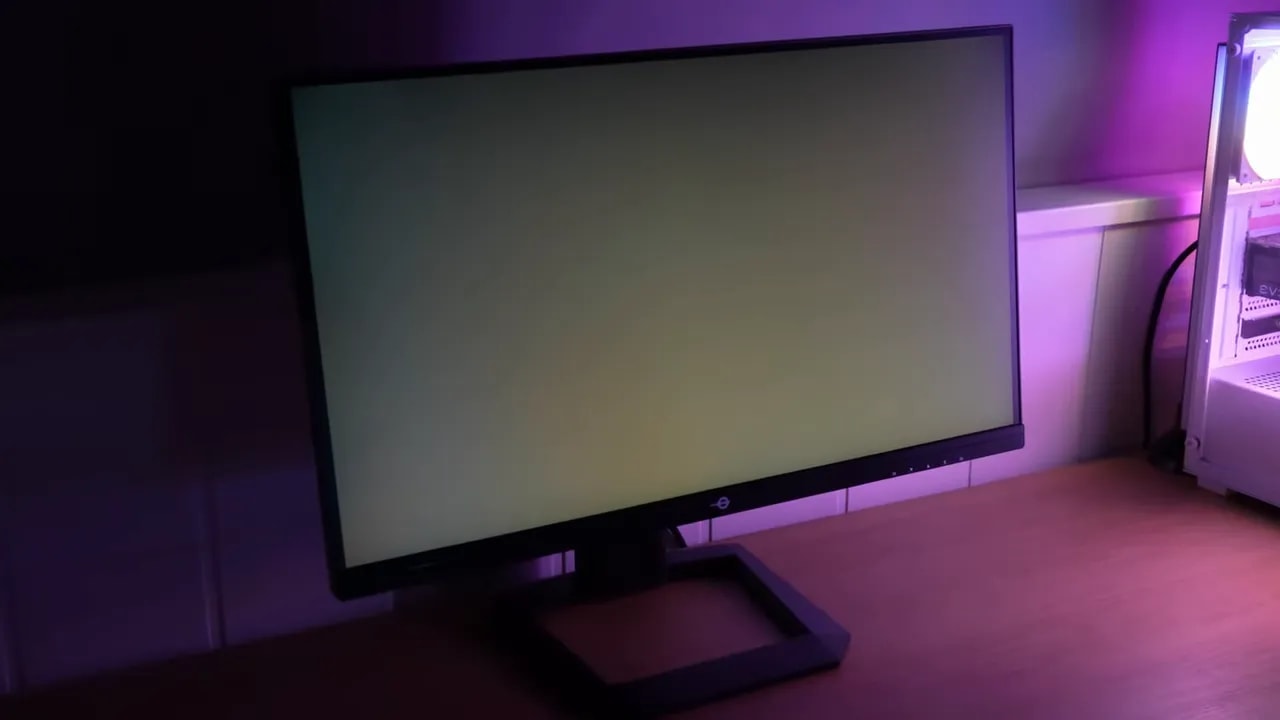
HDR: present, but not a reason to buy
The Titan Army P2510S Plus supports HDR, although its practical operation is not particularly impressive. In fact, enabling it in Windows may not trigger it automatically, requiring HDR to be set to Auto.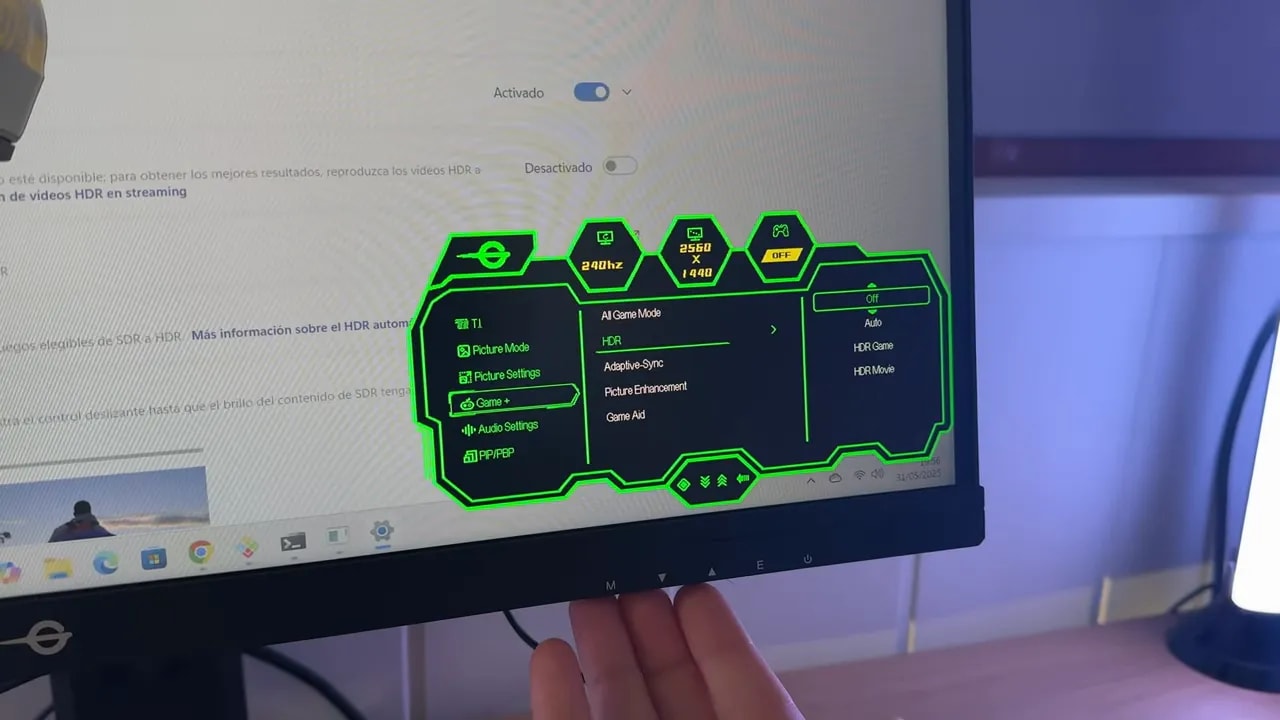 There are several HDR presets, but in practice they are quite similar. The main problem remains the same: insufficient brightness. HDR improves on SDR and can reach around 430 nits, but that is still very limited for a convincing HDR experience.
PQ EOTF is moderately good in the midrange, although it lacks precision. Luminance tracking could also improve, and RGB balance again struggles because the blue channel drops significantly, making the image warmer than it should be.
In coverage, the monitor reaches around 70% BT.2020. Color volume, which accounts for brightness as well as gamut, falls to 60% in BT.2020.
There are several HDR presets, but in practice they are quite similar. The main problem remains the same: insufficient brightness. HDR improves on SDR and can reach around 430 nits, but that is still very limited for a convincing HDR experience.
PQ EOTF is moderately good in the midrange, although it lacks precision. Luminance tracking could also improve, and RGB balance again struggles because the blue channel drops significantly, making the image warmer than it should be.
In coverage, the monitor reaches around 70% BT.2020. Color volume, which accounts for brightness as well as gamut, falls to 60% in BT.2020.
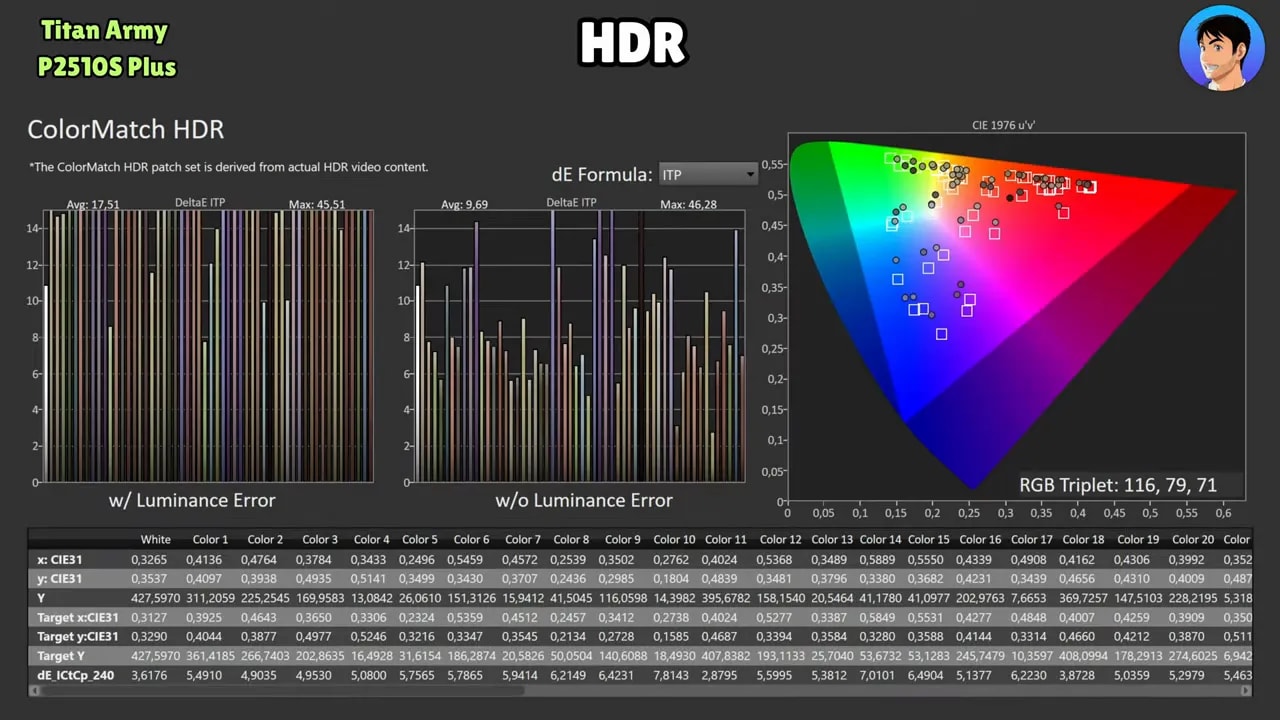
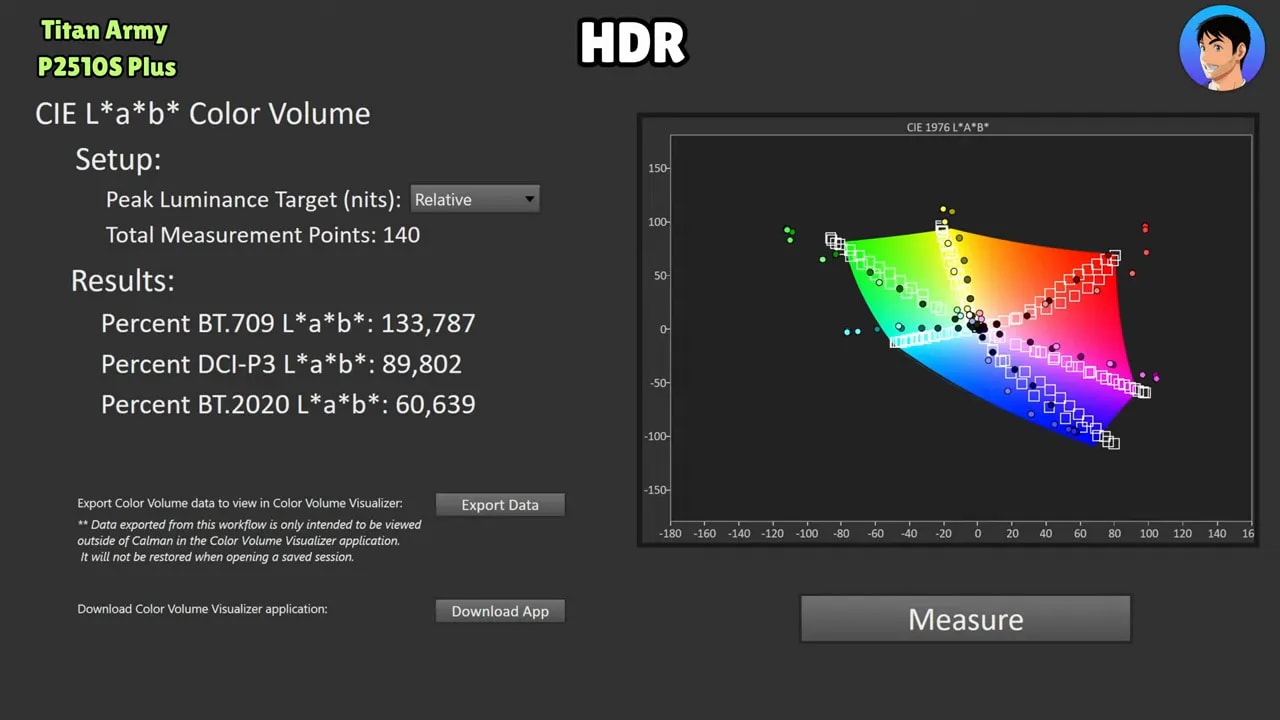 In other words, HDR is there to add to the spec sheet, but it would not be a feature I would buy this monitor for.
Response times and overdrive
If the purpose of the Titan Army P2510S Plus is serious gaming, it needed to perform well here. And it does. The monitor includes several overdrive modes, as is usual for Titan Army, but this version’s optimal setting differs from the original. The mode with the best balance is Level 2. With that setting, initial response time is around 4.67 ms, with some overshoot, but without becoming too distracting. Overall, it is the most balanced point between speed and artifacts.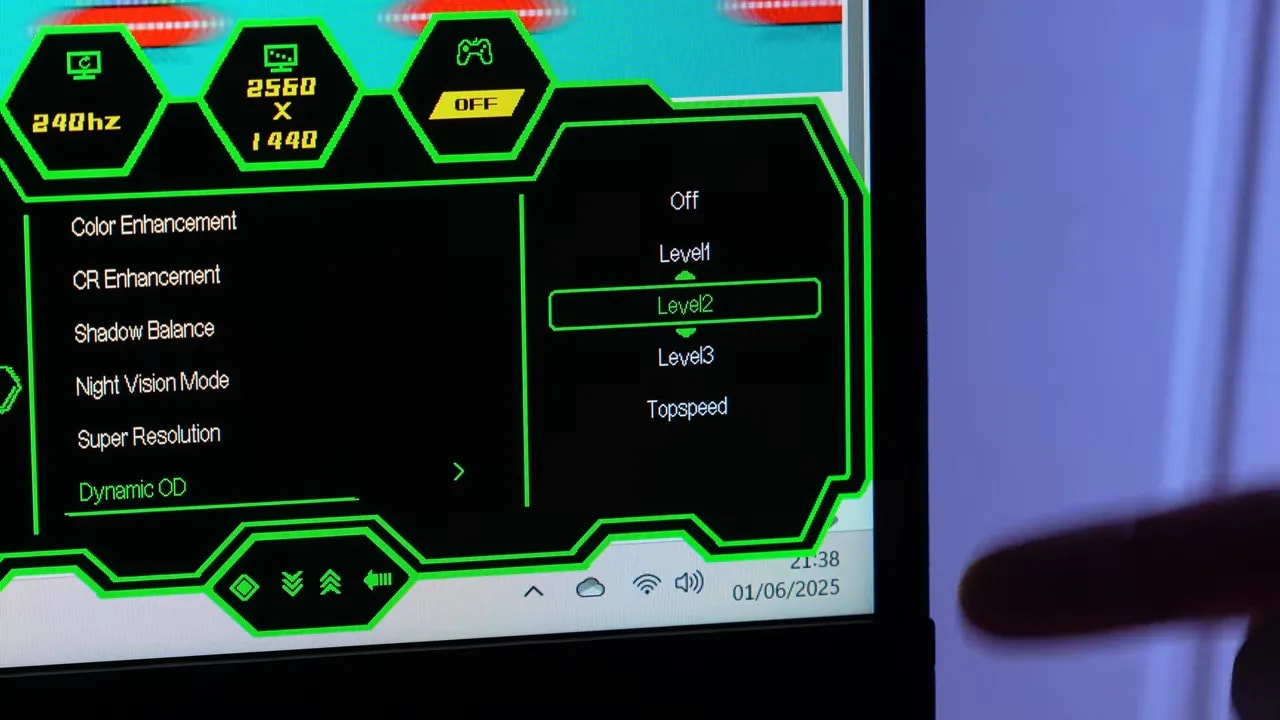 The Level 1 shows more ghosting. Level 3 can also be used and remains quite viable, although it increases overshoot. The Top Speedmode, however, goes too far and is not worth it.
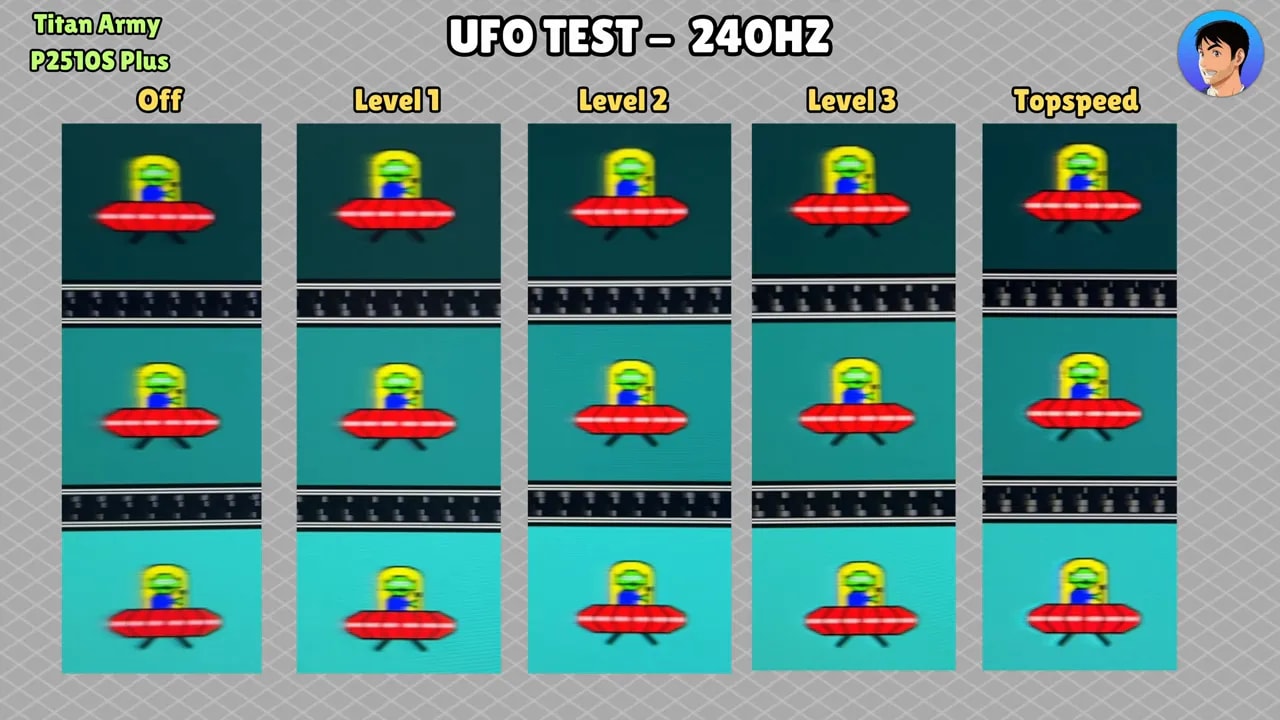


Level 2 is the chosen compromise between speed and artifacts. Level 3 remains usable, but increases overshoot; a lower initial response time is not enough to declare it better. Additional Level 1 tests at 120 and 60 Hz are included on the product page.
Adaptive Sync and NVIDIA compatibility
The monitor supports Adaptive Sync. Enabling it can change overdrive behavior slightly, so you may need to lower it one level to maintain a cleaner image. Although it lacks official NVIDIA certification, it works correctly. A slight flicker may be noticeable under deliberately demanding conditions, but this version seems to flicker less than the original model.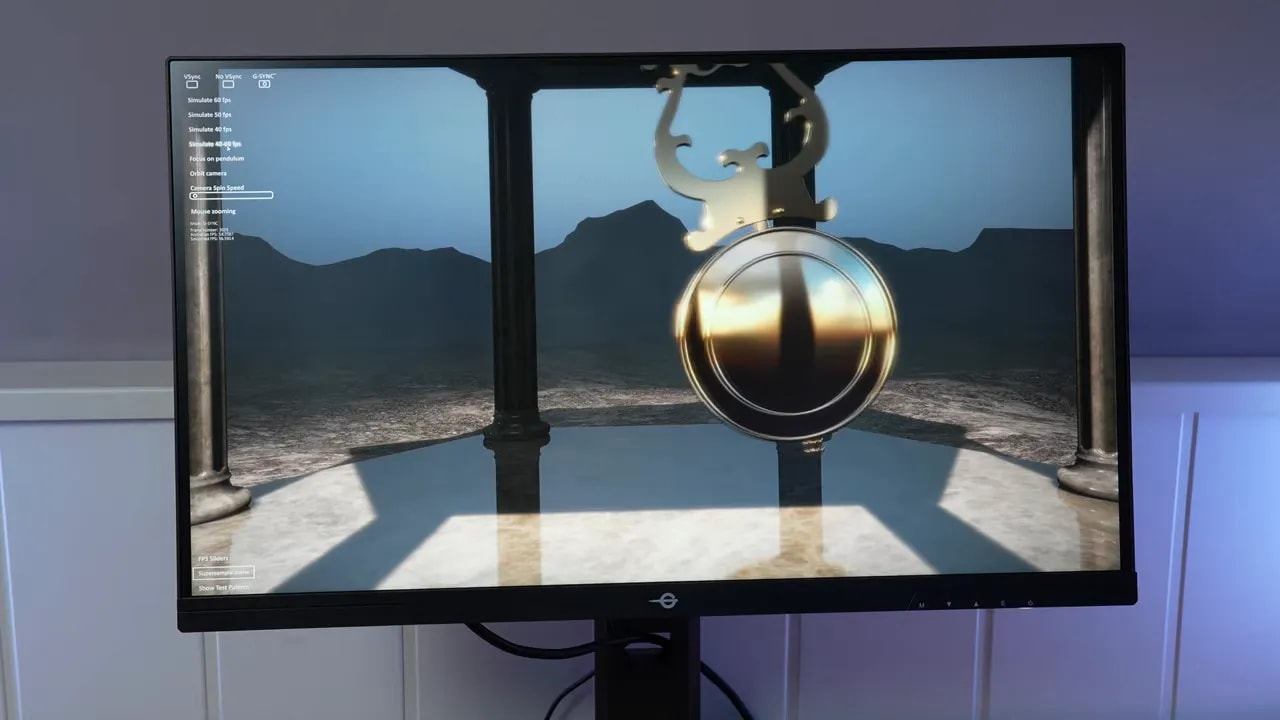 That needs context, though: pendulum-style tests are deliberately aggressive. In a game with stable FPS, you normally will not notice anything unusual at all.
Input lag
Input lag values are normal. There are no unpleasant surprises here, and it matches expectations for this type of gaming monitor.PS5 compatibility: better than expected
One of the most pleasant aspects of the Titan Army P2510S Plus is its PlayStation 5 behavior. Compatibility is frankly good. At 1440p it supports:- VRR
- ALLM
- 120 Hz
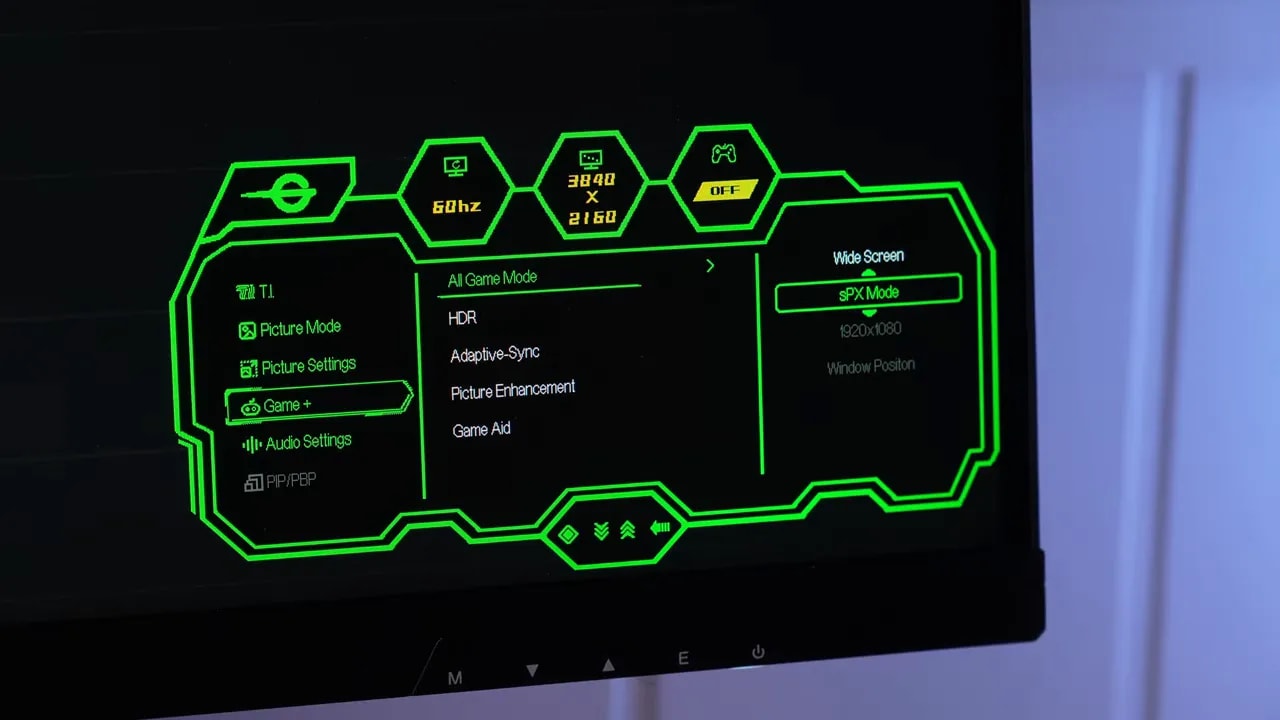 Additionally, enabling SPXmode also allows supersampling at 4K 60 Hz, even retaining VRR.
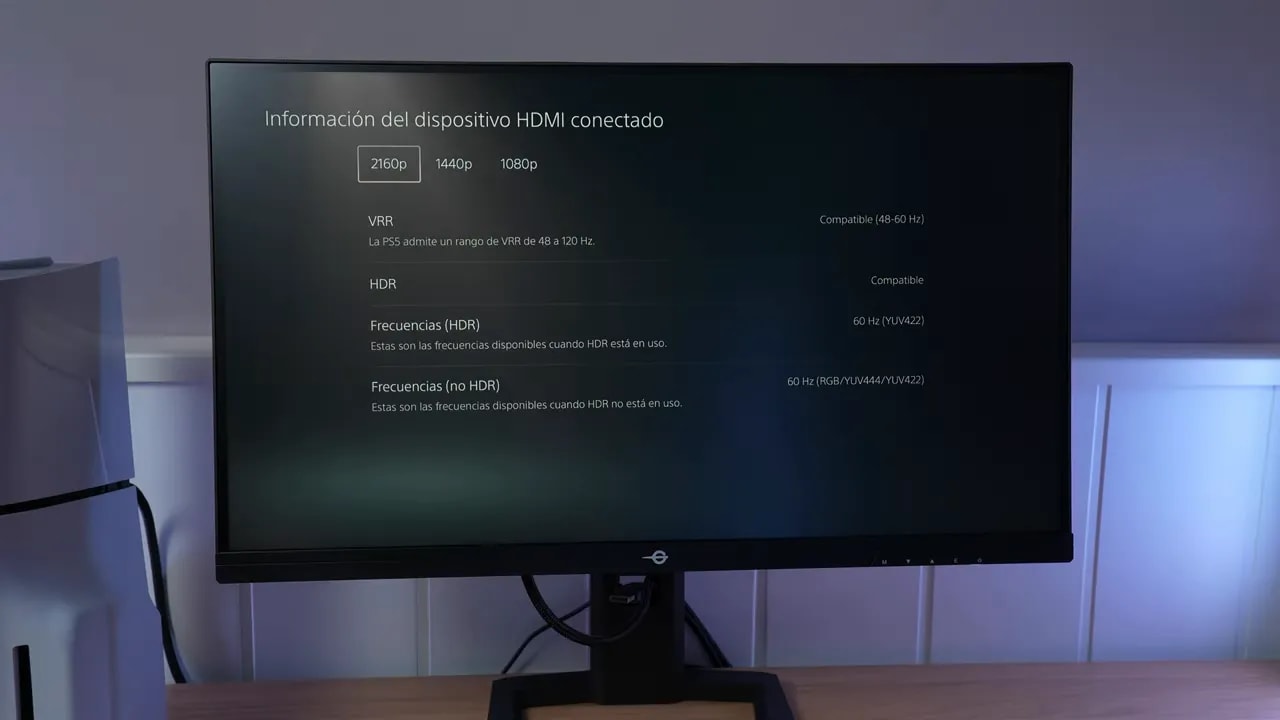
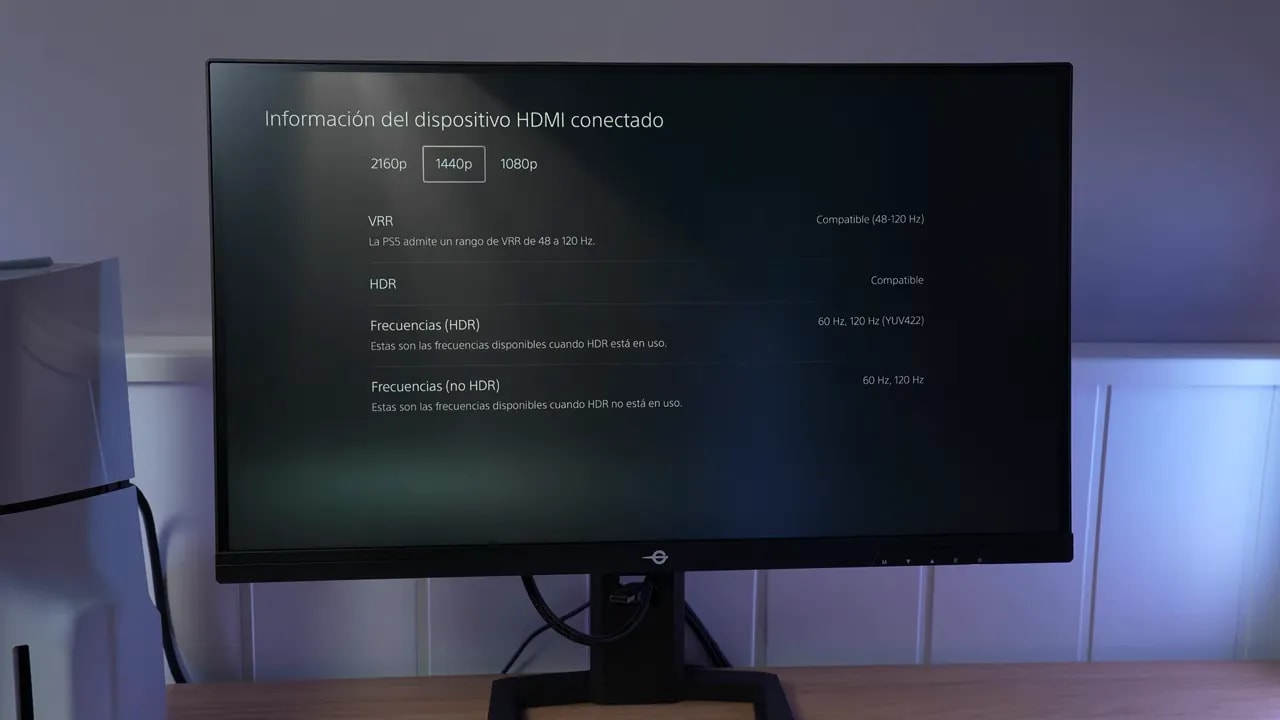 For console use, however, overdrive should be lowered to avoid overshoot. In Level 1, behavior is quite well tuned at both 120 Hz and 60 Hz.
Extra productivity features
The monitor includes features such as PIP and PBP. Technically, they work well, but on a 24.5-inch panel they make little practical sense. Two active video sources on a screen this size are not particularly useful.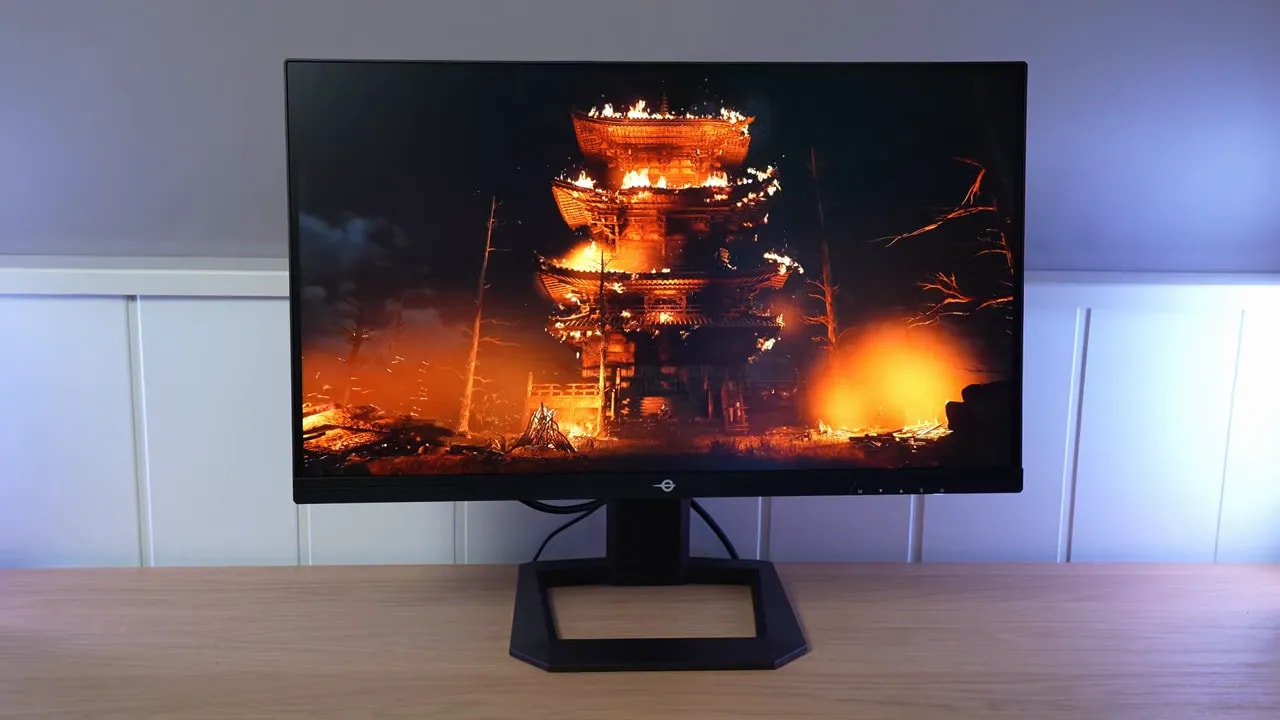 Still, they are there for anyone who needs them.
Titan Army P2510S Plus price
The price depends considerably on the retailer. It has been available for between 200 and 250 euros on Amazon Spain That price range fits what it offers quite well, especially given its unusual format.Conclusion: a very niche monitor that makes a lot of sense
The Titan Army P2510S Plus is not a monitor for everyone, but it may be exactly what some people have been looking for. Its main strength is very clear: 24.5 inches + 1440p + 240 Hz + IPS. That alone sets it apart. On top of that, this Plus version improves several of the original’s more questionable aspects. The best parts of the package are:- Very unusual and appealing format
- Much more adjustable and usable stand
- Good PS5 compatibility
- Solid gaming performance
- Quite good color coverage for its class
- Convincing value for money
- Very limited HDR
- Decent but not especially high SDR brightness
- Blue remains the most problematic color for accuracy
- Clearly visible IPS glow